Presence State
The presence state can be synchronized in 2 directions
•From Salesforce to MS Teams
•From MS-Teams to Salesforce
There is a delay between 3 to 7 seconds until the presence state update is shown either in the CTI Data Connector SoftPhone or MS Teams App.
Presence State Icons
The presence state is most often only shown with icons, sometimes with icons and text.
Icons for presence state
Icon | Presence State |
|---|---|
🟢 | Available / Online |
🟡 | Away |
⛔ | DND |
🔴 | Busy, On a Call, Ring |
| Presence state is disabled, unknown or user does not have a CTI Data Connector for Salesforce® license |
❌ | Logout, Offline, Offline / Outbound possible |
| Out of office |
⭕️ | Busy - Out of office |
If you are using the Mirage Teams Connector Service , some presence states are automatically set by Outlook (e.g. Out of Office).
Things to know about MS-Teams Presence State
MS-Teams has presence states which can be set manually (User configured), and some presence states are set automatically (App configured).
App configured presence state like
⛔️ Presenting
🔴 In a Call
🔴 In a Meeting
are shown in Salesforce, but can not be selected in Salesforce or in MS-Teams.
Microsoft Help - complete explanation of presence states.
Allow in- and outbound calls to direct extension
An inbound call will not be signaled if the presence state shows the icon
⛔️Do Not Disturb or Presenting
If this presence state is set, an outbound call is also not possible.
That means that for all other presence states, e.g., 🔴 In a Call, Busy or 🕛 Away an inbound call will be signaled.
If the system sets Out of Office, you will still get calls signaled. You can manually set a presence state like "Do Not Disturb", which would then show as "
Do Not Disturb, Out Of Office
" MS-Teams. In Salesforce, it will only show "Do Not Disturb".
Allow inbound calls for queues
See Presence state in queues
Logout
If you select the presence state Logout in Salesforce, calls from MS-Teams will no longer be signaled in Salesforce. Inbound calls will directly go to the MS-Teams App, and the answering rules configured in the MS-Teams App will be used without considering the answering rules configured in the <%SOFTPHONE%>.
The icon ❎ is displayed in the top right corner to indicate, that there is no connection to MS-Teams.
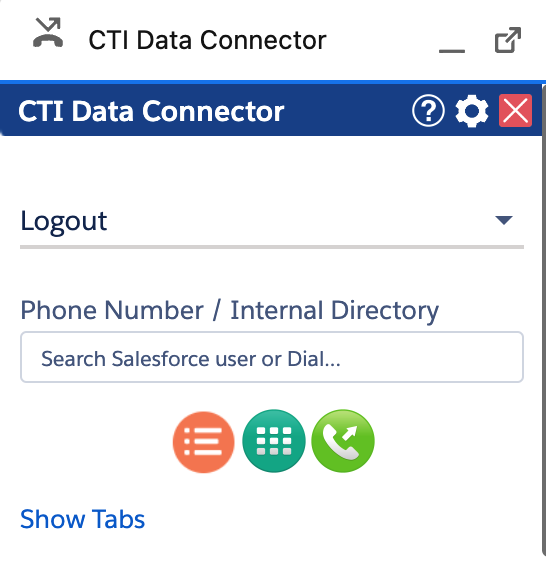
•Logout is critical if you are away for a long time from your computer. Logout removes the Salesforce connection, and you can use MS-Teams. without the Salesforce integration.
•After logout, missed calls are no longer protocoled in Salesforce
The presence state is configured in the Call Center - Presence State