Personal call campaign - add members
The Power Dialer can help you organize your calls as a sales or administration person with personal call campaigns.
Ideas for personal call campaigns are campaigns for
•New Leads
•My Top-Opportunities
•Important Calls
•Unpaid invoices
Add a Contact, Account, or Lead to a call campaign
Call campaigns can contain contacts, accounts, or leads.
Navigate to the record and select the button: Add to Call Campaign
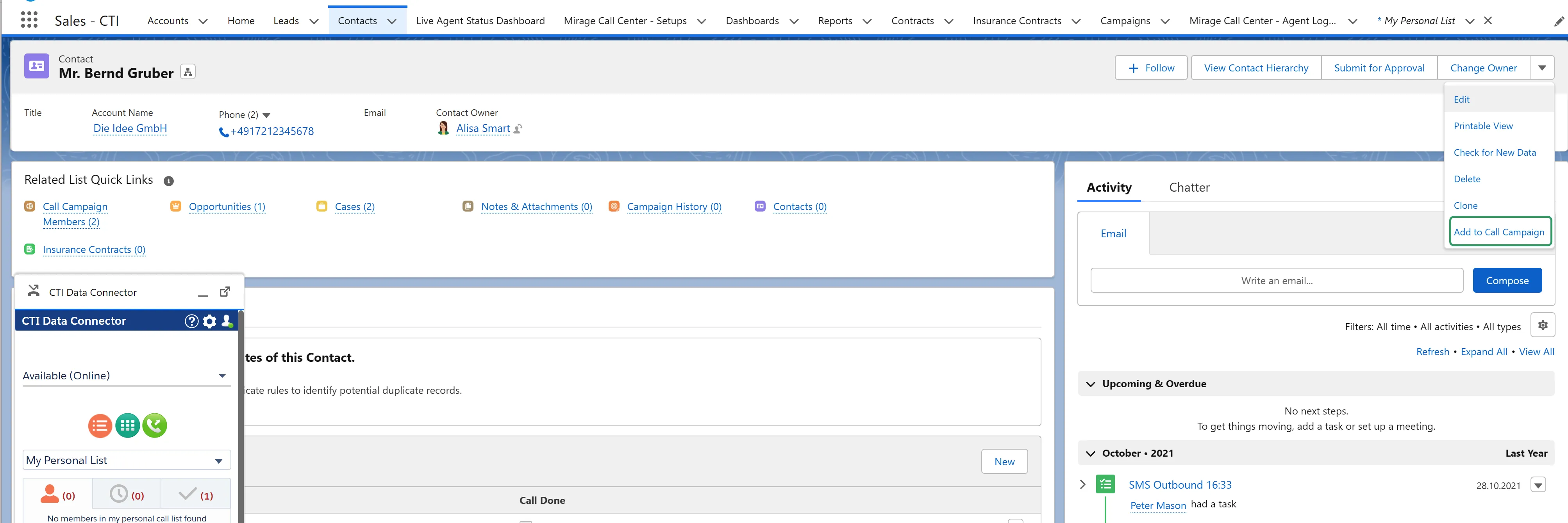
Then select an existing Call Campaign. If you add a date/time, the call will be put in the scheduled call list.
Depending on permissions, you can assign to campaigns of other users or group call campaigns.
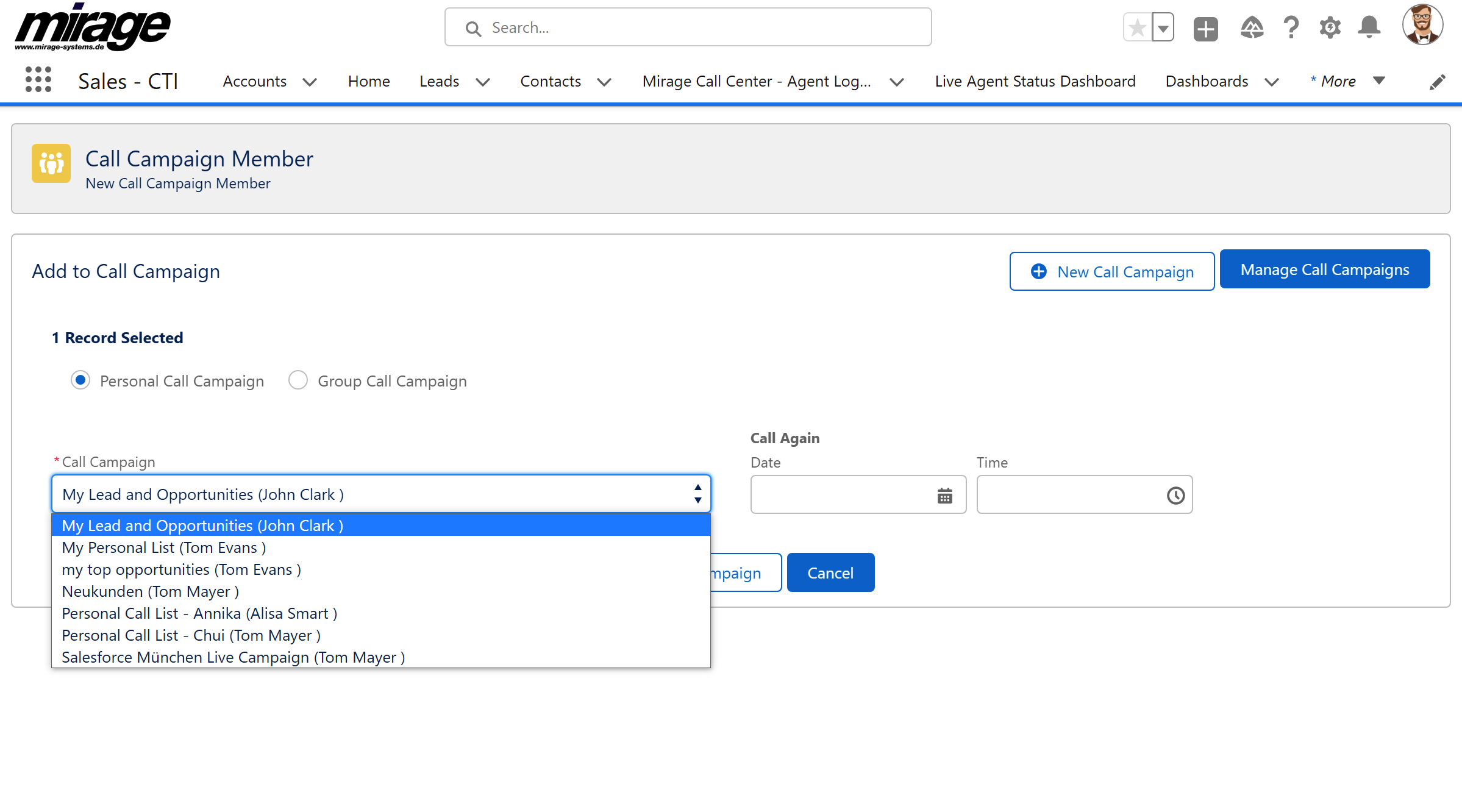
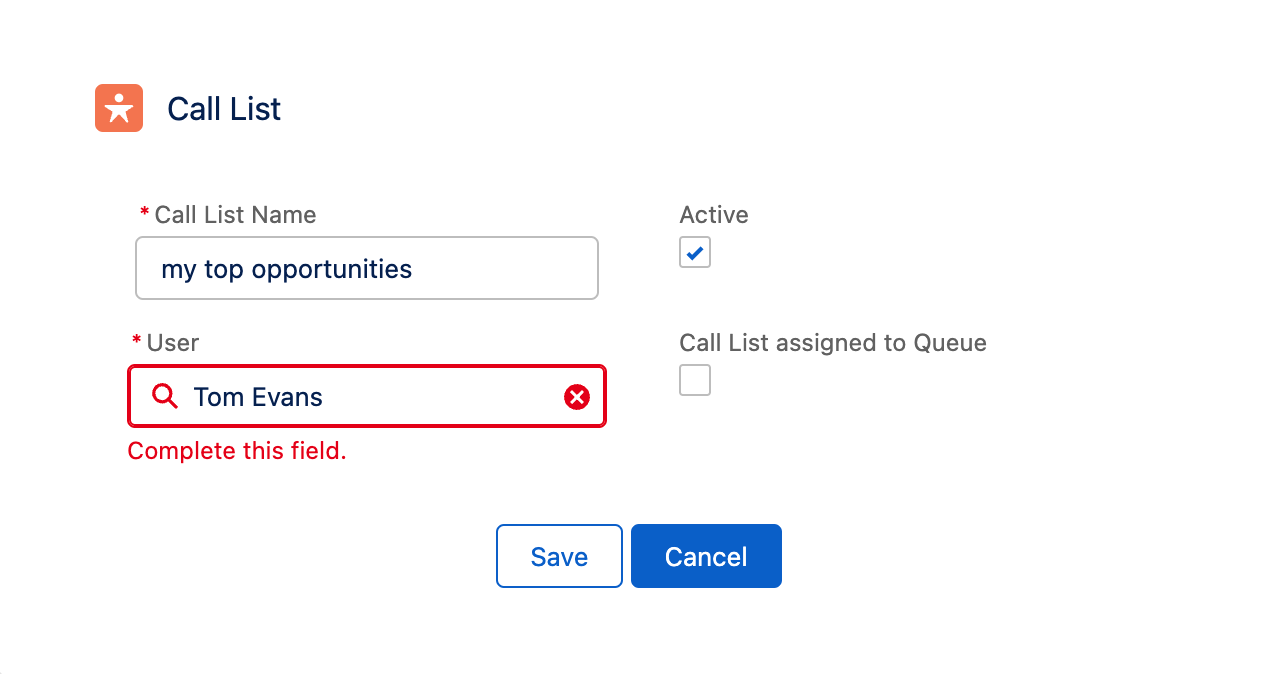
Alternatively, you can create a new call campaign

Depending on your permissions, you can create call campaigns for groups or only personal call campaigns. A group call campaign requires assigning a queue, which consists of several users.
The contact will appear in the campaign after a few seconds
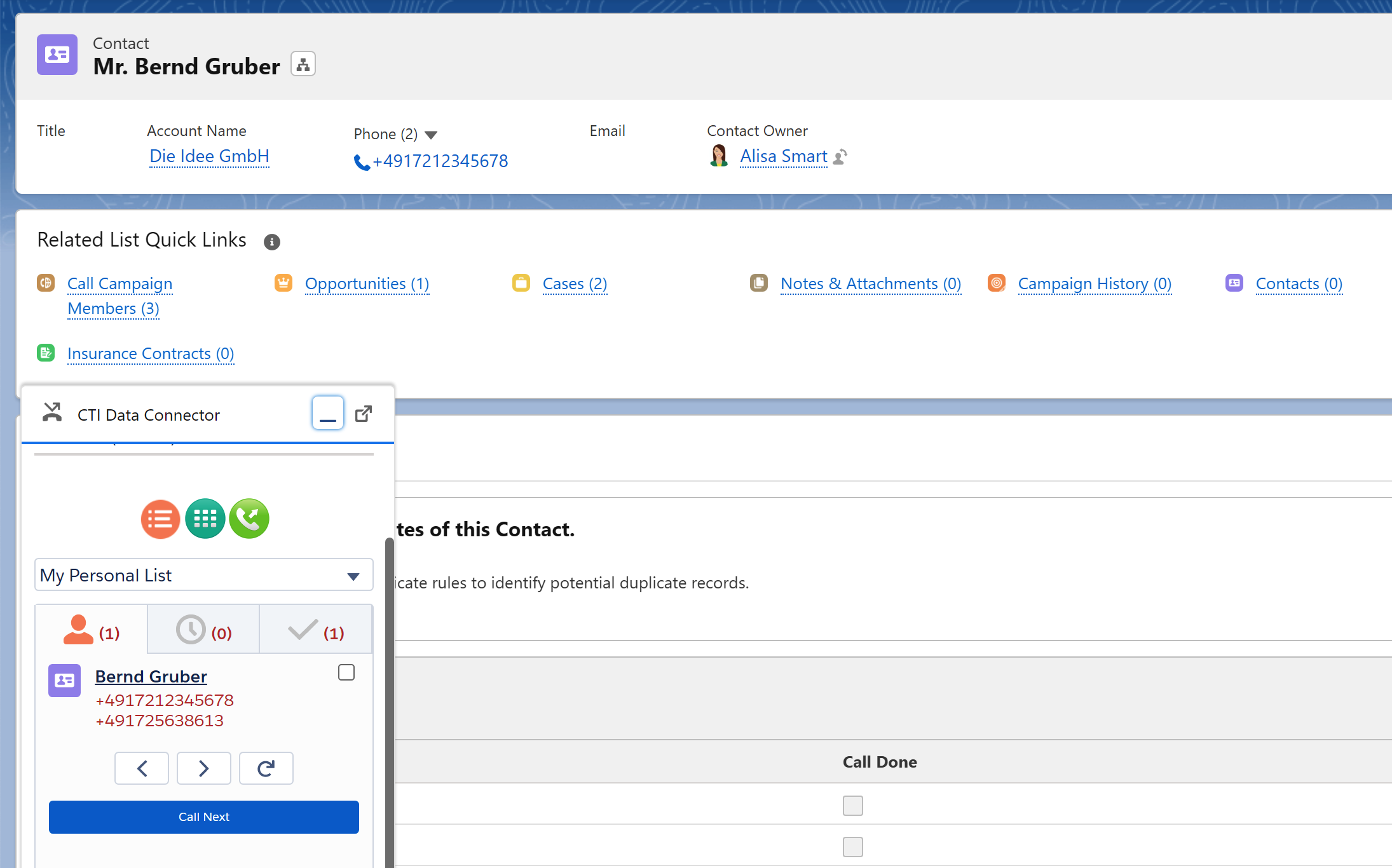
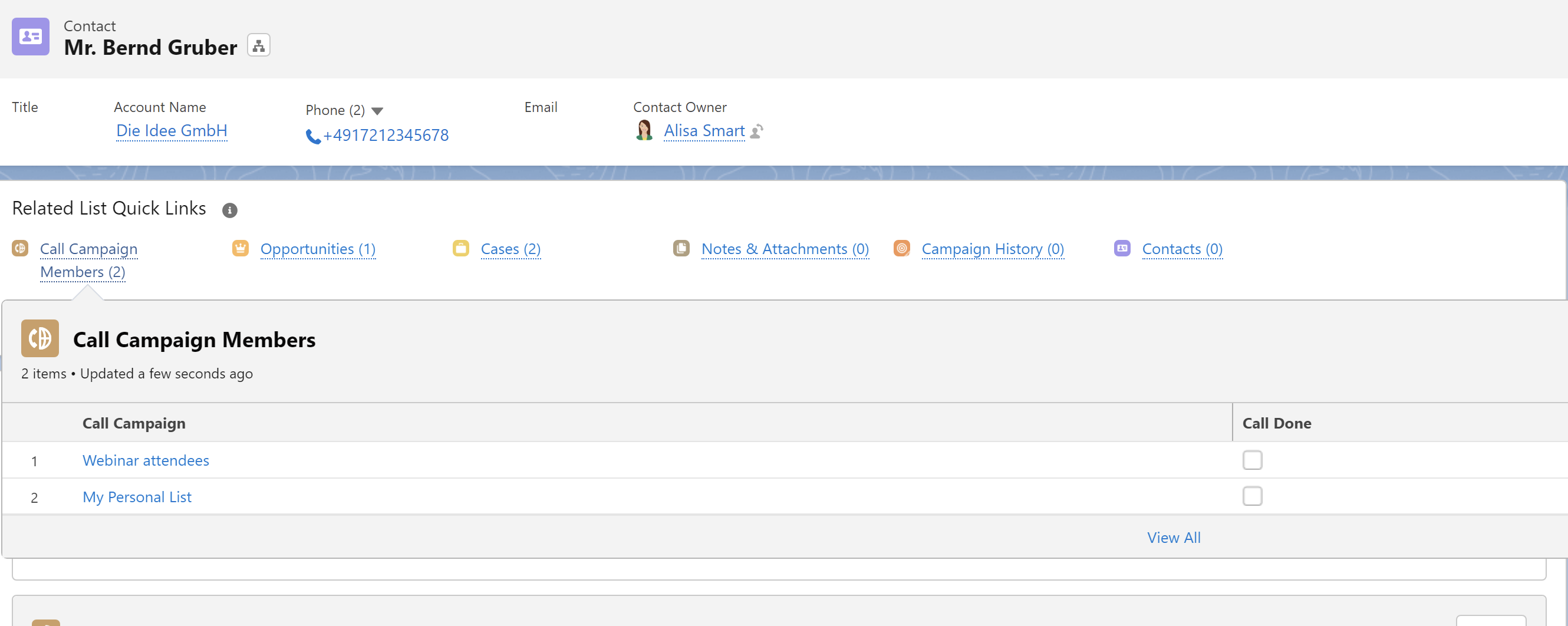
Using the related list - Call Campaign Members -, you can find out if the contact is a member of other campaigns.
Deleting a lead / account / contact is not possible if it has been assigned to a campaign.