Log in to Amazon Connect
1 min
To start making phone calls
•Log in to the Salesforce
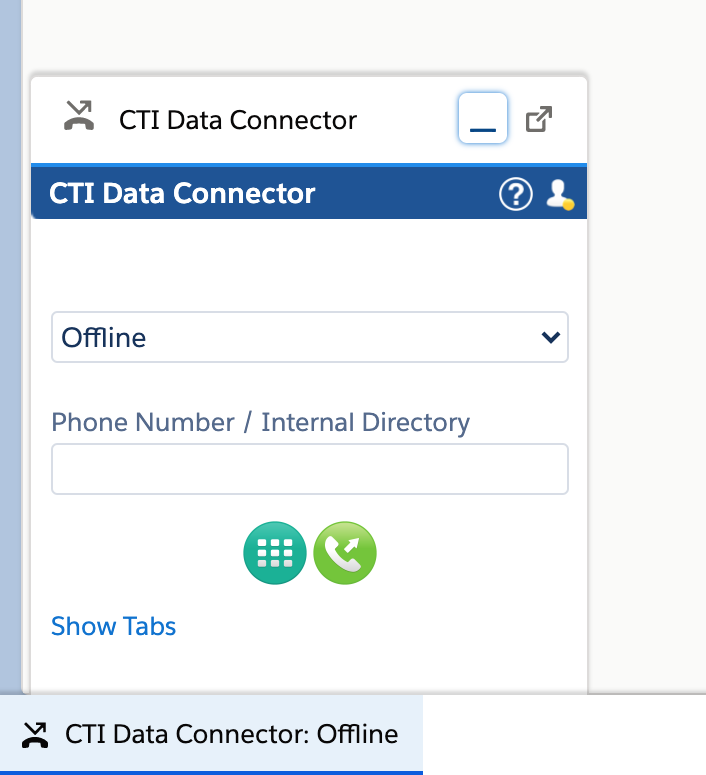
•Open the CTI Data Connector SoftPhone
•You will first be in the offline state in the CTI Data Connector SoftPhone and you will see yellow color connection icon
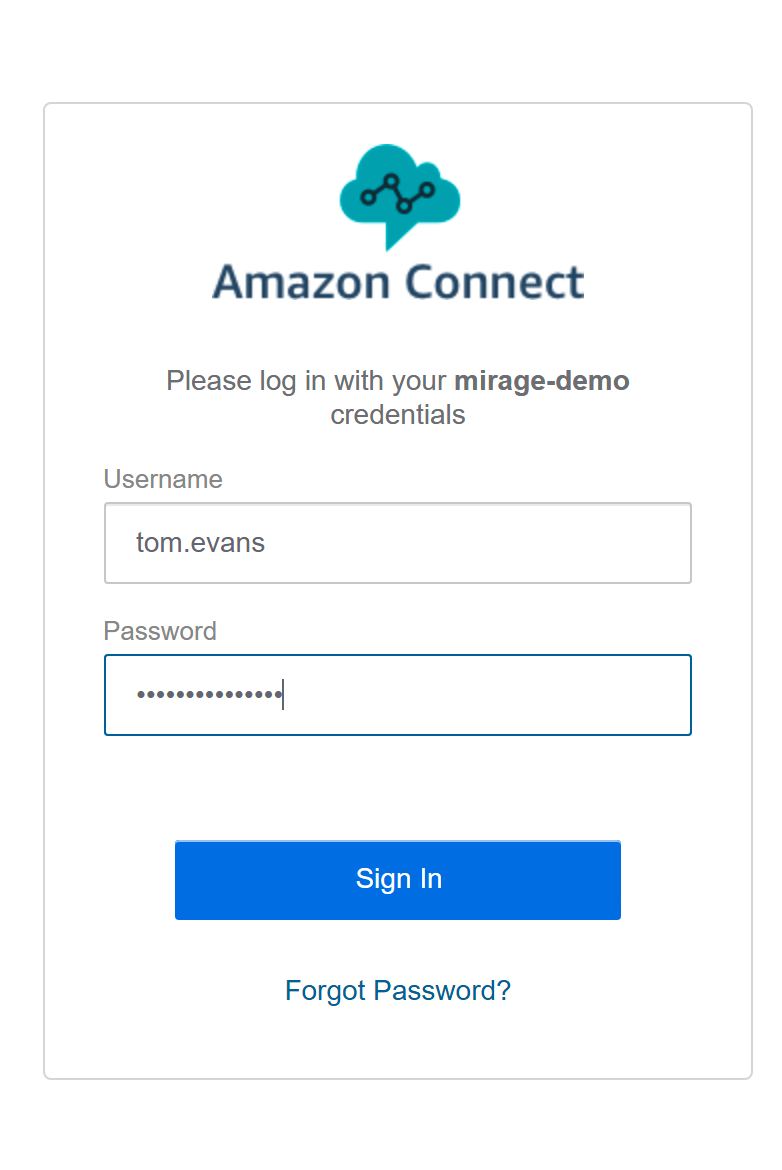
A Pop-up will open automatically in a new Browser Tab where you need to provide the Amazon Connect credentials. Enter the Amazon Connect username and the password . On click of Sign In button, the Pop-up will close automatically and you will be redirected to the Salesforce screen.
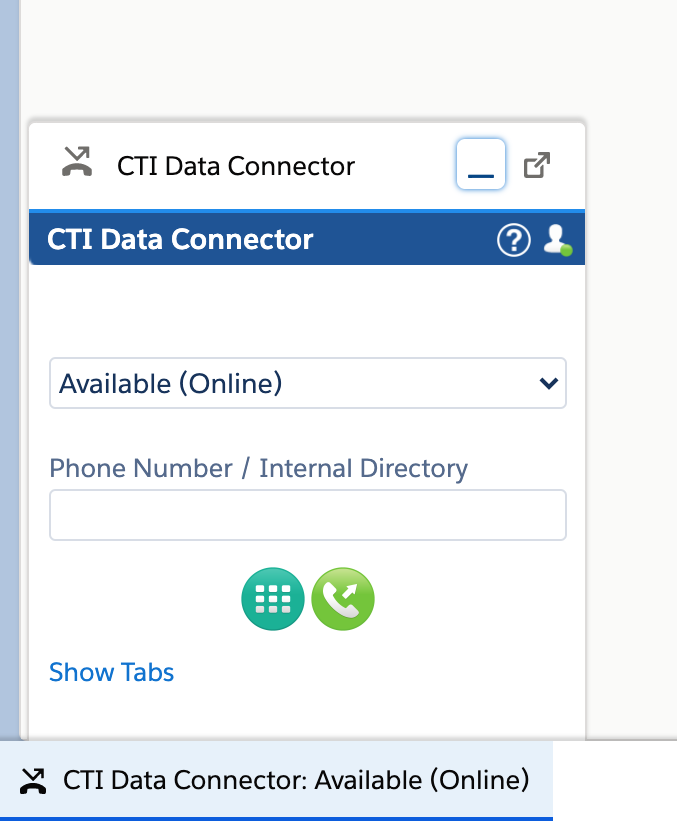
Now select Presence State Available (Online) and the connection icon should turn to green.
Make an outbound call for testing.