Presence State
The presence state in CTI Data Connector for Salesforce® can be used to
•Change the presence state in the phone
•Change the presence state in Omni-Channel
•Change the presence state after a phone call for x seconds to DND (Call Wrap-Up time in seconds )
•Log the time per user per presence state
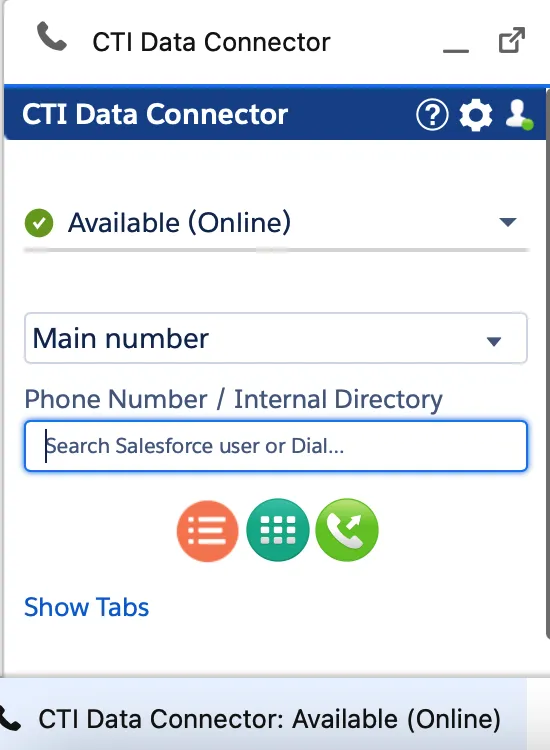
List with Presence State options
Presence State in the Utility bar
Icons for presence state
Icon | Presence State |
|---|---|
🟢 | Available / Online |
🟡 | Away |
⛔ | DND |
🔴 | Busy, On a Call, Ring |
| Presence state is disabled, unknown or user does not have a CTI Data Connector for Salesforce® license |
❌ | Logout, Offline, Offline / Outbound possible |
| Out of office |
⭕️ | Busy - Out of office |
If you are using the Mirage Teams Connector Service , some presence states are automatically set by Outlook (e.g. Out of Office).
The presence state is also displayed in the Utility Bar and Dashboards.
•See also Dashboard - Presence State