Transfer a Call
1 min
Amazon Connect supports blind and consulted transfers. You can only transfer to a Quick Connect target defined for an agent.
While a call is active, click on the initiate transfer green button.
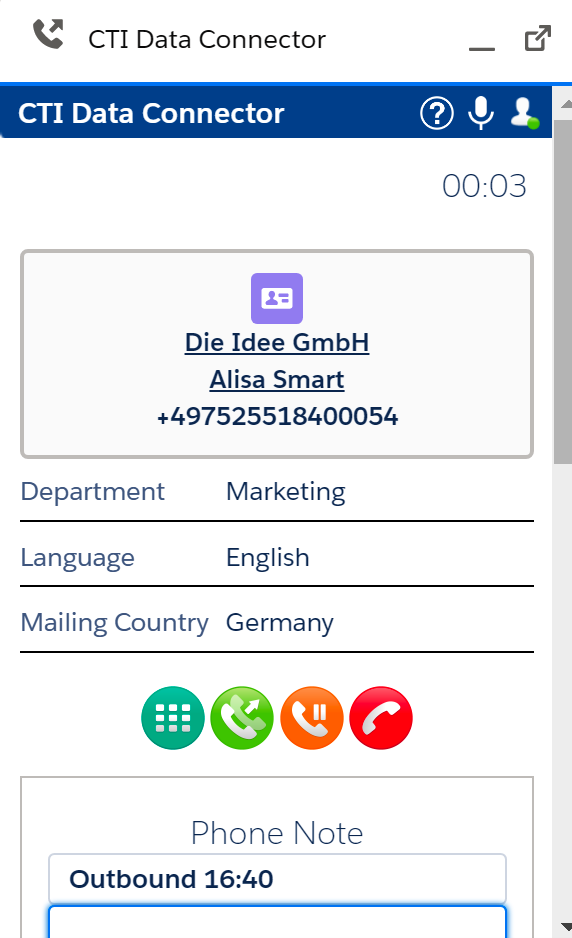
Then type in the line Phone Number / Internal Directory the queue name or agent name you want to transfer via Quick Connect.
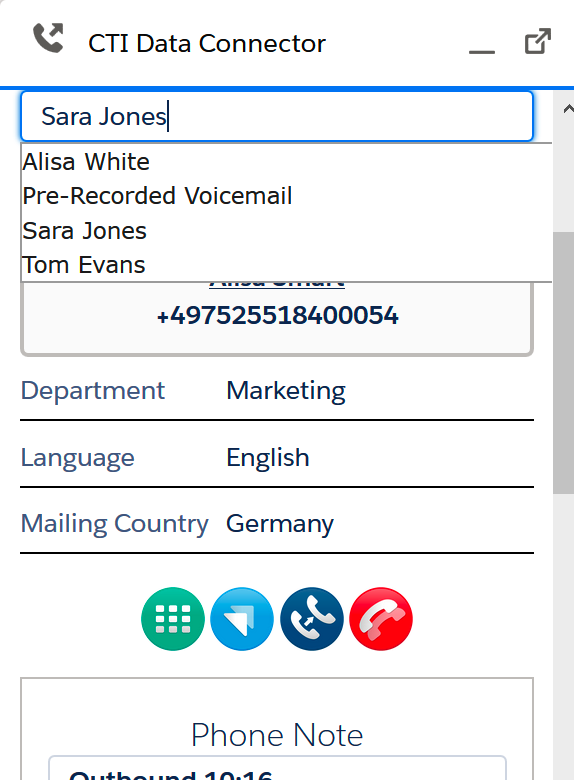
Agent Name - defined in Quick Connect
The type of transfer depends on the buttons used
↗️ You can do a blind / one step transfer. The call is directly transferred to the agent or queue
🔵You can do a consulted transfer - speaking with an agent before the transfer is done
🔴You can terminate the transfer process and go back to the call