Omni-Channel
The presence state information can be synchronized between CTI Data Connector for Salesforce® and Omni-Channel
Example
If the agent is on a call, Omni-Channel presence state is set busy to not receive chats / cases. If the agent is working on cases, the presence state in CTI Data Connector is set to DND.
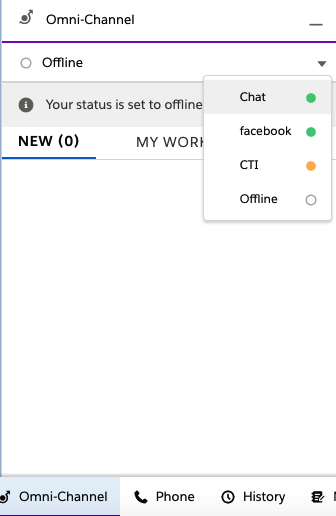
Log into Omni-Channel by selecting an option like Chat, Facebook or CTI. Selecting a presence state can be done either in Omni-Channel or in the CTI Data Connector SoftPhone as the synchronization is bi-directional
Selecting chat in Omni-Channel will set the presence state in the CTI Data Connector SoftPhone to chat (DND).
Selecting the presence state CTI (online) in the CTI Data Connector SoftPhone will set the presence state in Omni-Channel to CTI and busy.
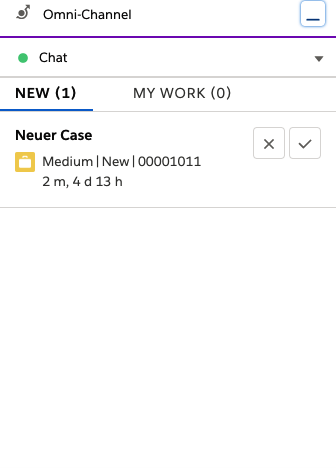


If Omni-Channel is offline then CTI presence state is set to Online
Configure this feature at Omni-Channel setup