Troubleshooting GoConnect Server
Server Reboot
If the system was working before and all users are affected, reboot the server.
Salesforce - Connection icon is yellow
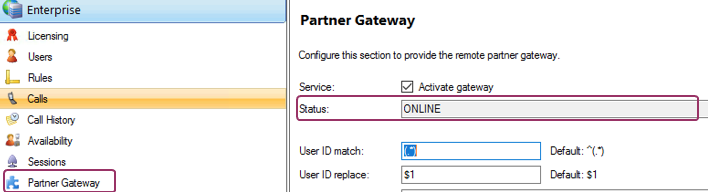
If the connection icon in Salesforce is yellow, check if the Partner Gateway status is Online. If there is another status (e.g. UNKNOWN) uncheck the option: Activate Gateway and after that check it again and click on Save. If the status is still not online reboot the server.
On the left navigation bar click on Extensions.
•Check in the extension screen if the extension is listed
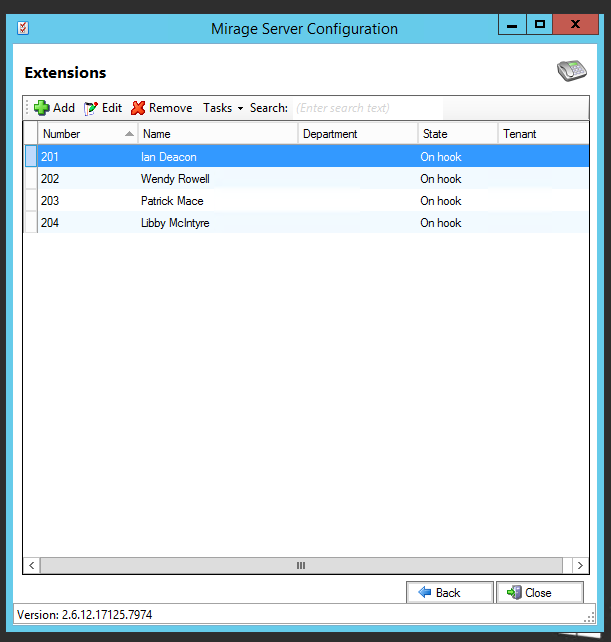
•Check if the own Login ID is correct
Extensions showing offline
On the left navigation bar click on Extensions.
If extensions are there but in state offline or unknown, then the connection to the phone system is broken.

Actions
•If all extensions are offline and the system was working before, reboot the server
•If it is a new installation, check ports. See GoConnect Server
Check connection to the PBX
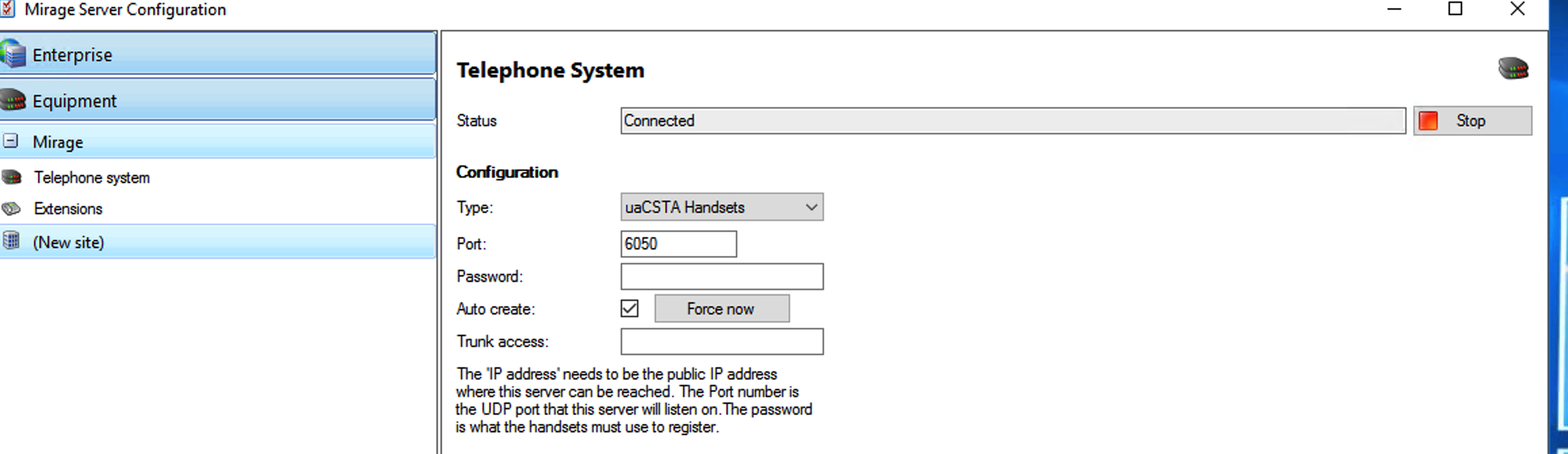
On the left navigation bar click on Telephone System
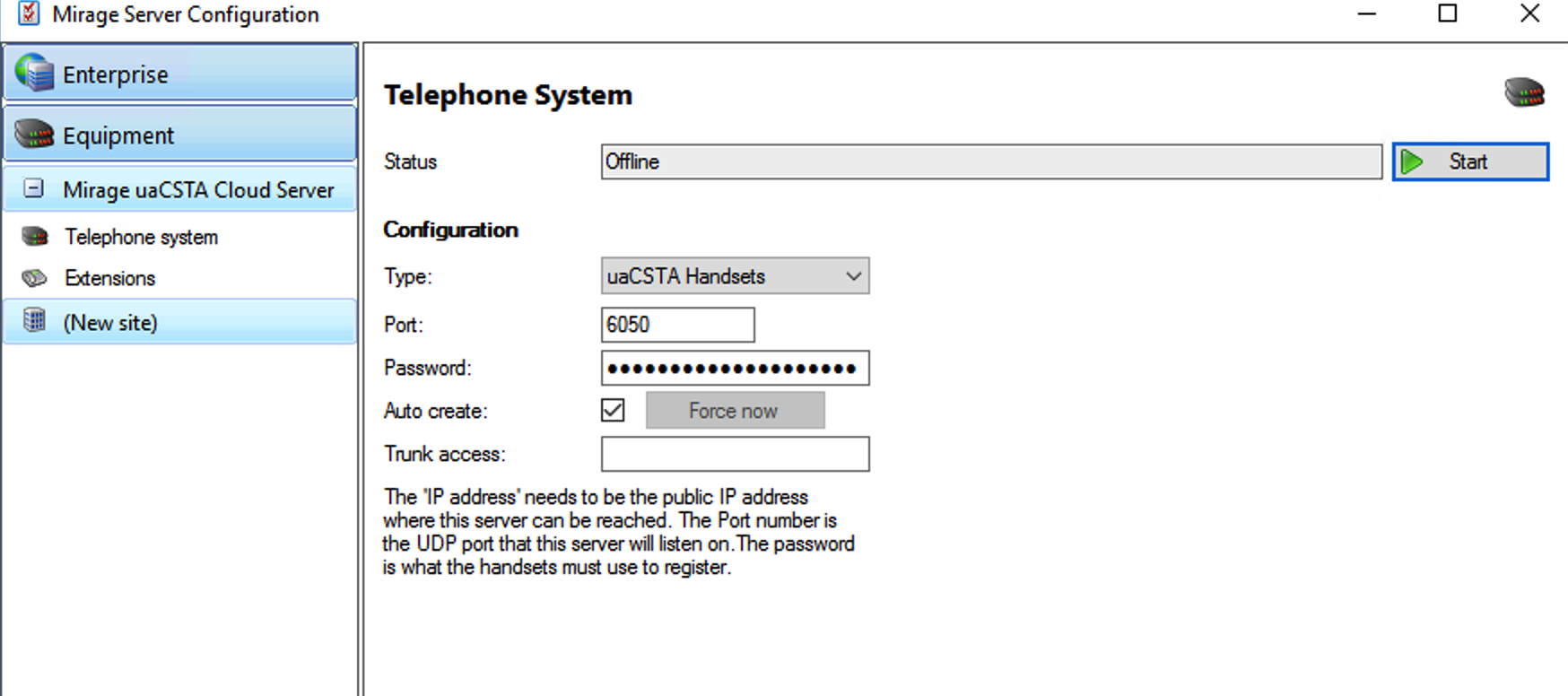
The status is Offline
Actions
If the status is Offline, click on the Start button
The correct status is Connected.