Placetel
4 min
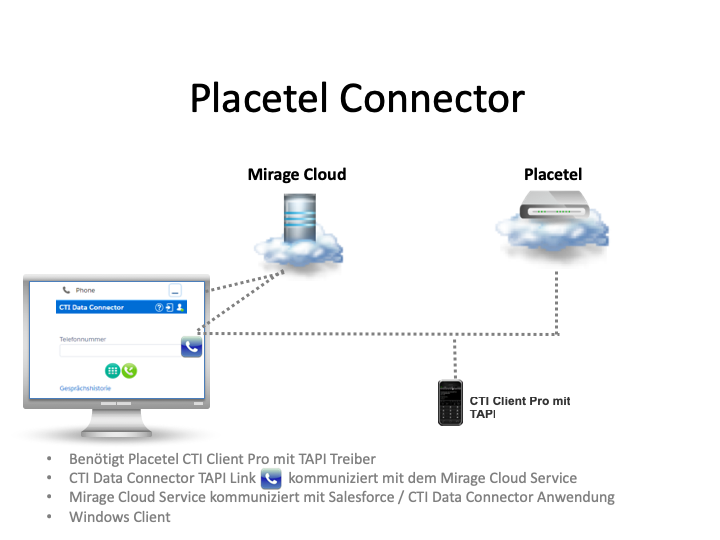
Step 1 - order Salesforce integration in Placetel portal
Order the Salesforce integration with Placetel. You will get access to the Placetel CTI Client Pro Softphone or the option to use a supported Desk Phone.

Step 2 - install Placetel CTI Client Pro
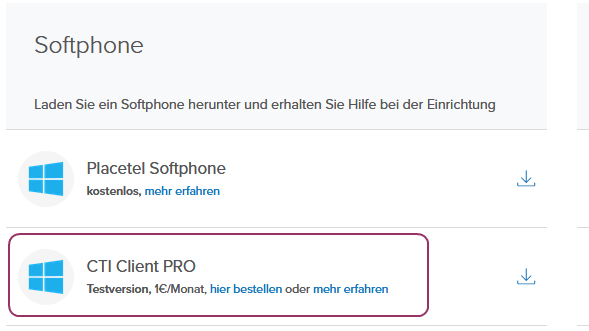
Download CTI Client Pro in the Placetel portal (Administration / VoIP Ziele). If the option is missing contact Placetel Support.
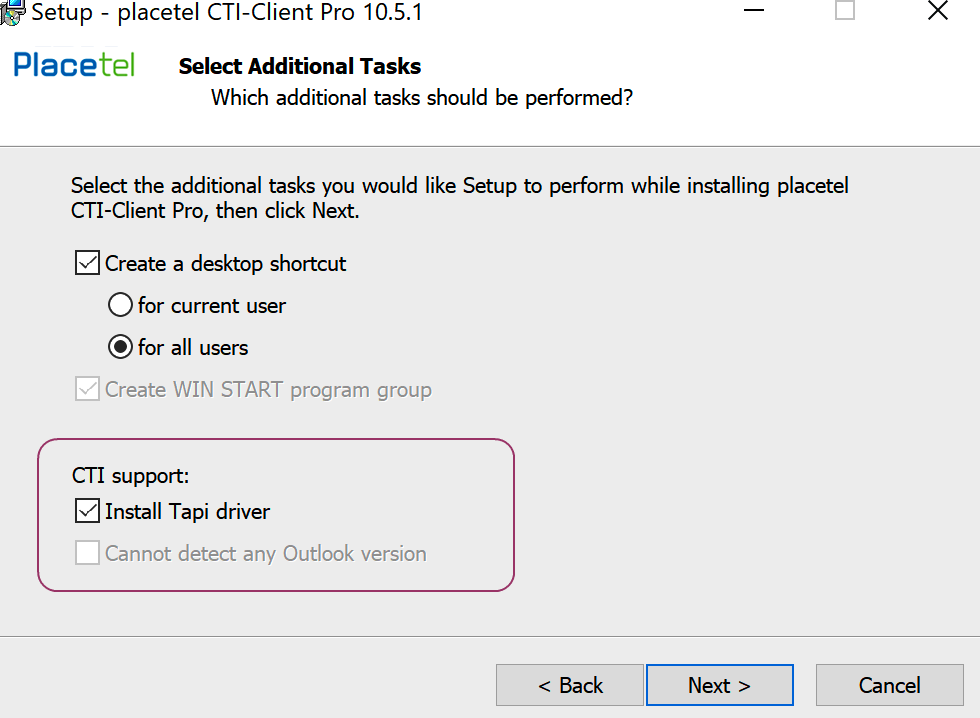
During the installation select the option: Install TAPI driver
Once the installation is done, open the settings screen and ensure that the field Outside line is empty.

Step 3 - install CTI Data Connector - TAPI Link
Download at Install CTI Data Connector - TAPI Link on the local PC
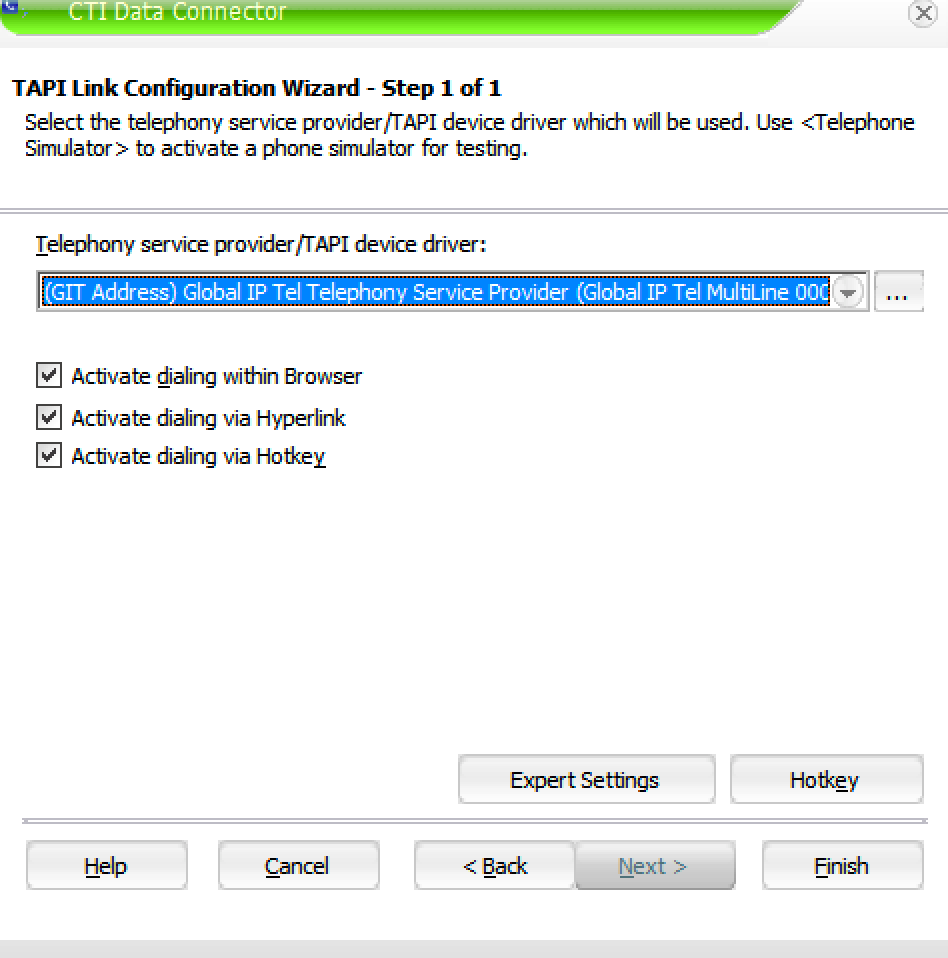
After the installation select the TAPI driver: (GIT Address) Global IP Tel Telephony Service Provider)