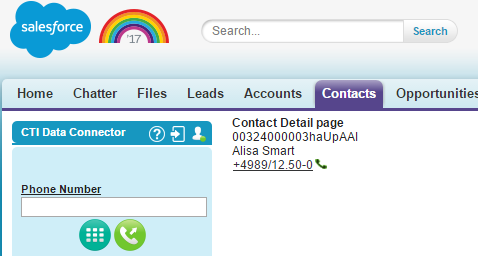
Visualforce Page for outbound calls
This solution is for Salesforce Classic only
In case you want to create on an own Visualforce page for outbound calls, you can add phone number fields supporting the full outbound functionality like on a standard page layout.
Find below sample code which explains how to add a phone number from a contact record on an own Visualforce page.
Step 1 - Add Visualforce page
Navigate to Setup > AppSetup > Develop > Visualforce Pages and click on the button New
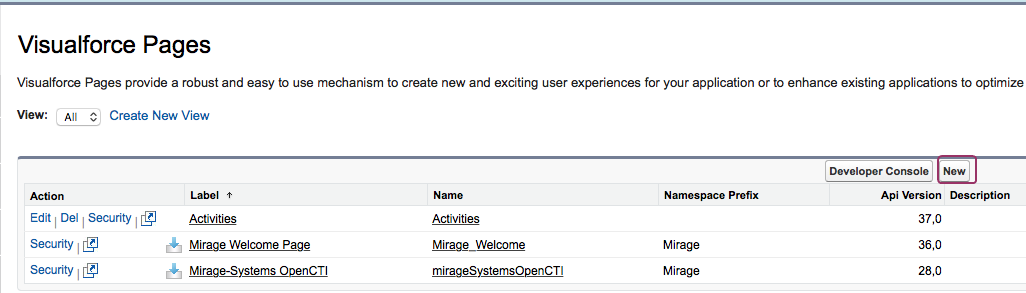
Contact support to obtain the sample source code and paste it.
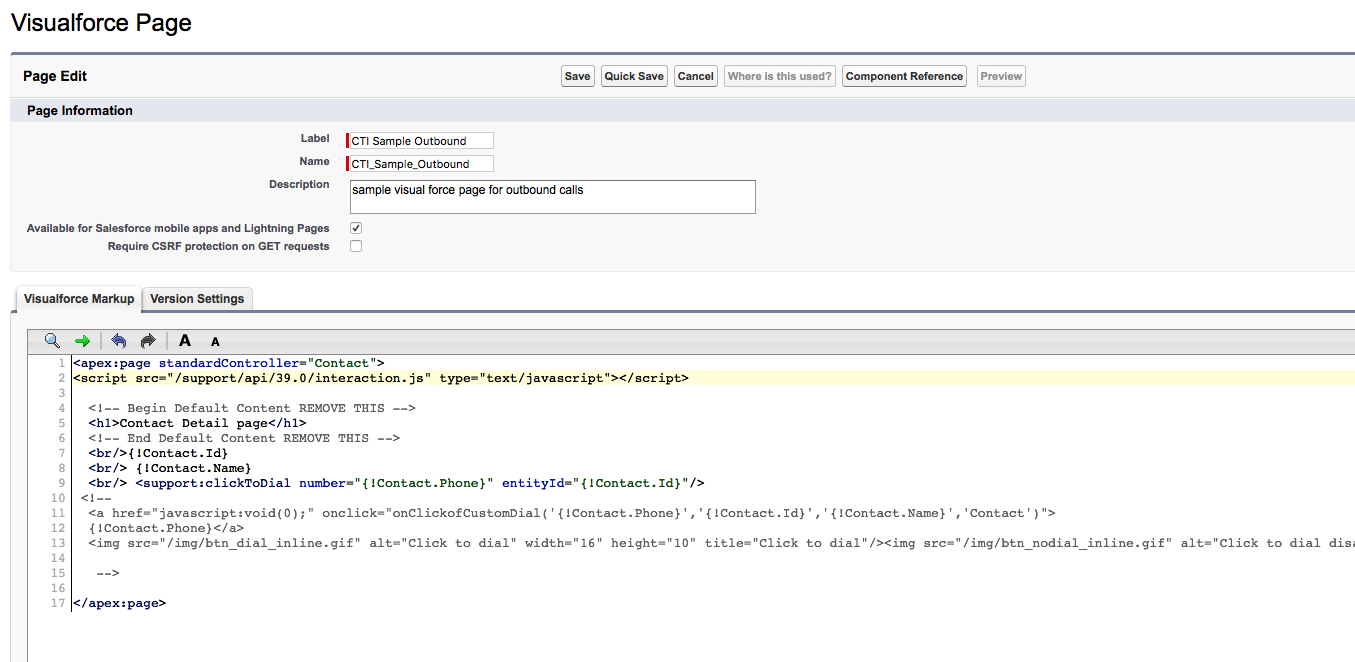
Step 2 - Change view of contact
For testing, change the behavior of the contact page. Clicking on the contact name will open the visualforce page.
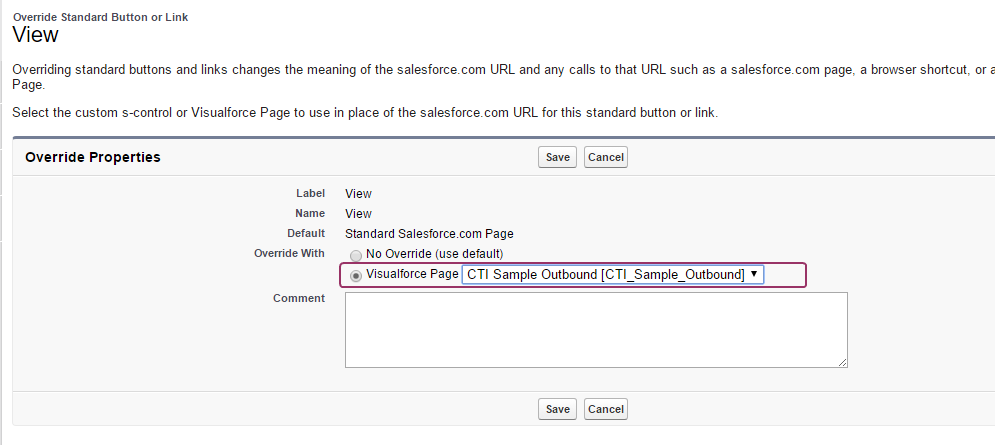
Navigate to Setup > AppSetup > Customize > contacts > Buttons, Links, and Actions and click on the link Edit View
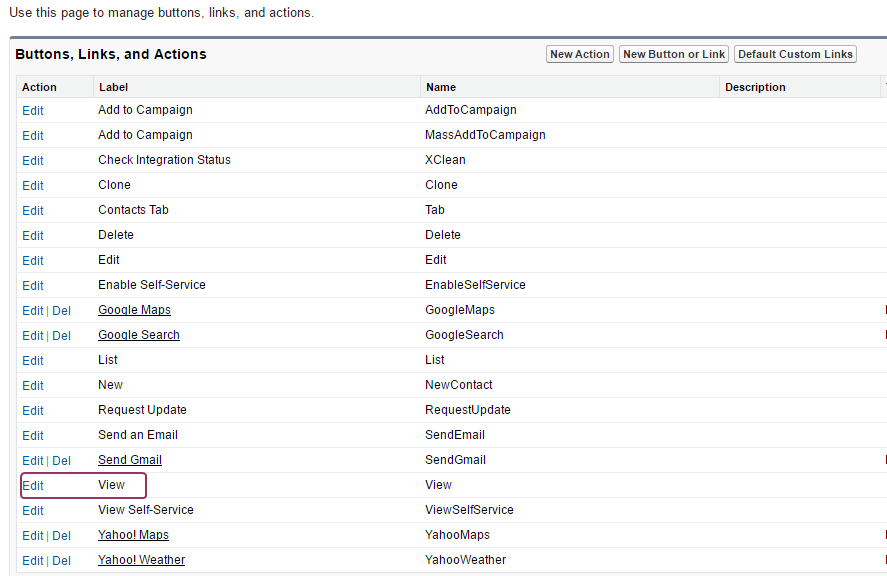
Replace the default action with the visualforce page
Step 3 - Test
Every time a contact record is loaded, the visualforce page with the clickable phone number will appear.