Microsoft Teams - CC4ALL (no longer supported)
3 min
This setup is no longer supported.
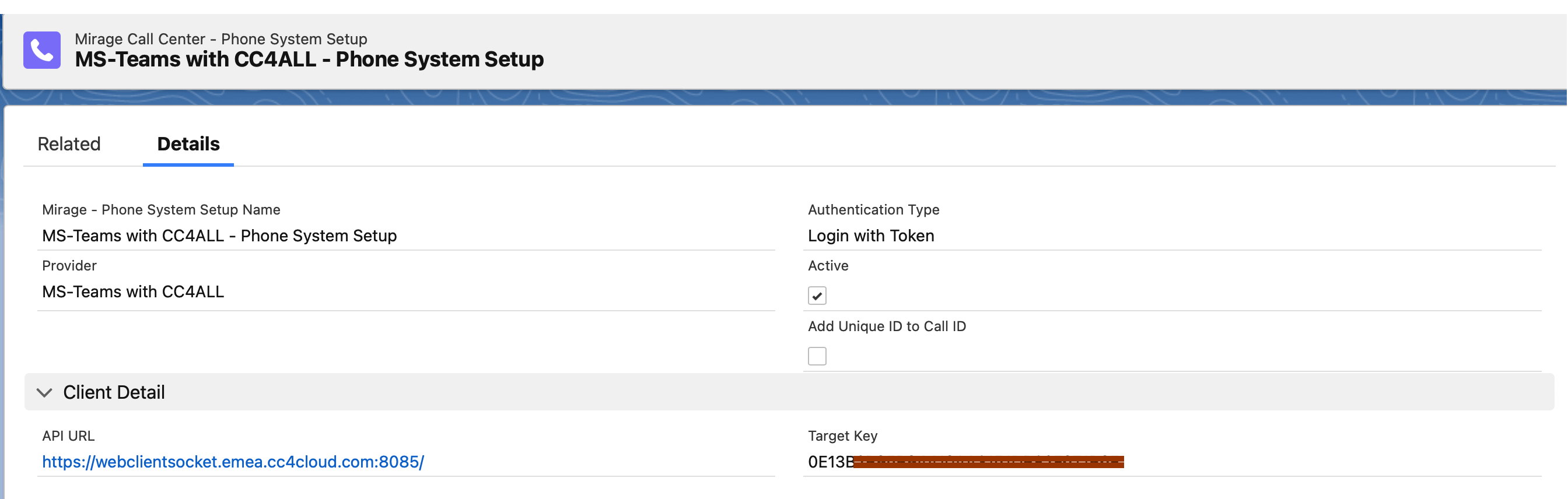
Select the Call Center Configuration - MS Teams with CC4ALL - this will automatically add all required default values for CC4ALL.
Configure Dial via API
Check: Active
Authentication Type
There are 2 options
•Login with Token (recommended). The Microsoft Office user name is used here
•Login with Username. A separate user name with additional password is used
API URL / Token
You get API URL and the Target Key from CC4ALL.
Client IT / Redirect URL / Tenant ID
Only visible in Edit mode and only if Login with Token is selected.
You will get this information from CC4ALL.
Additional Configuration: Dial by E-Mail Address