Dial within Salesforce
There are different options to make an outgoing call.
Make a call using Click-to-Dial
All phone numbers will have a green phone icon
To make a call directly from the phone field of a contact, lead, activity, or account
•Locate the number that you want to dial in a contact, lead, activity, or account.
•Click the button to the right of the number. The number is automatically dialed in the first open CTI Data Connector SoftPhone line.

Note
•A number that has already been clicked cannot be clicked again for five seconds.
•The button does not appear next to fax numbers.
Use the CTI Data Connector SoftPhone to dial
You can type in a phone number in the CTI Data Connector SoftPhone
•In the CTI Data Connector SoftPhone, click the icon:

This action opens the dial pad.
•Enter the phone number that you want to dial by clicking the number buttons on the dial pad, or by typing numbers on your keyboard.
•Click on the Dial icon. A search is done using the phone number. If a direct match is found the address is displayed.
Display outgoing call in CTI Data Connector SoftPhone
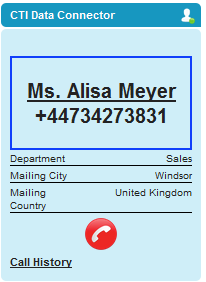
The outgoing call is signaled in the CTI Data Connector SoftPhone.