Make Calls
Call directly from Salesforce using the embedded softphone or by clicking phone numbers in records. You can call:
- Phone numbers entered manually in the dial pad
- Salesforce contacts and leads using click-to-dial
- Internal Microsoft Teams users using their SIP address
- Microsoft Office 365 users and Salesforce contacts by searching their name
Make calls
To prevent silence during outbound dialing, Unaric Voice for Teams plays a background melody until the carrier's ringback tone begins. This lets agents know the call is in progress
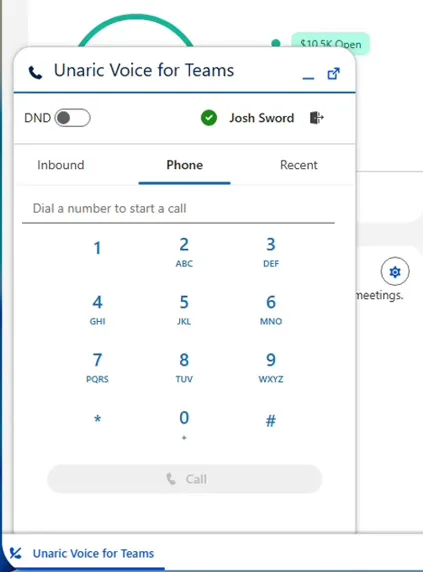
Dial pad
- In Salesforce, click the Unaric Voice for Teams button in the bottom left corner to open the dial pad.
- In the Dial Pad, enter the phone number you want to call.
- Click Call. The call becomes active in the Unaric Voice for Teams call panel. Call controls such as hold, mute, and transfer become available. The call will start immediately using your Microsoft Teams connection.
Click-to-dial
Unaric Voice for Teams enables click-to-dial for phone numbers stored in Salesforce records. For this feature to work, your Unaric Voice for Teams session must be active. If you are not logged in, the system has no active device or extension to originate the call from and numbers will be grayed out.
- Open a Contact, Lead, or other record or page containing a phone number, including lists.
- Click the Phone field.
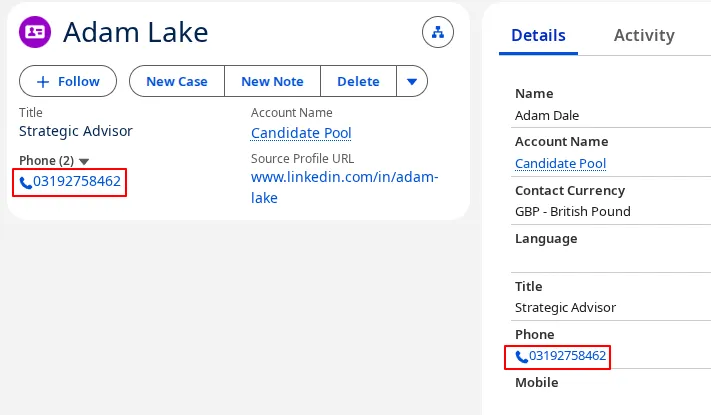
- The Unaric Voice for Teams softphone will pop up in the page and the call will start immediately.
SIP address
You can call internal Microsoft Teams users using their SIP address.
This feature requires an ACI licence. For more information, see Availability and Contact Information documentation.
- Find the Availability and Contact Information (ACI) panel in the record page.
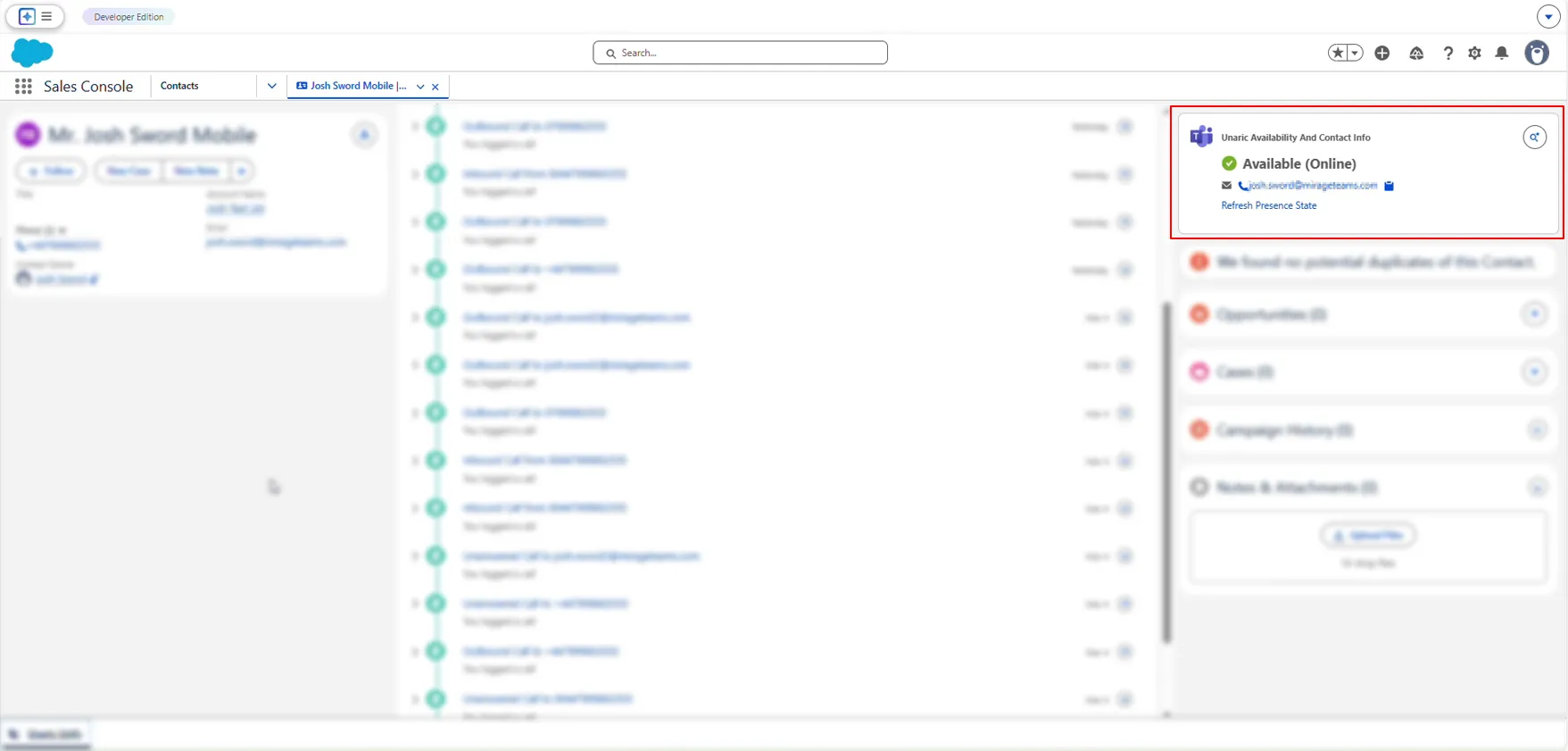
- Click their SIP address.
- The Unaric Voice for Teams softphone will pop up in the page and the call will start immediately.
Phone book search
- Open the dial pad.
- Enter the name in the dial. Use the toggle to switch between Microsoft Office 365 users (Microsoft Search) and Salesforce records (Salesforce Search).
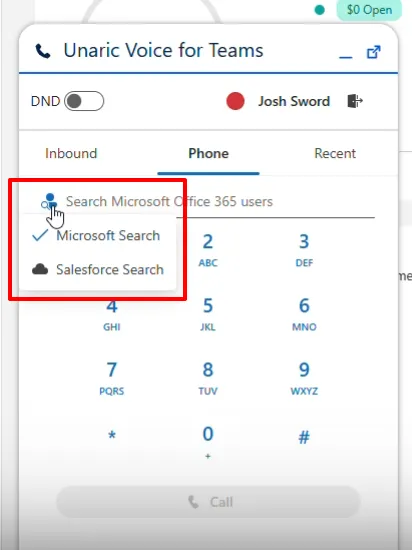
- Click on the specific contact or user you wish to reach from the populated list.
- To initiate the call, click the call icon or button next to the selected record.
Setting the search field to a single object (e.g., contact) limits search results to that specific type, while clearing the configuration entirely removes the Salesforce icon to restrict searches strictly to Microsoft 365 users.
Customize Salesforce phone book search
You must be a Salesforce administrator to perform this customization.
For Phone book search, you can tailor which Salesforce objects are searchable, such as contacts, accounts, leads, or users.
- In Salesforce, open Setup.
- Navigate to Feature Settings > Service > Call Center > Call Centers.
- Open Unaric Voice for Teams and click Edit.
- Scroll down to Call Settings.
- In the Salesforce objects for Phone Book Search field, enter the Salesforce objects you want to be searched separated by semicolons.
Clear this field entirely to hide the Salesforce Search icon in the softphone.
- Click Save to finish.
Call failure
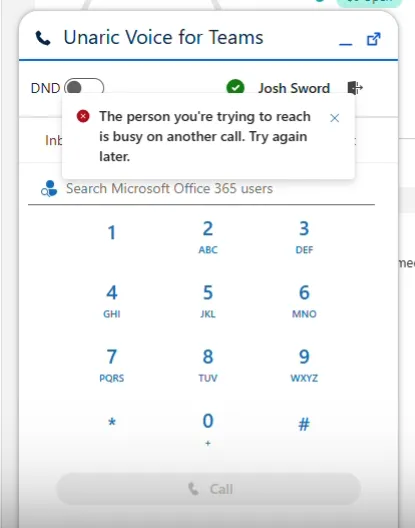
If an outbound call fails due to an invalid or busy number, Unaric Voice for Teams displays an explicit in-app error message explaining why the call could not connect.