Save & Print Label
The Print Label & Save button allows you to generate and print a barcode label while automatically saving it to the Asset record.
How it works
Open an Asset record in the Salesforce mobile app.
Tap Print Label & Save.
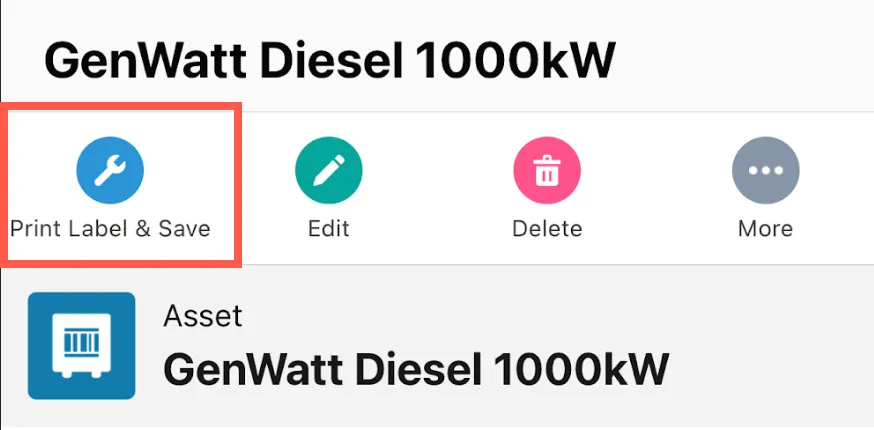
Print Label & Save button
Unaric Scan will retrieve or generate the latest barcode and save it as a file attachment on the asset record.
The barcode will open in a printable preview.
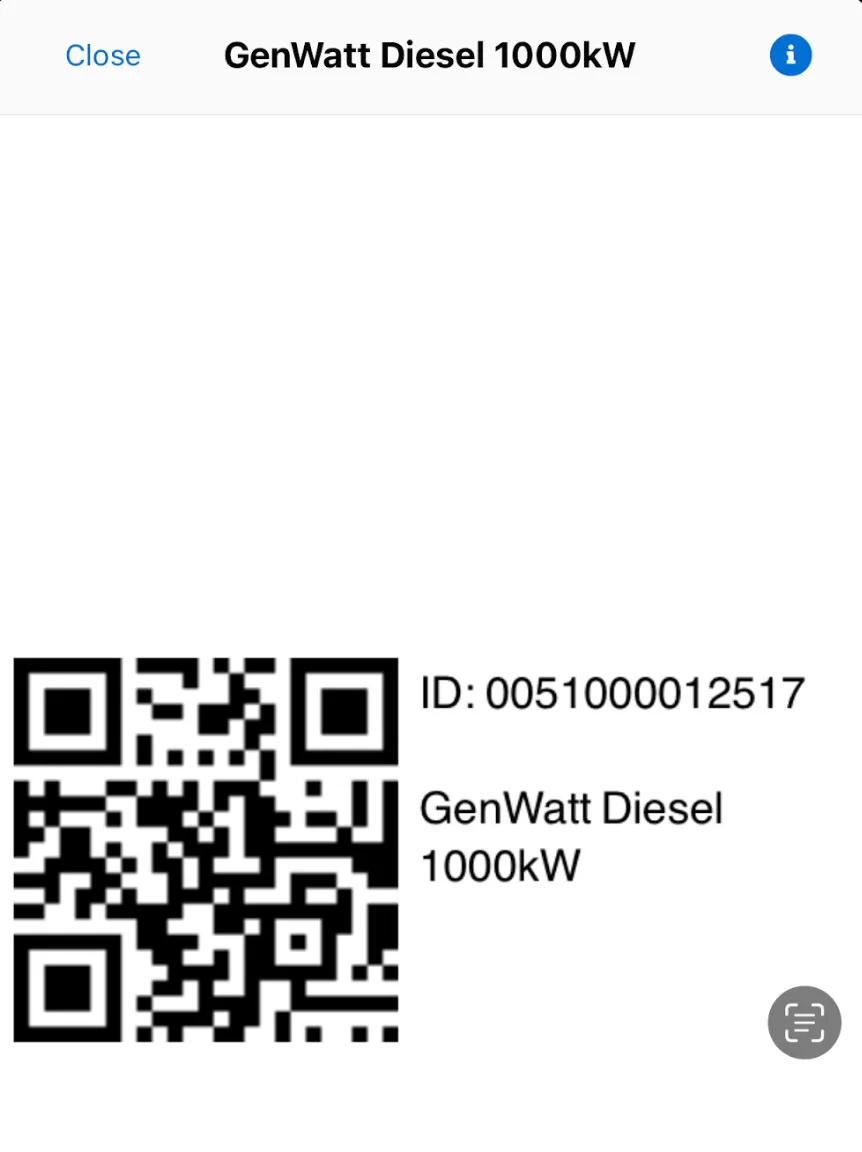
Label preview
Setup
To enable this feature, you need to add the Print Label & Save button to the Asset object page layout:
- Navigate to Setup > Objects and Fields > Object Manager.
- Open the Asset object and select the Page Layouts tab.
- Edit the page layout used by your users.
- Add the Print Label & Save button to the layout.
- Save your changes to finish. Once added, the button will be available when viewing Asset records in the Salesforce mobile app.