Spring 2026 - V2.19
This release will be available in your environment starting March 12, 2026.
What's new
Scan & Create Asset
We have included a new Flow and Mobile App Page to Scan and Create or Update an Asset record in Salesforce. This Flow is a template as delivered so you can clone and modify to add or remove fields or point to another delivered or custom object to scan and create records.
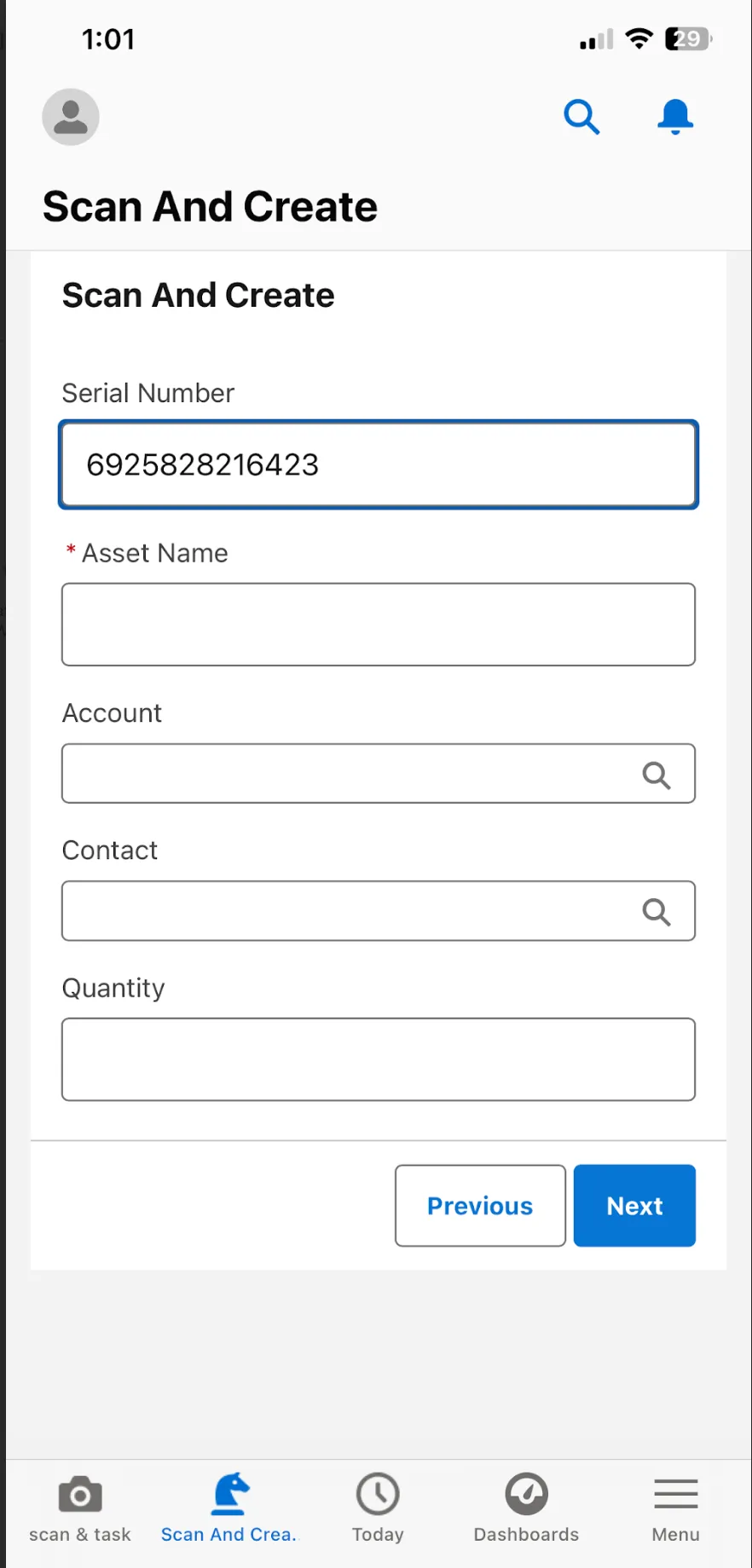
To activate this feature, you need to activate the page Scan & Create Asset under the Lightning App Builder and add it to your mobile navigation. For more information, see Scan & Create Asset.
Save & Print Label
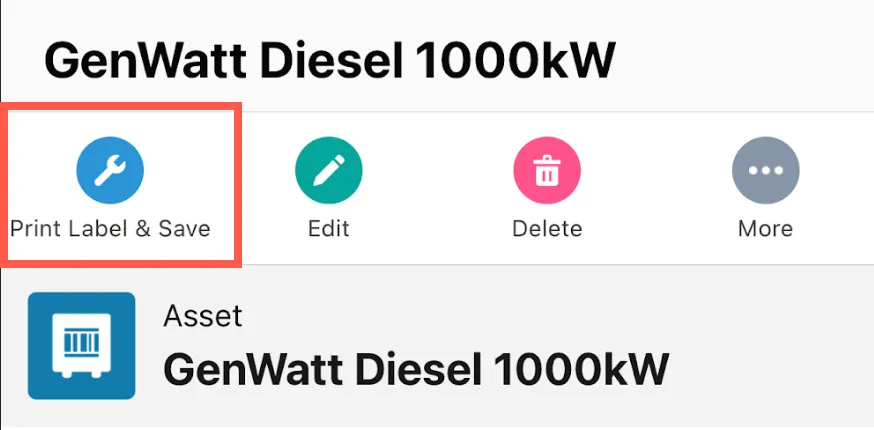
We have delivered a new button on the Asset record for Mobile called Print Label & Save. When selected, Unaric Scan will automatically save the latest barcode as a file attachment to the record and preview in a printable format to print directly from your mobile device.
You will need to add the button to your mobile page layout on the Asset page to make available on the mobile device. For more information, see Save & Print Label.
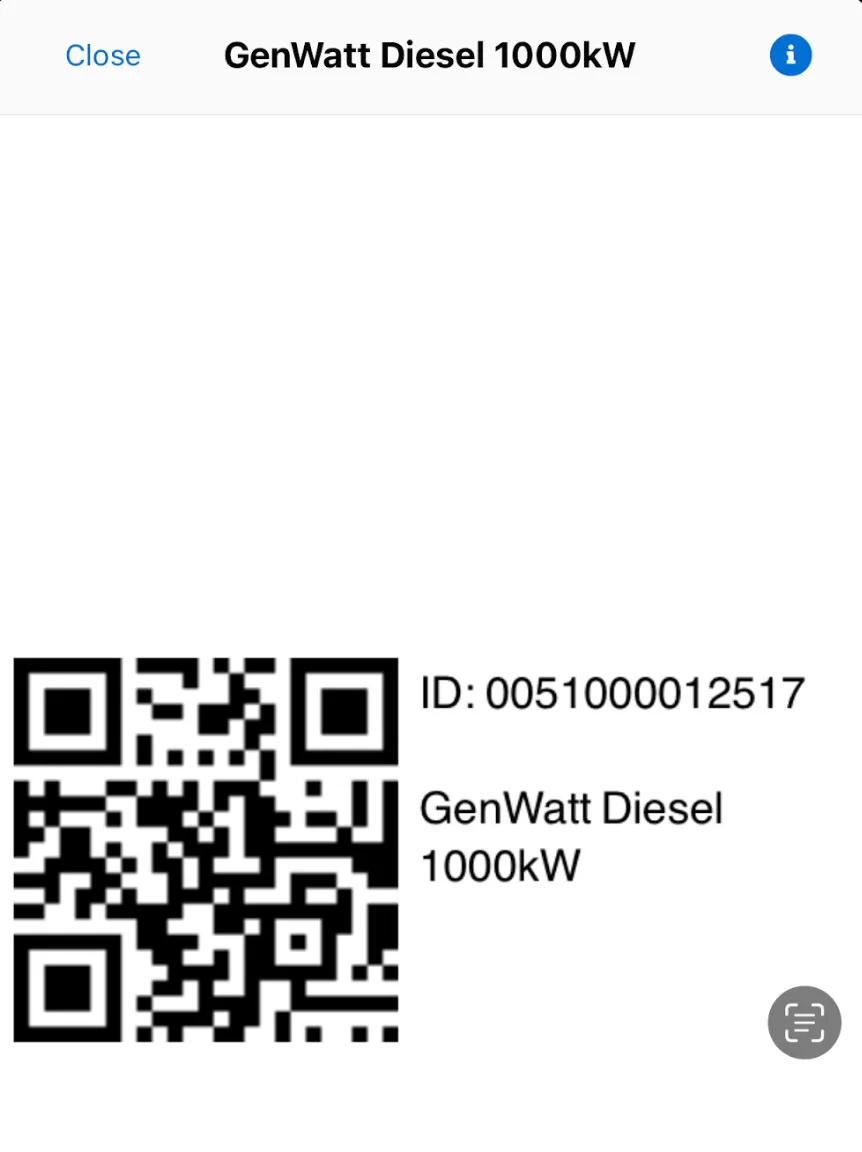
Print QR Codes
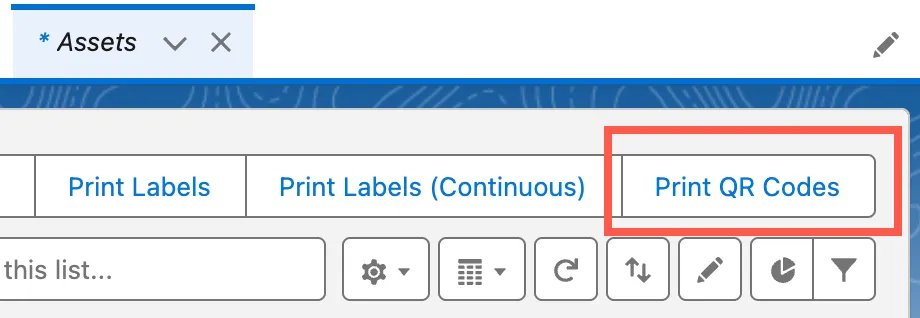
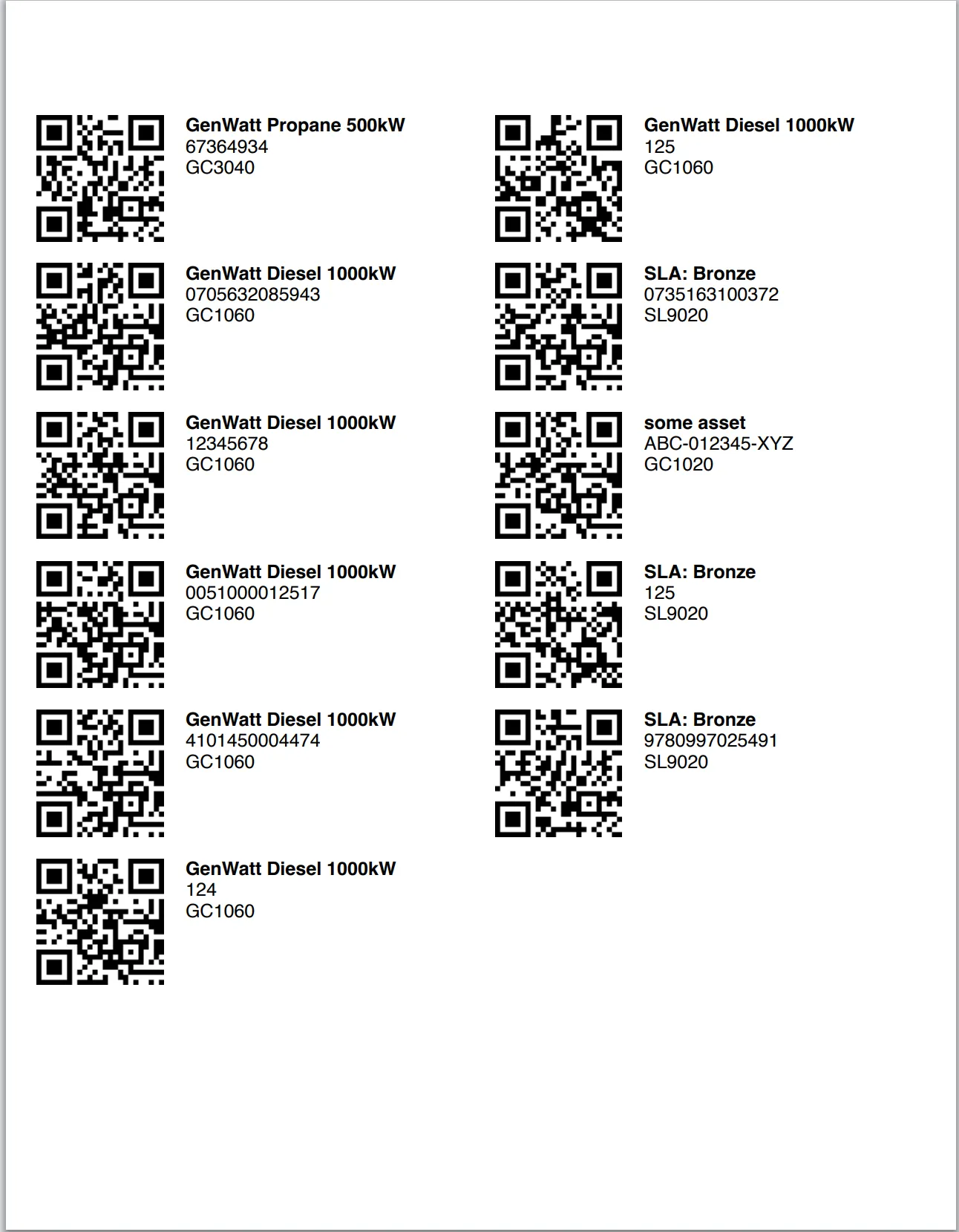
We have added another delivered print option button to the Asset record called Print QR Codes. This will print selected Assets QR Code format using the standard Avery US Letter print format. This new option delivers a third out of the box option to print including the previously delivered Print Labels and Print Continuous Labels (1 inch).
You will need to add the button to your List View Buttons on the Asset object setup to make visible.