Print QR Codes
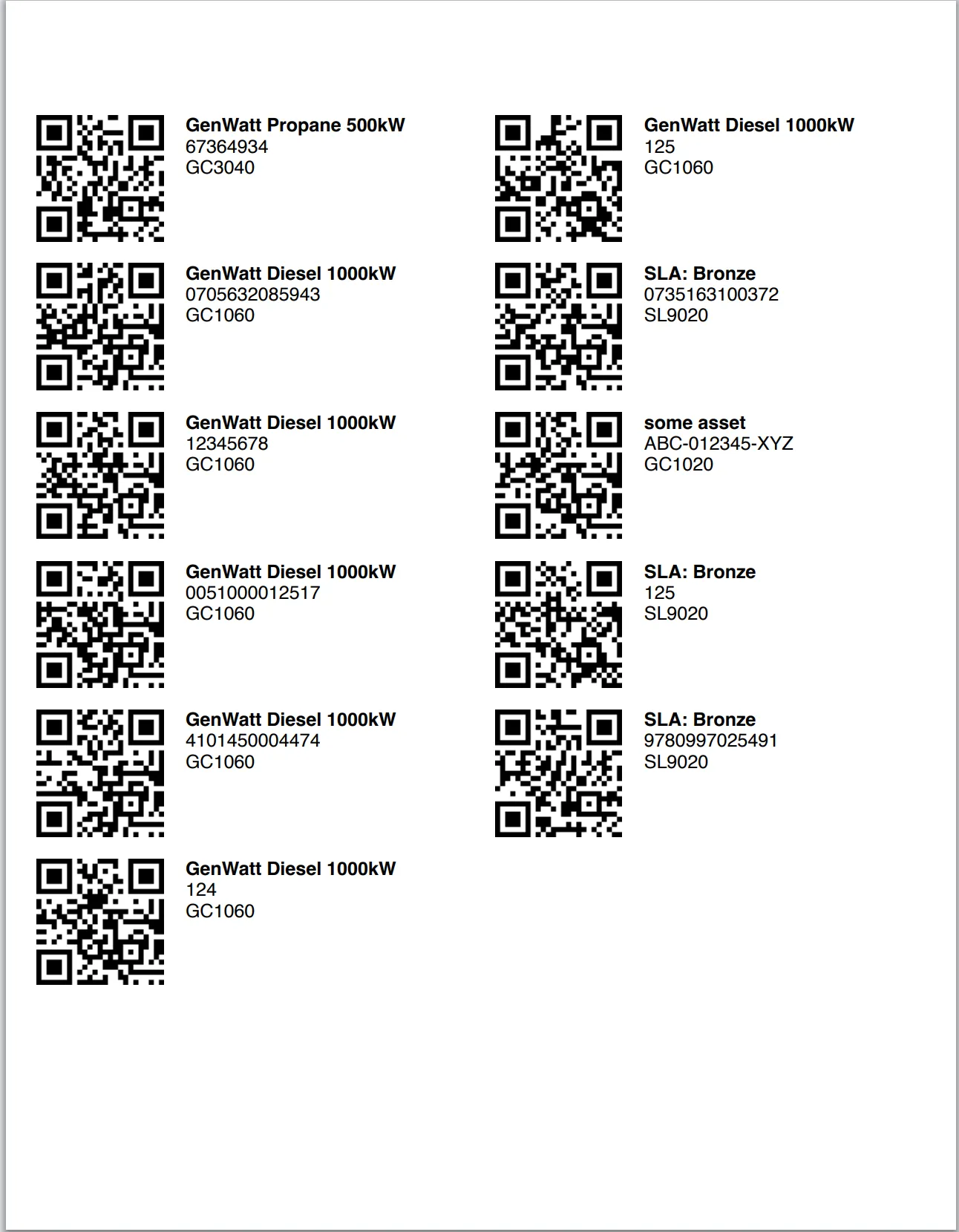
The Print QR Codes button allows you to generate and print QR codes for multiple Asset records at once. The output uses a standard Avery US Letter format to print and apply labels in bulk.
How it works
Navigate to the Asset list view.
Select one or more Asset records.
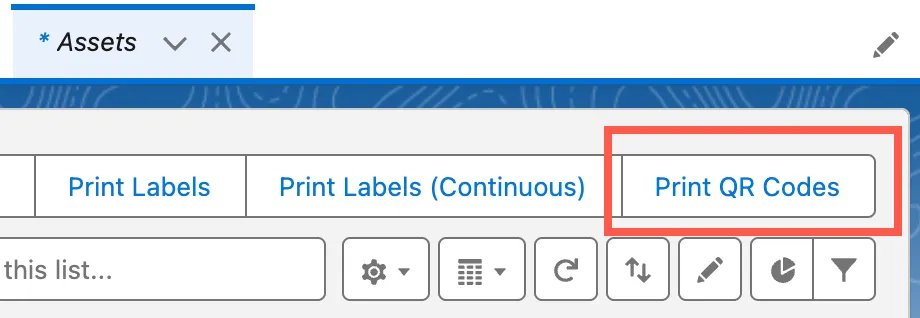
Click the Print QR Codes button in the action bar.
Unaric Scan will generate a printable document with QR codes for each selected Asset using the standard Avery US Letter print format.
Setup
To enable this feature, you will need to add the Print QR Codes button to your List View Buttons on the Asset object setup:
- Navigate to Setup > Objects and Fields > Object Manager.
- Open the Asset object.
- On the List View Button Layout tab, edit your existing layout.
- Under Custom Buttons, add the Print QR Codes button to Selected Buttons.
- Click Save to finish. Once added, the button will appear in the Asset list view.