Templates
Document Templates
Record Handlers
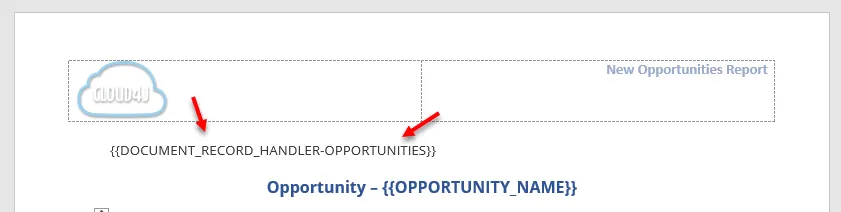
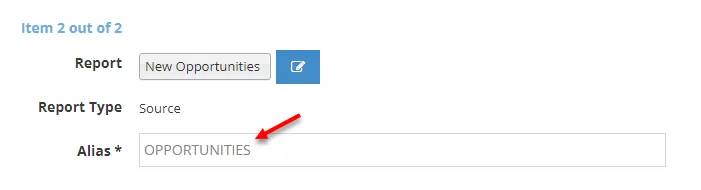
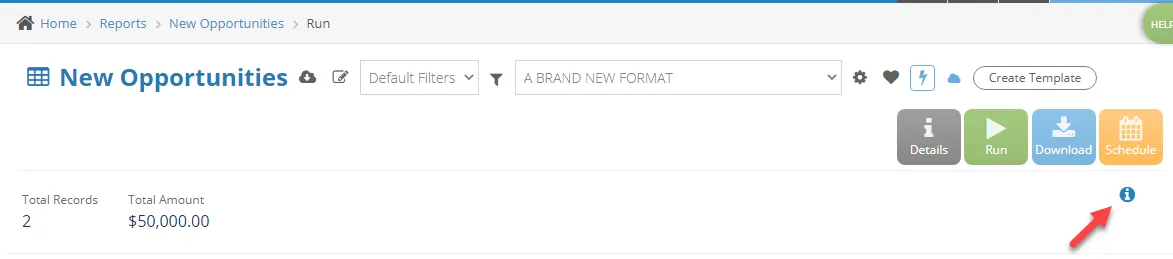
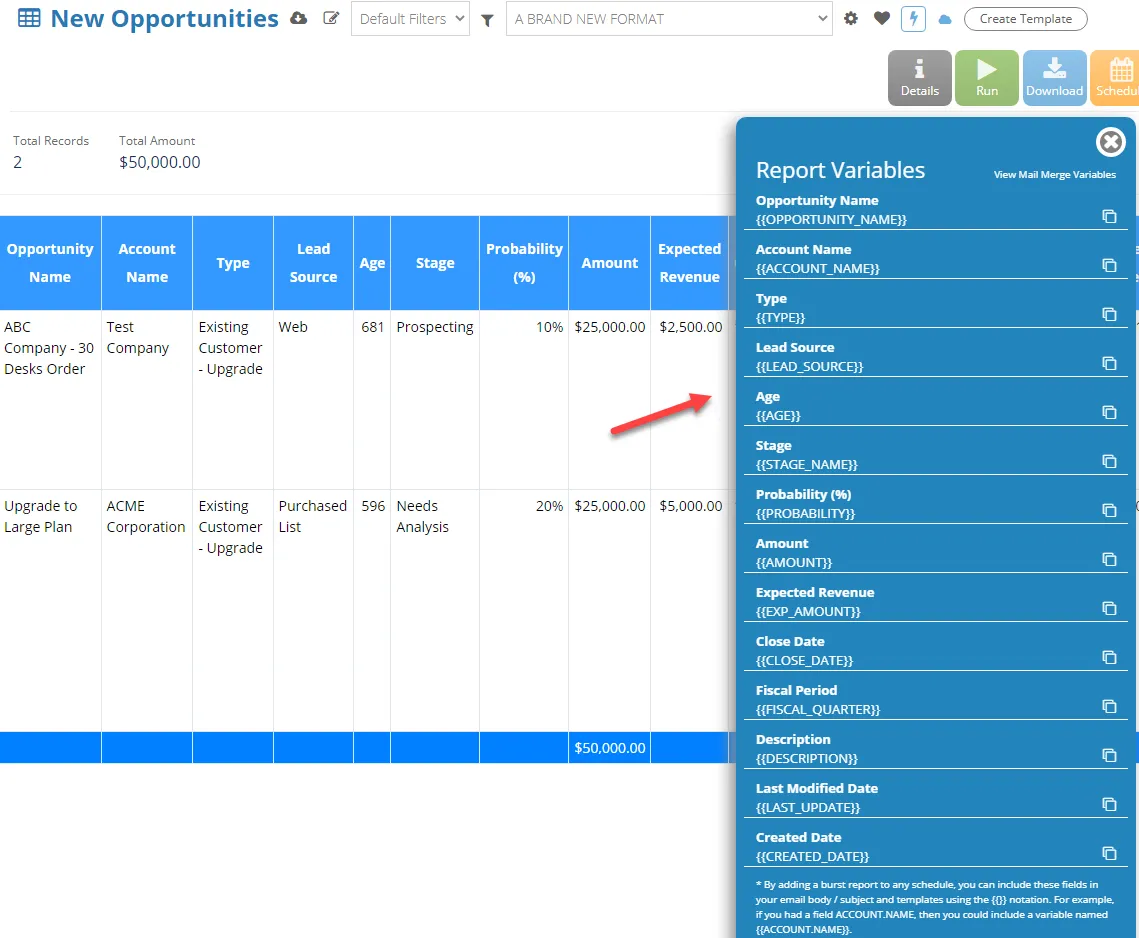
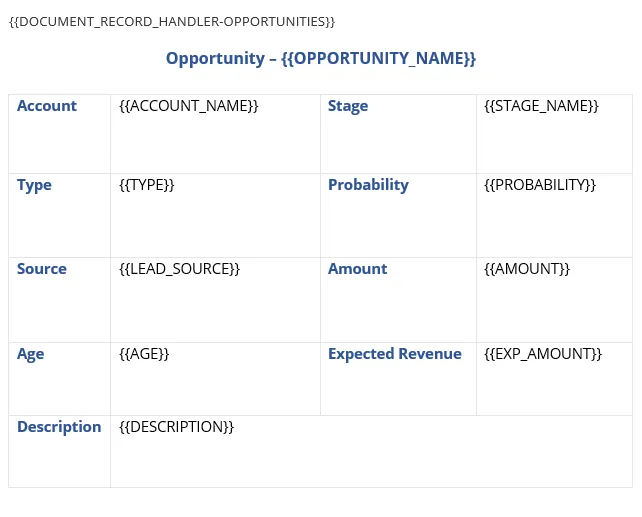
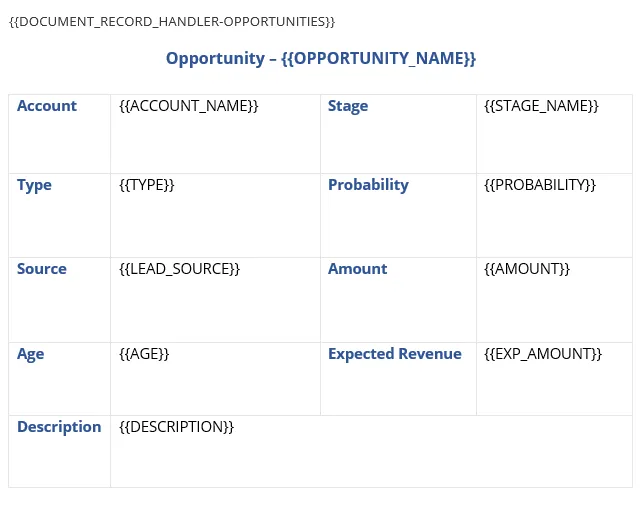
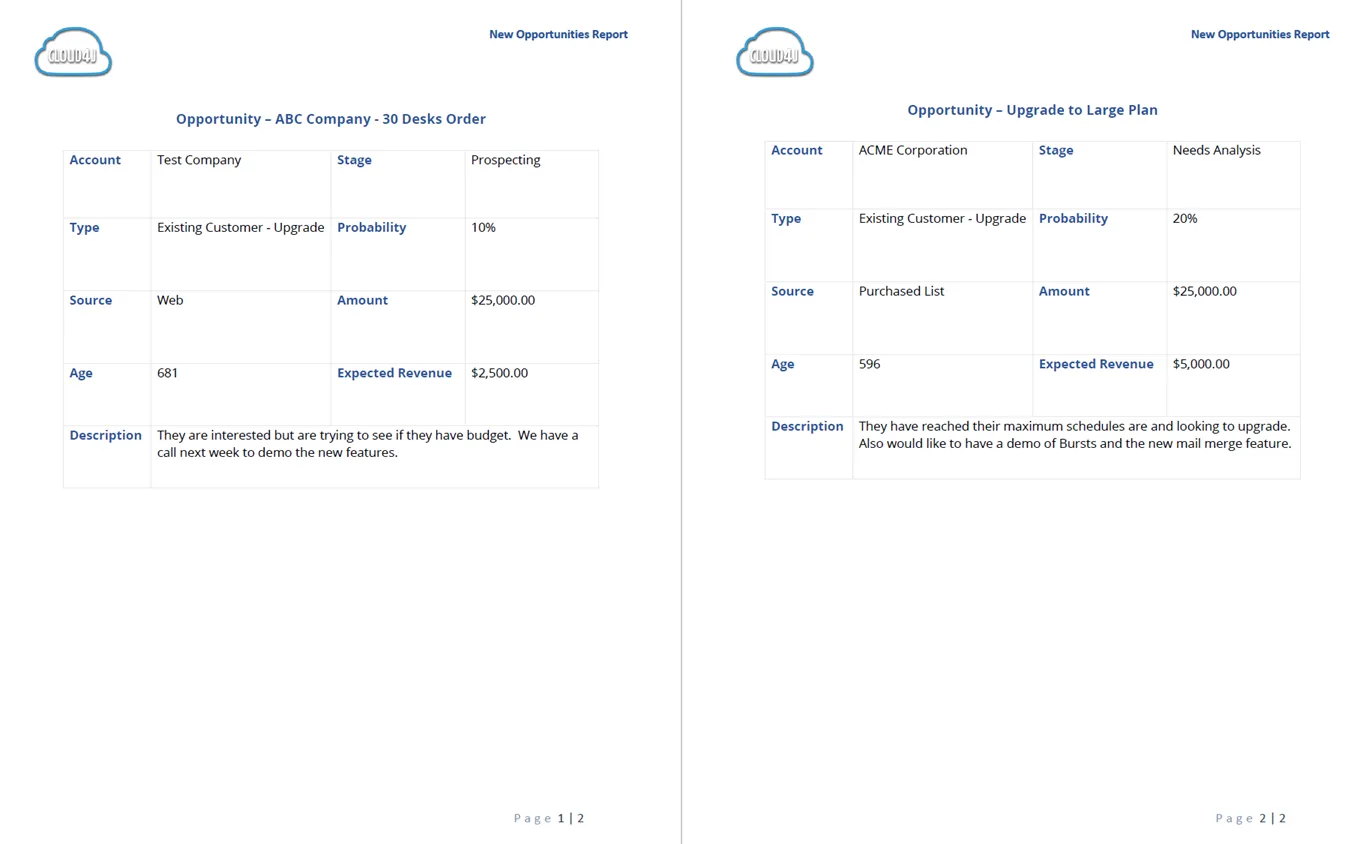
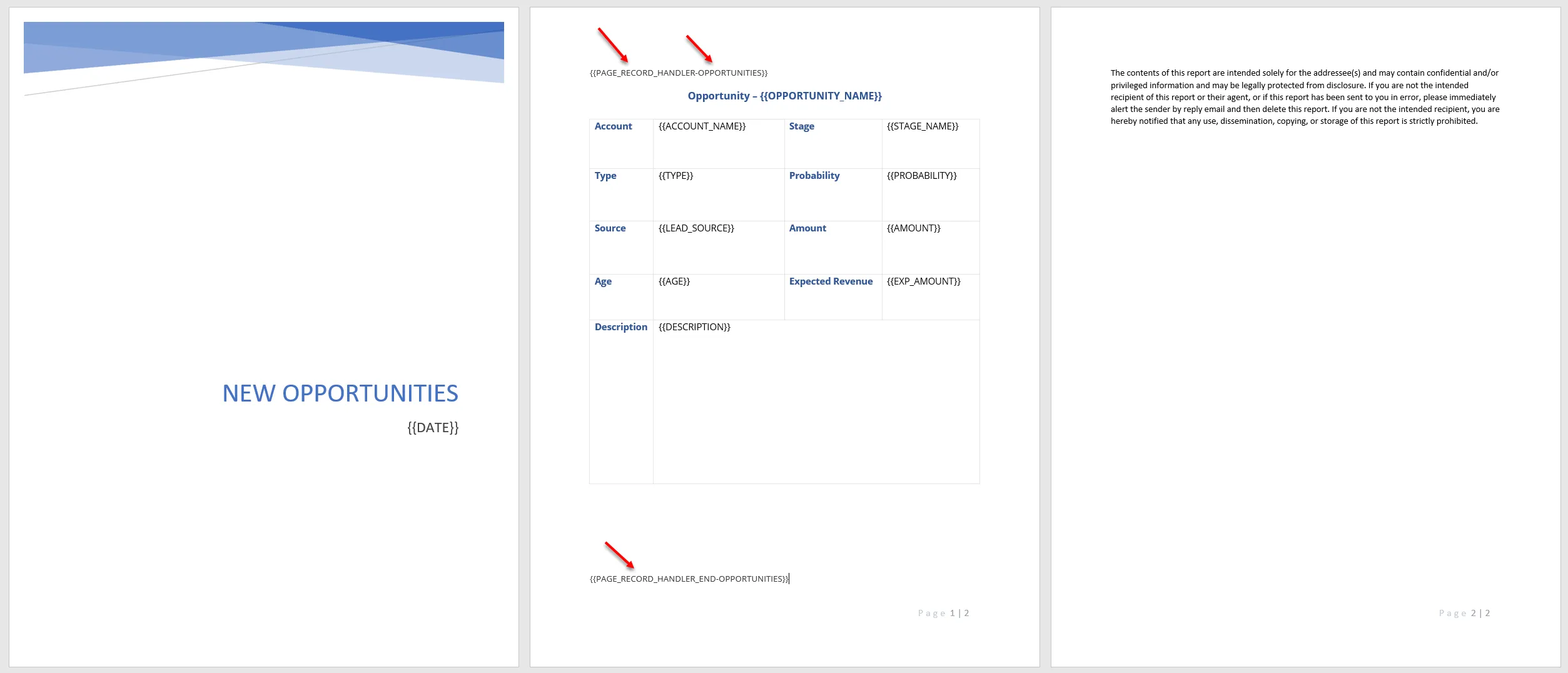
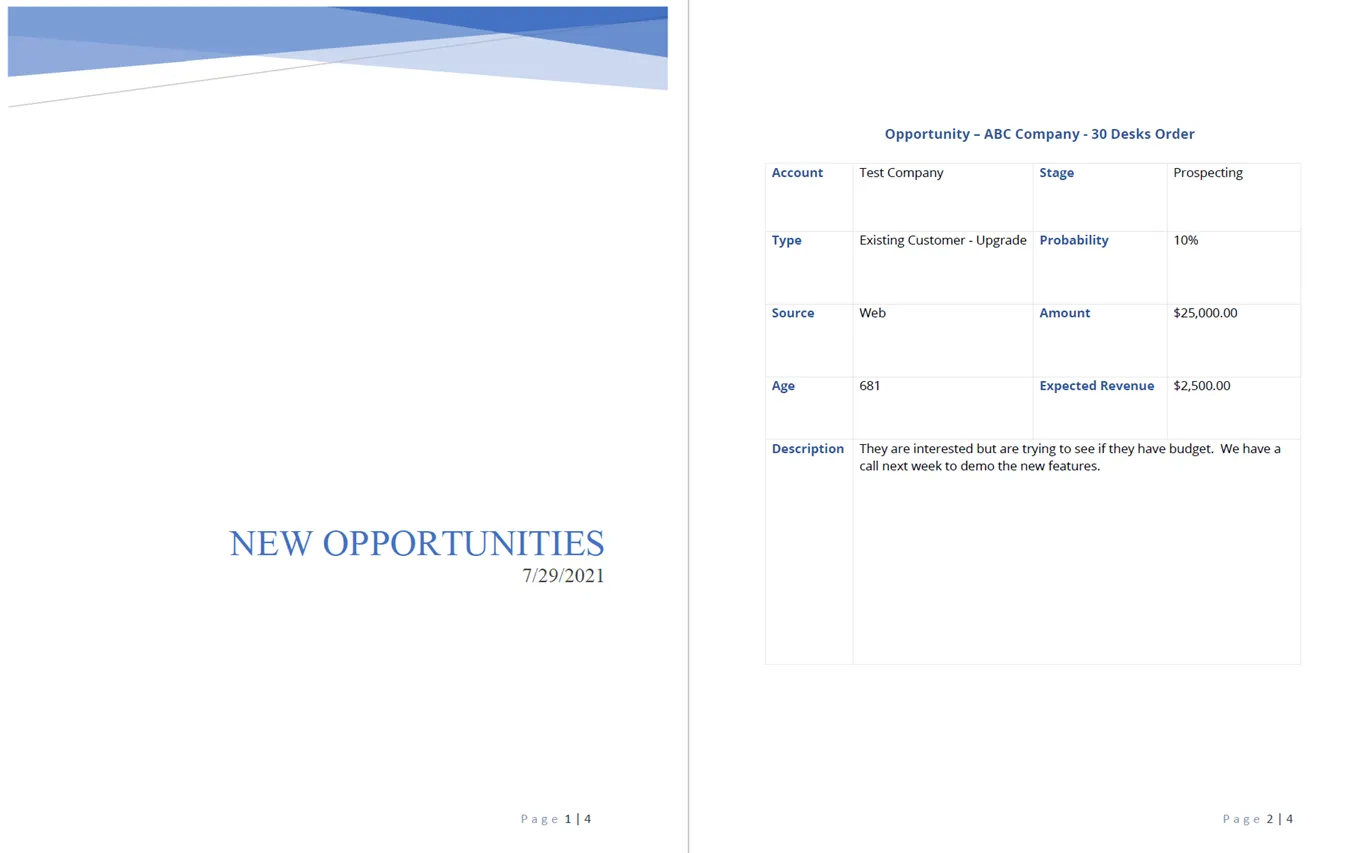
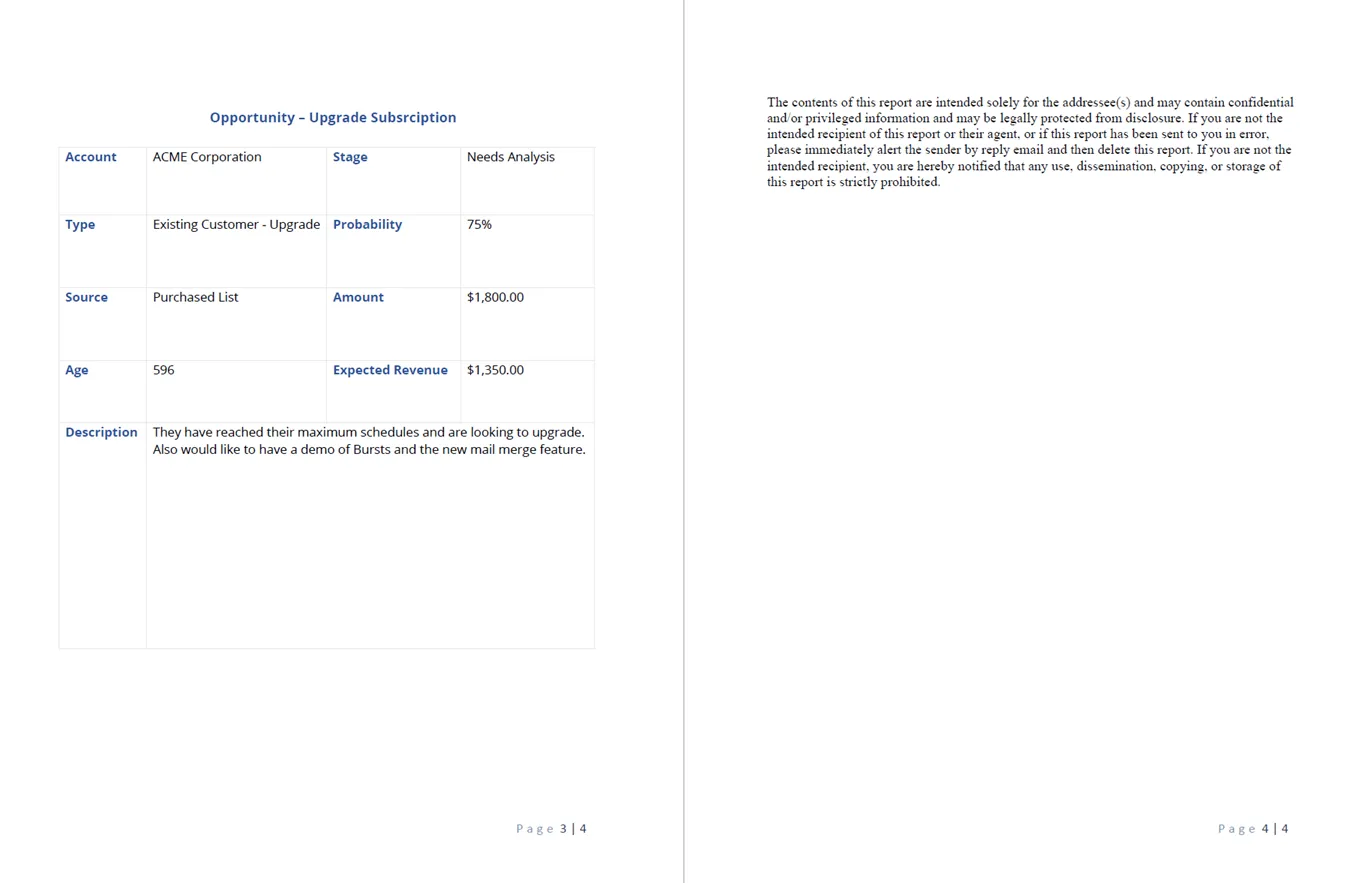
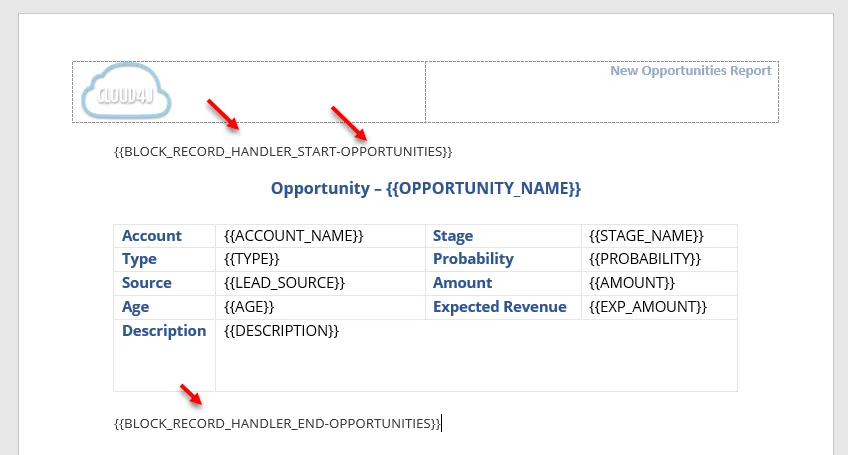
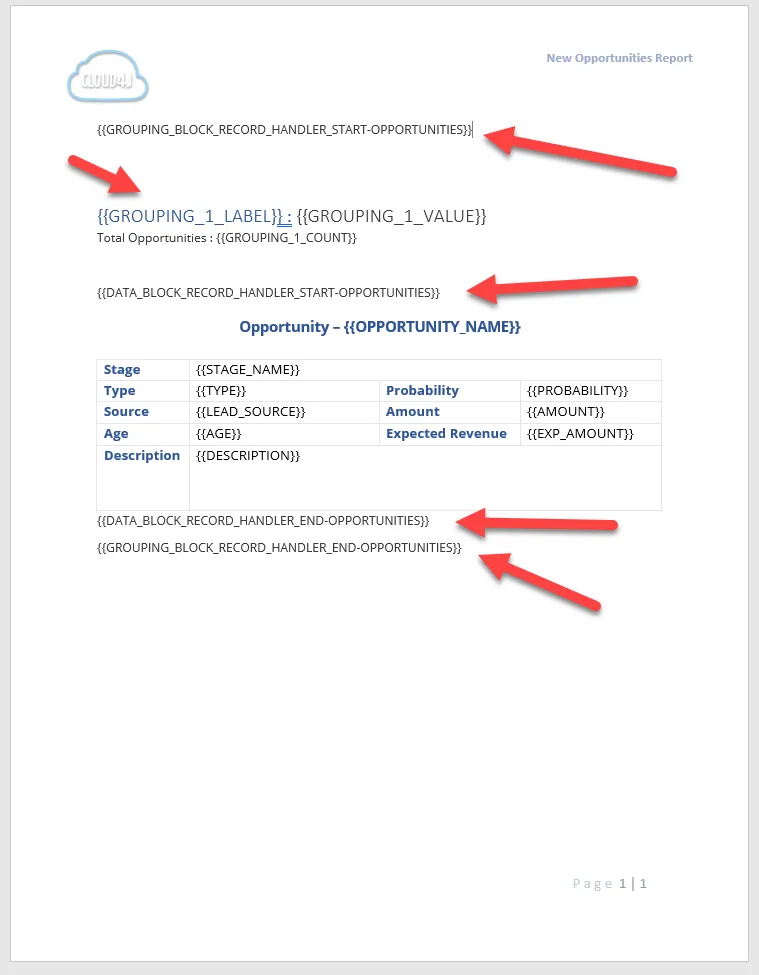
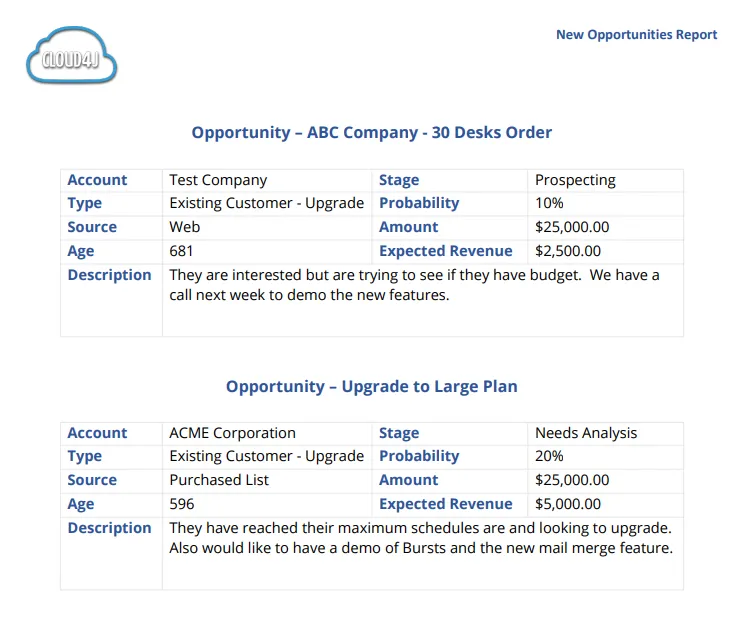
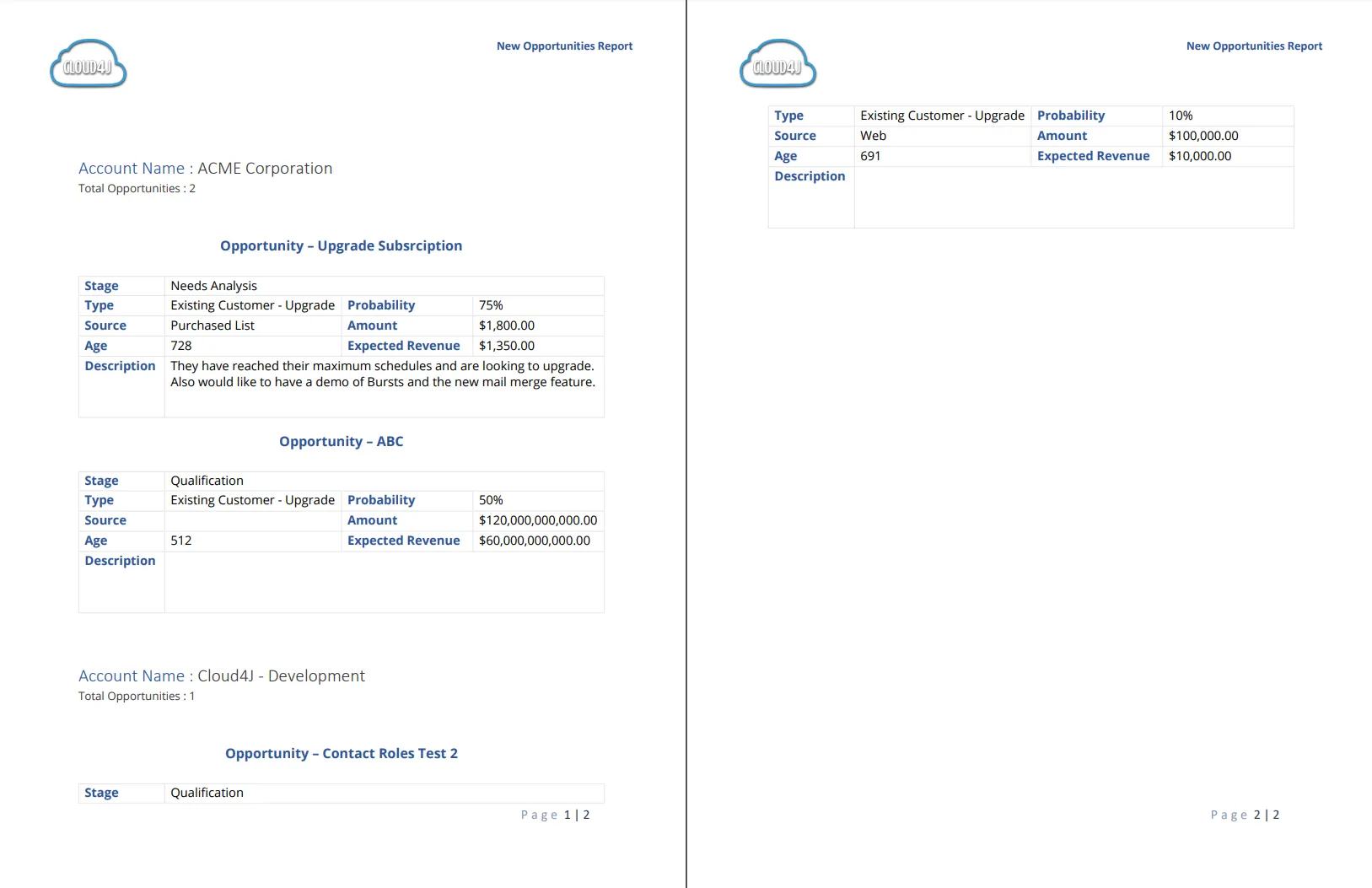
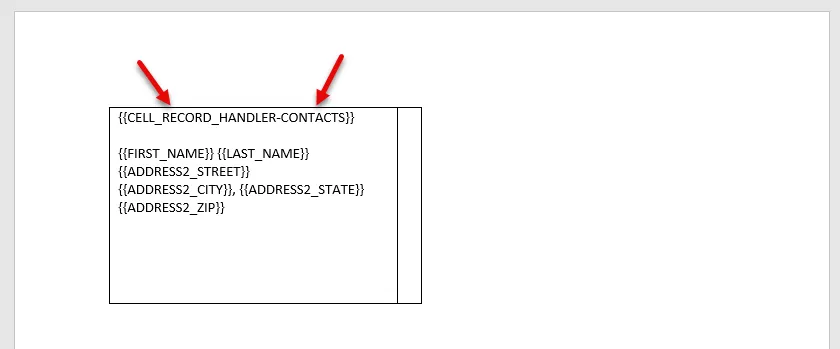
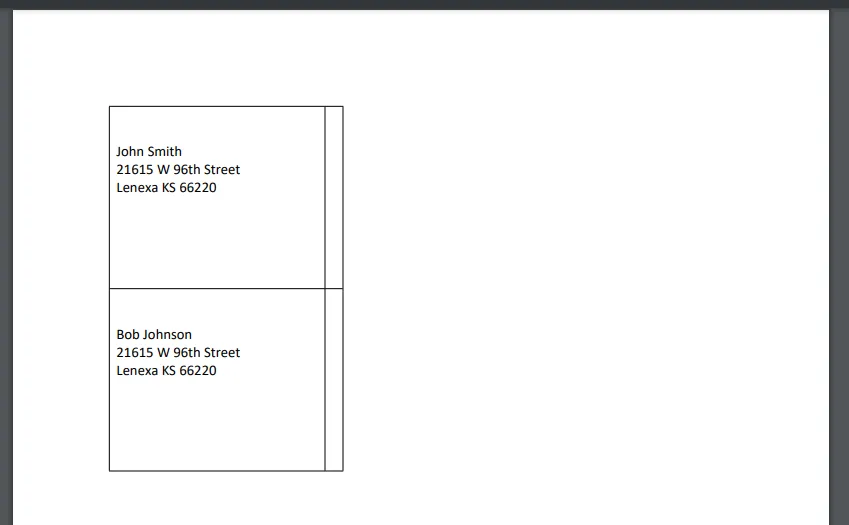
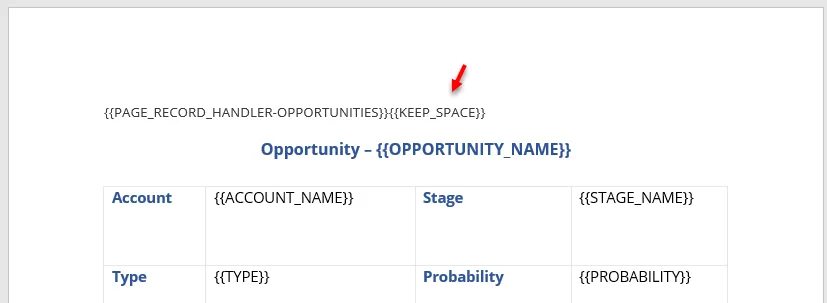
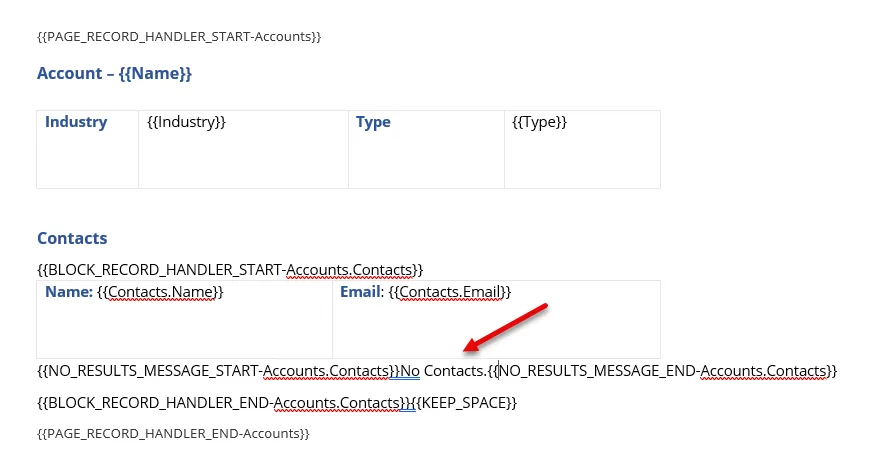
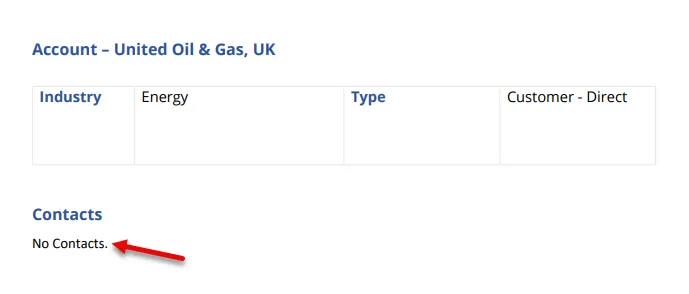
use record handlers to move beyond displaying report data as just table rows normally each row in a report is placed into a table row with record handlers, you can change that behaviour to format the rows using one of four types of record handlers document page block cell workflow all record handlers follow the same basic process create a solution containing a word document template a source report with the record handler token and an alias (e g , opportunities, contacts) the alias must match the alias configured in your solution document template solution add variables from the report into the document template you can find the list of variable names by going to run report page and selecting the info icon you can put these variables anywhere in your document template when the solution runs, fields are merged and content repeats according to the selected record handler record handler types document record handler this record handler creates a full document for each report row, then merges all documents together typical use cases one full report per record individual letters, summaries, or contracts per item token {{document record handler alias}} example if your report lists opportunities, each opportunity generates a complete document (for example, a full opportunity summary), and all summaries are merged into one final pdf page record handler creates a new page per report row within a single document unlike document handlers, this lets you include static pages (cover pages, disclaimers, summaries) typical use cases reports that include cover or closing pages structured multipage reports with consistent page layout per record situations where each record should start on a new page but remain in one document tokens start token {{page record handler alias}} optional end token (if static pages follow) {{page record handler end alias}} example a report of opportunities generates cover page (static) one page per opportunity final disclaimer page (static) block record handler repeats a section of content per record without forcing page breaks this handler supports two implementations record blocks repeat a section for each row in a report (multiple records per page) grouped blocks repeat a section per report grouping, optionally with nested record blocks inside each group typical use cases compact summaries or listings dashboards or grouped record displays inside documents situations where page breaks would waste space tokens {{block record handler start alias}} {{block record handler end alias}} grouping variables {{grouping 1 label} {{grouping 1 value}} {{grouping 1 count}} {{grouping 1 count label}} record block example instead of one opportunity per page, multiple opportunities appear on the same page as repeating sections, each showing key details like name, amount, and close date grouped blocks example if opportunities are grouped by account one block per account group nested blocks for each opportunity inside the group cell record handler creates one table cell per report row typical use cases mailing labels address or contact grids any layout where records should populate table cells instead of rows or pages token {{cell record handler alias}} example a contacts report generates mailing labels where each contact’s address fills one cell in a label grid spacing one common issue with adding record handler tokens is removing the space the token is taking up by default, unaric reports will remove the entire line that the token is on sometimes though you want to keep the line but just remove the token we have added an extra token to all of these features, except repeat cell, to allow you to keep the space the token is {{keep space}} and you place it directly after any of the record handler tokens to leave the line in the document for example, if you are doing a page record handler and keep the line that contains the token, it would look like this {{page record handler alias}}{{keep space}} no results message if you would like to insert a message when there is no data, you can place a message the between {{no results message start alias}} and {{no results message end alias}} tokens for example, if you have a template that lists out of the contacts for an account, you can use the following tokens to insert a message when there are no contacts