Web Tab Setup
You can set up Unaric Reports as a web tab within Salesforce.
Create new tab
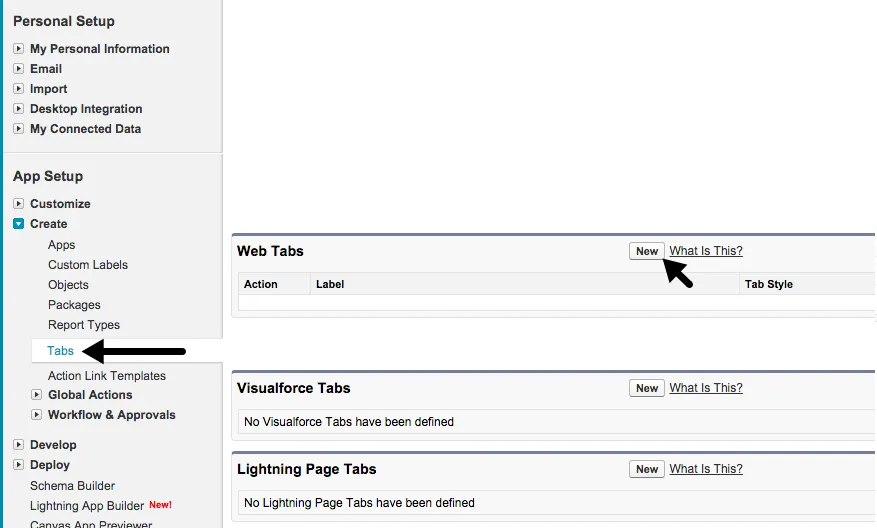
- In Salesforce Lightning, go to Setup > User Interface > Tabs. Select New.
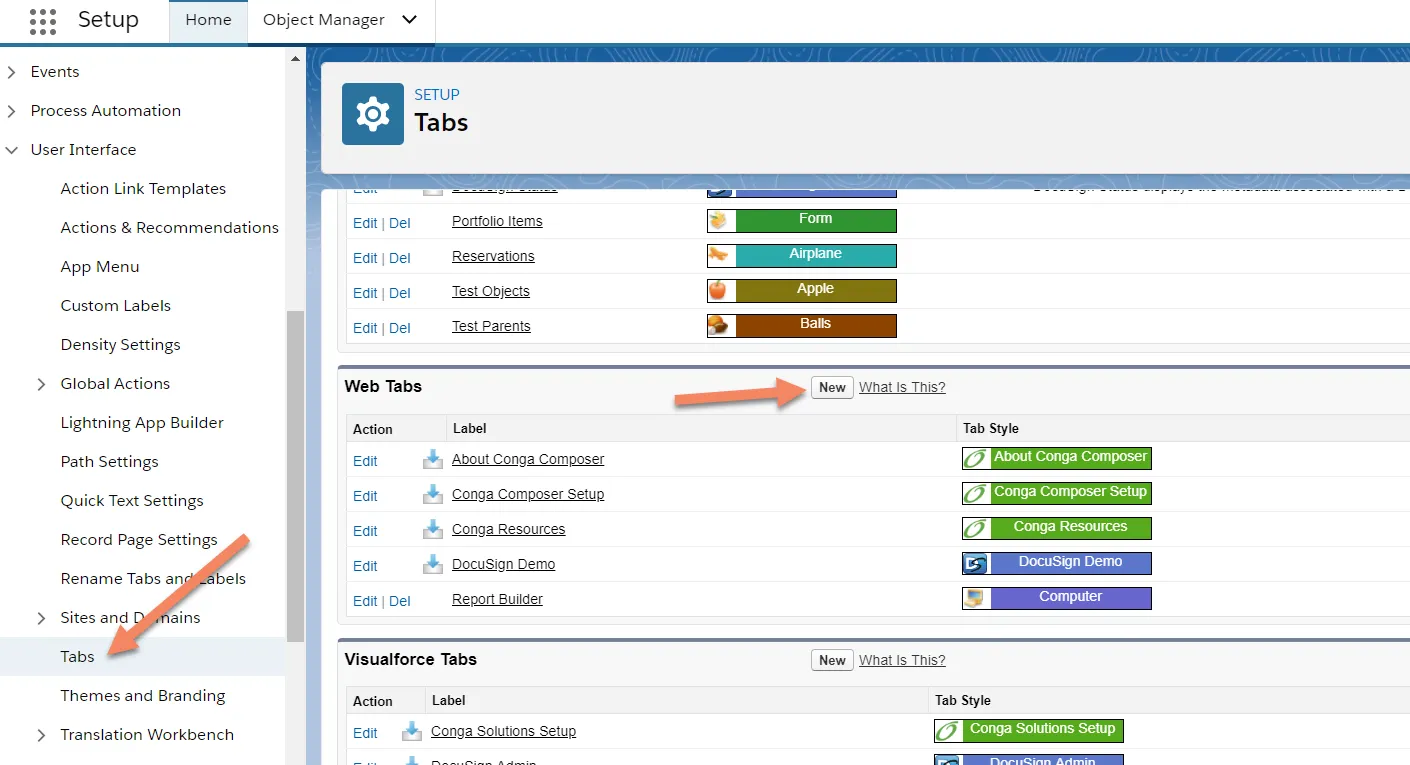
- In Salesforce Classic, go to Setup > Create > Tabs. Select New.
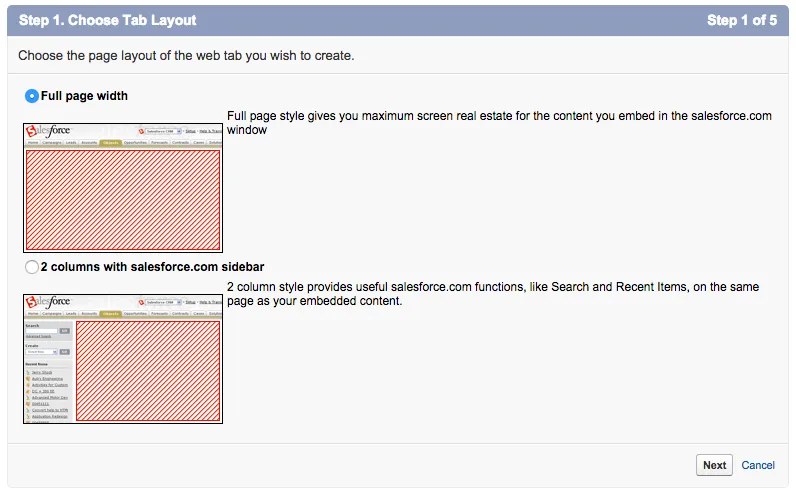
Choose tab layout
For a better experience, full page width is the preferred layout.
Define content and display properties
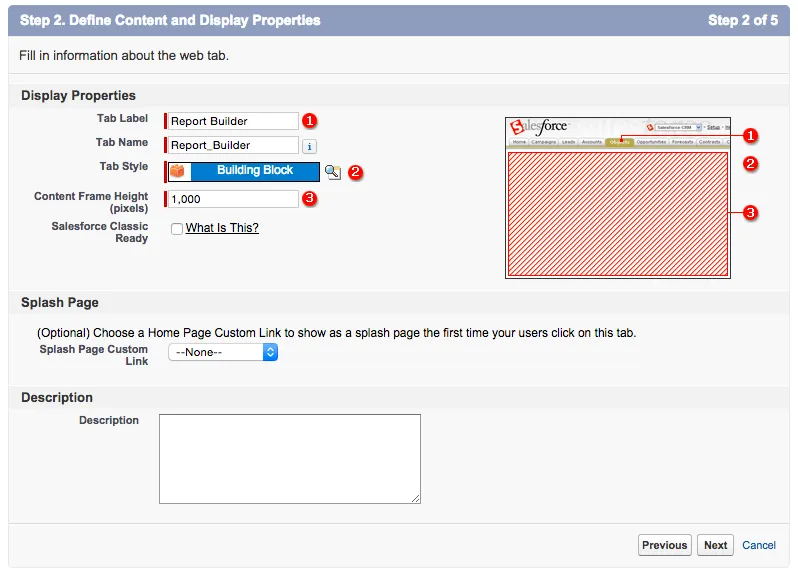
Enter a Tab Label, Tab Name, and a Tab Style. Content Frame Height can be changed based on user preference, but a safe pixel height is 1000.
Enter the URL details
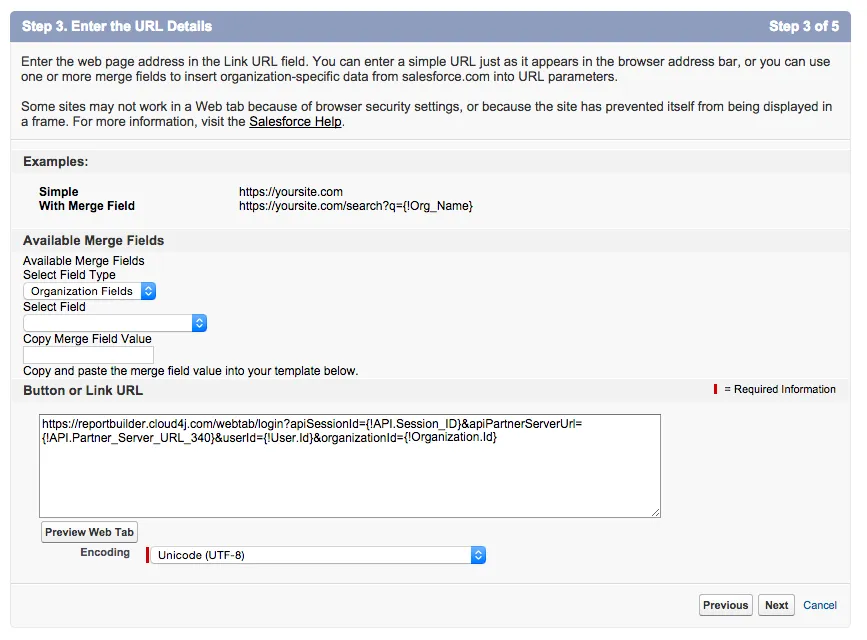
Paste the following link in the URL input box:
https://reportbuilder.cloud4j.com/webtab/login?apiSessionId={!API.Session_ID}&apiPartnerServerUrl={!API.Partner_Server_URL_340}&userId={!User.Id}&organizationId={!Organization.Id}
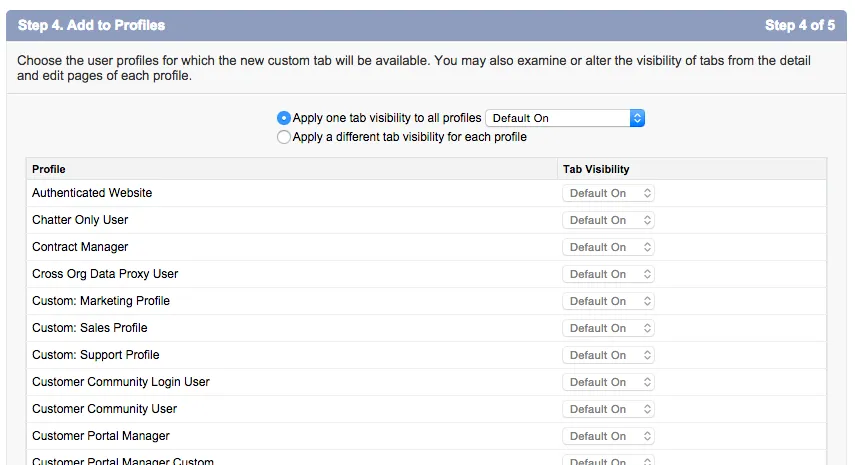
Add to profiles
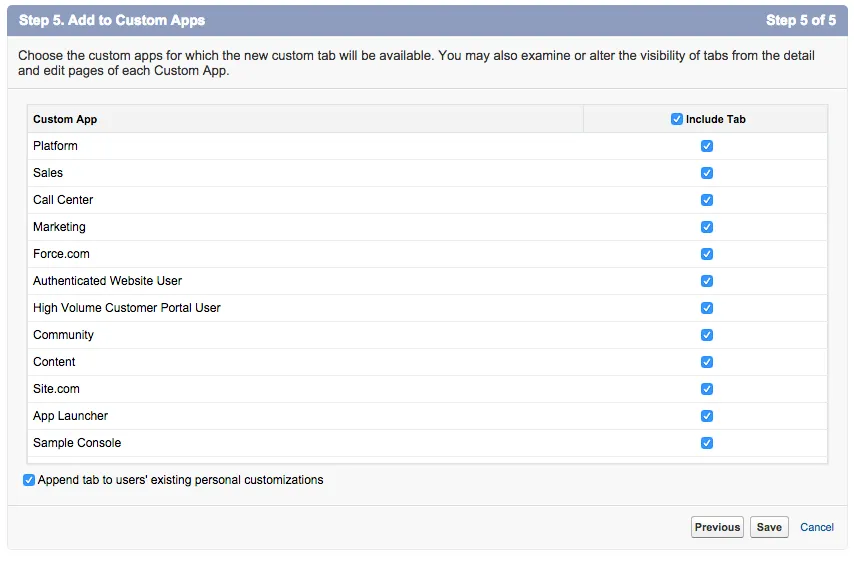
Add to custom apps