Salesforce OAuth2 Error
If you try logging in to Unaric Reports with your Salesforce credentials and you see an OAuth Error, your Salesforce admin needs to install the Cloud4J - Report Builder Connected App.
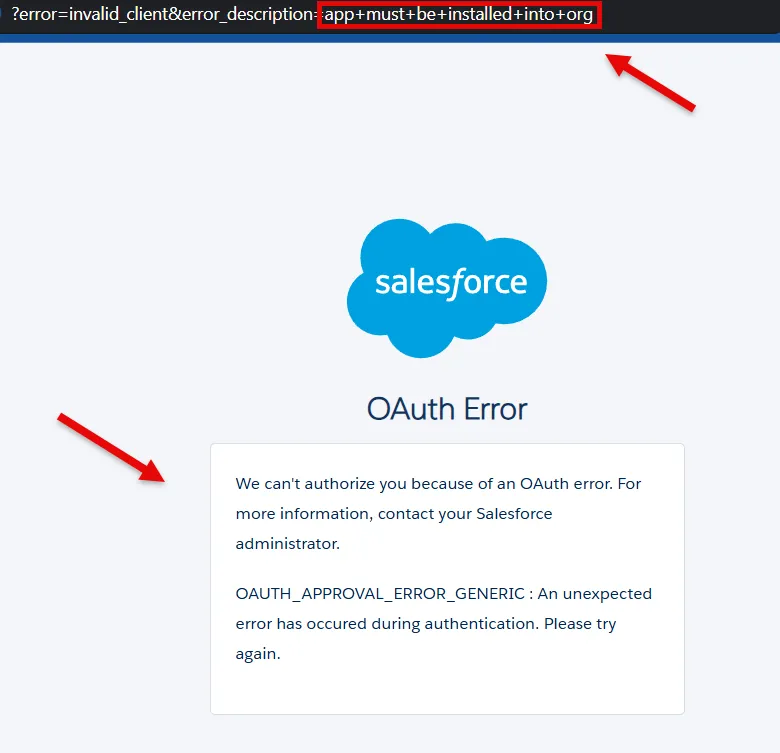
Install 'Cloud4J - Report Builder' Connected App
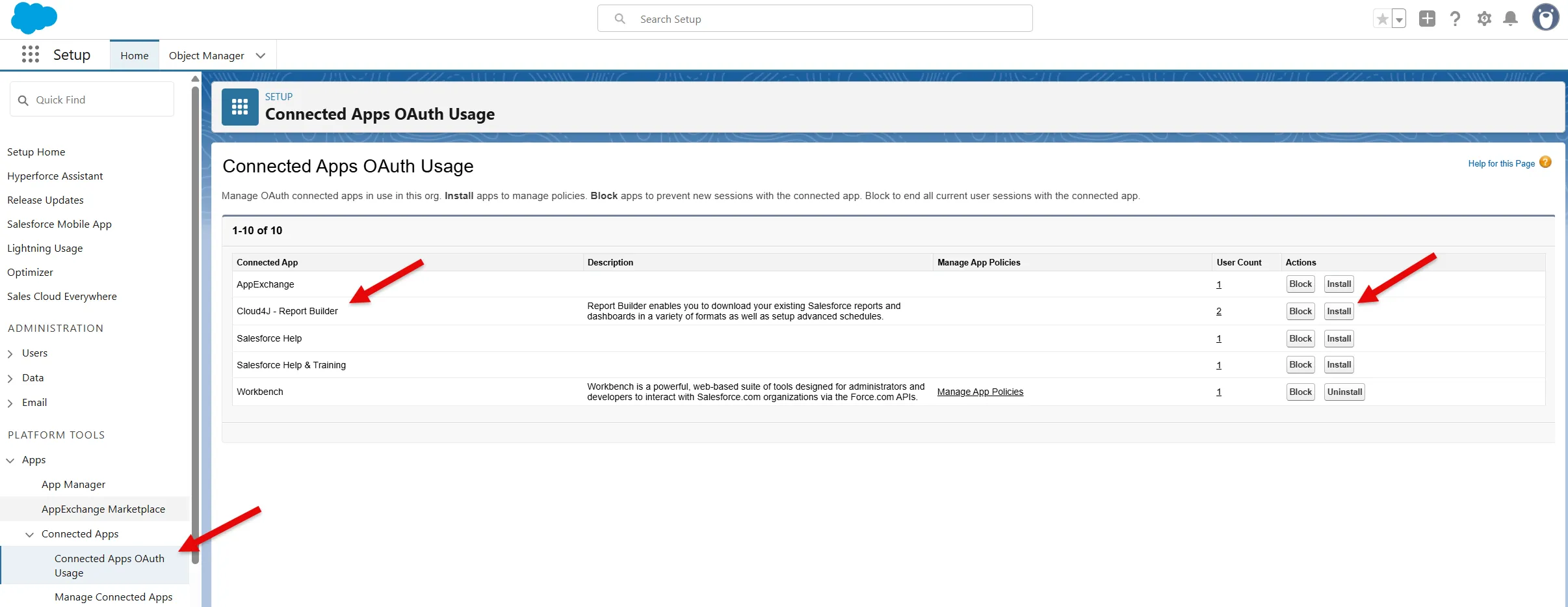
- As Salesforce admin, go to Setup > Apps > Connected Apps > Connected Apps OAuth Usage.
- On the Cloud4J - Report Builder Connected App, click the Install button. The Salesforce profile must include Approve Uninstalled Connected Apps permission to see the app and install button.
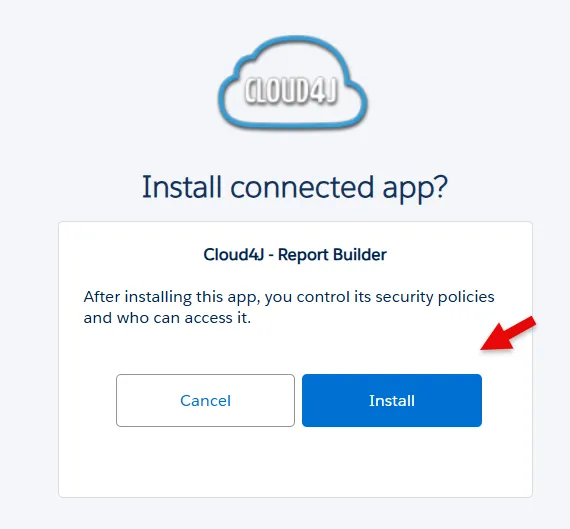
- Click the Install button on the confirmation window.
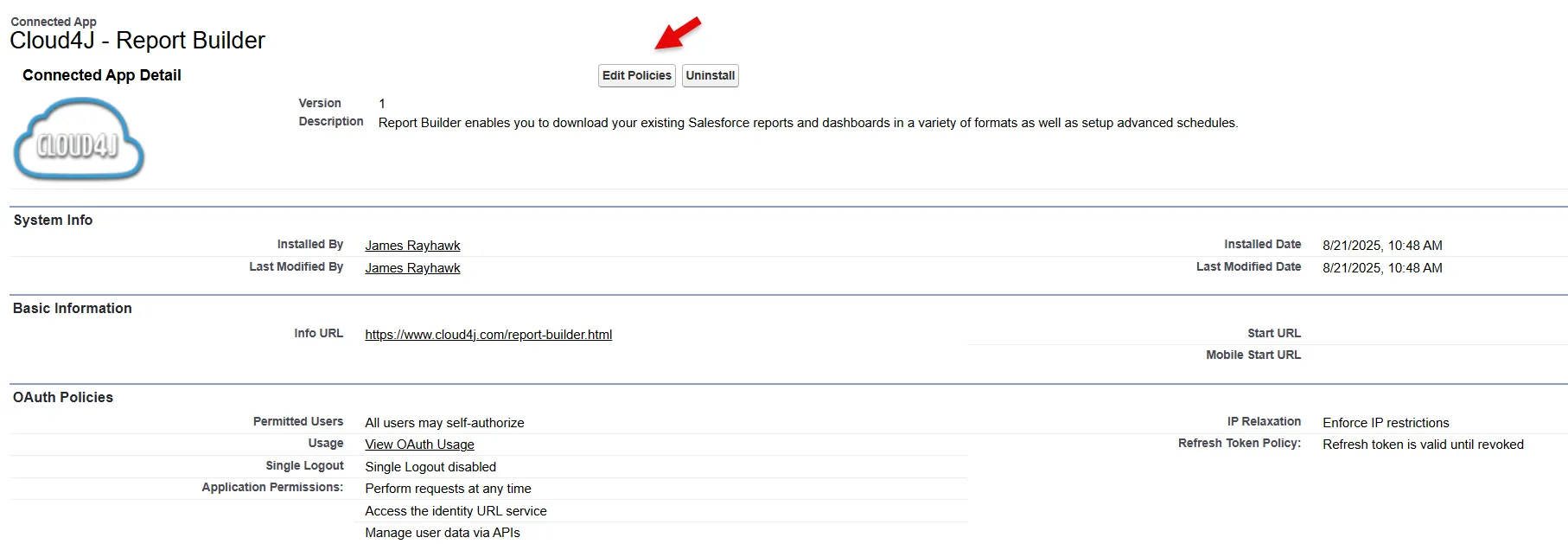
Configure Policies
Once installed, you can configure the Connected App policies. Still, the defaults will fit most use cases. If you need more info you can review the following Salesforce knowledge article, Manage Access to a Connected App.
Once these steps have been completed, you should be able to log in to Unaric Reports.
If you have any questions or issues with these steps, email us at [email protected]. Salesforce has also published a knowledge article about this new requirement that you can access, Prepare for Connected App Usage Restrictions Change.