Solutions
Solutions Calendar
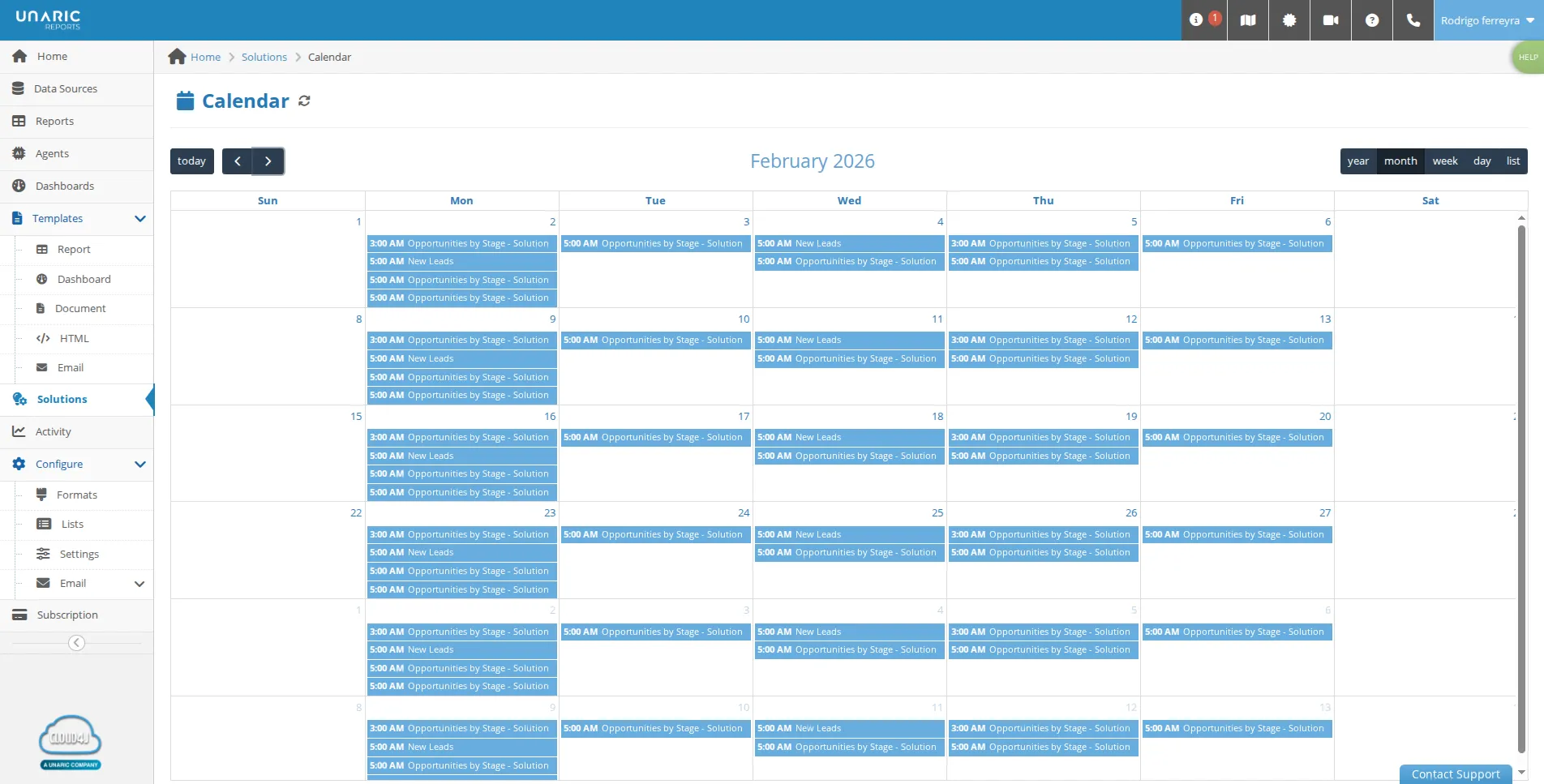
solutions calendar the solutions calendar shows when all of your active solutions are scheduled to run to open it, navigate to the solutions tab and click the calendar button the solutions calendar displays all active solutions and their specific run times for example, showing solutions that run daily, those set for specific days, or those scheduled for the first day of the month the default display is the month view , but you can switch to year, week, or day views , or simply view the upcoming times as a list if you need to make changes to a schedule, clicking on a solution within the calendar will take you directly to its details page solution calendar the solution calendar is a management tool in report builder that allows you to see exactly when all of your active solutions are scheduled to run key features visibility it displays active solutions along with their specific run times, such as daily, specific weekdays, or the first day of the month customizable views while the default view is month , you can switch to year, week, or day views , or view upcoming run times as a list access and updates you can access it by going to the solutions tab and clicking the calendar button clicking on any solution within the calendar will take you directly to its detail page to make updates