Click-to-Dial
Unaric ACI supports click-to-dial on the contact’s SIP address (their Microsoft 365 email or UPN) and phone numbers (PSTN calls).
How it works
When the ACI component shows a contact’s Microsoft 365 email on a Contact or Lead page, you can click it to start a call. The call goes to that person’s Teams identity (their UPN/email) through the Unaric Voice for Teams Open CTI softphone in Salesforce.
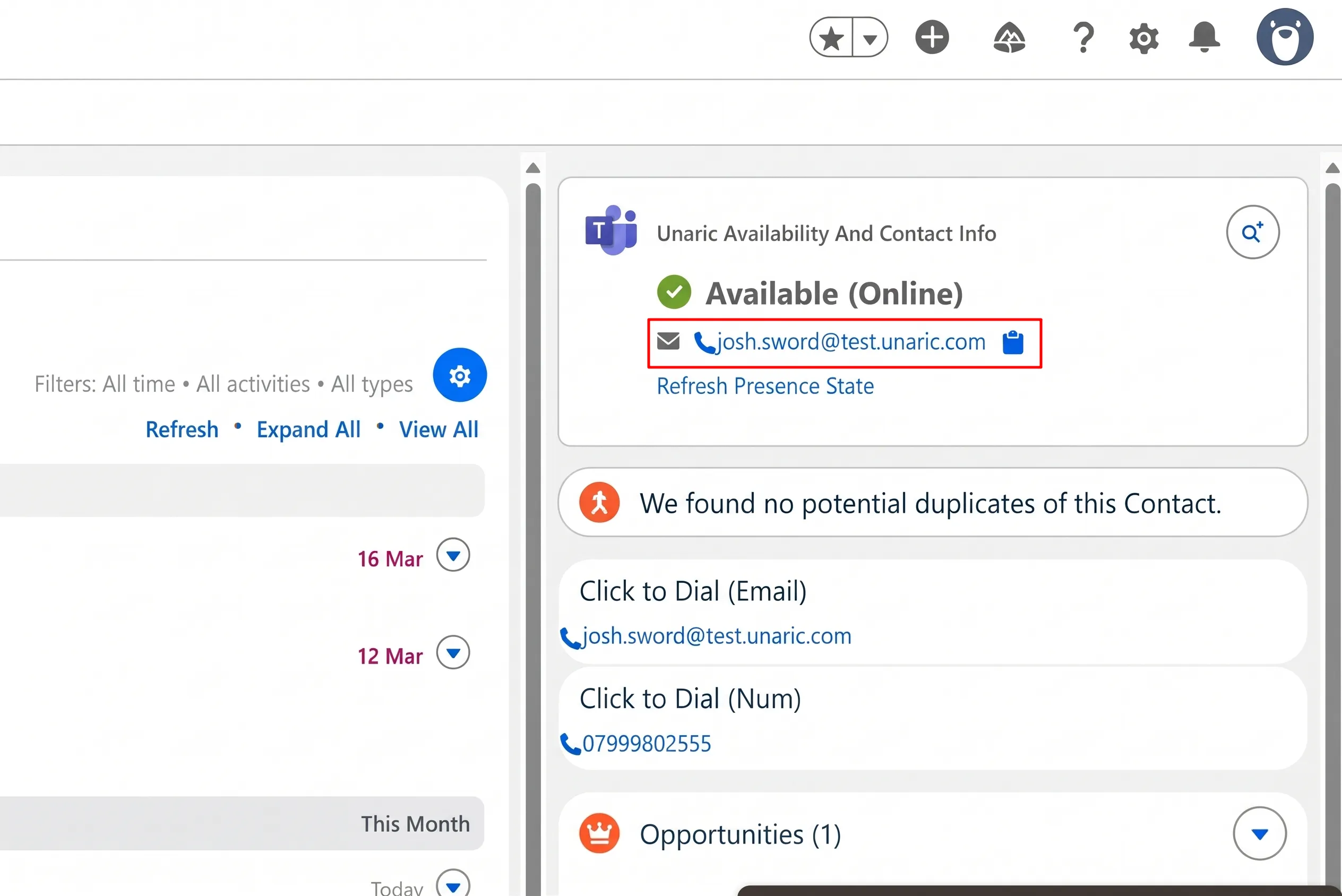
After the call, the Task records the address in the Call To UPN field. ACI also identifies which Salesforce record the email call was made from, so the call can be linked to the right Contact or Lead.
Calling external Teams users by their SIP address only works if the two tenants allow federation with each other. If the other organisation blocks external access, ACI shows the “presence state lookup is blocked” error, and the call is likely affected by the same block.