Presence State
The Lightning Component Unaric Availability & Contact Info displays the Office 365 presence state of a Contact or Lead and their Office 365 email address.
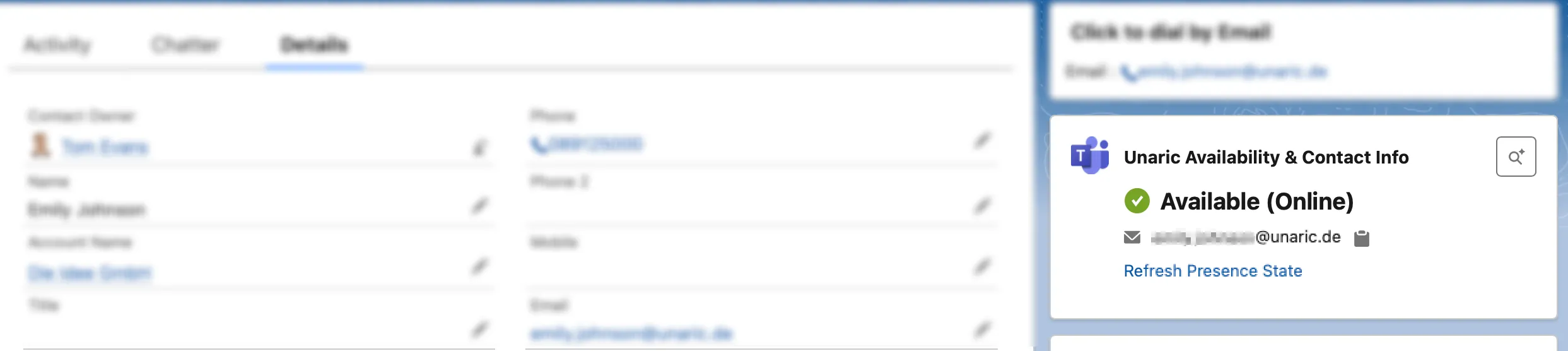
Presence state display
The component shows the current MS Teams presence of the contact:
- Available
- Busy
- In a meeting
- Away / Offline
- Do not disturb
- Out of office
- Presence Unknown
The presence status is fetched once when the contact is opened. To check the current status again, you can manually refresh it by click Refresh Presence State.
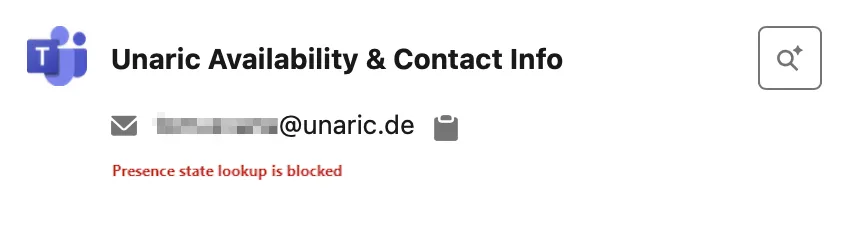
If the presence state lookup is blocked, you'll see a message notifying it:
Depending on your Salesforce admin's configuration, this component may be placed in different areas of the Contact or Lead layout.
Out of Office status
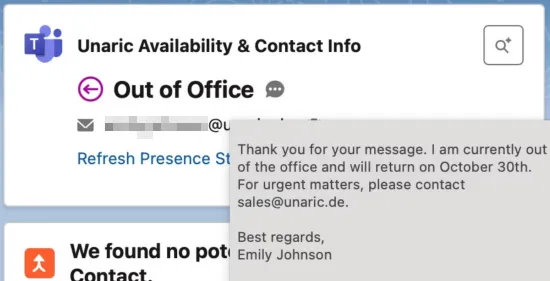
When the presence status is Out of Office and the contact has an out-of-office message configured in Office 365 (with external visibility), you can view this message via mouse-over on the speech bubble ( ) icon.
Email display
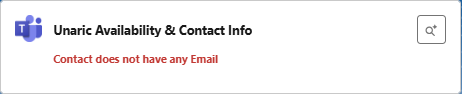
You can copy the email address by clicking the clipboard icon () next to it. If no email address is entered in the Salesforce Contact or Lead record, the message Contact does not have any Email is displayed.
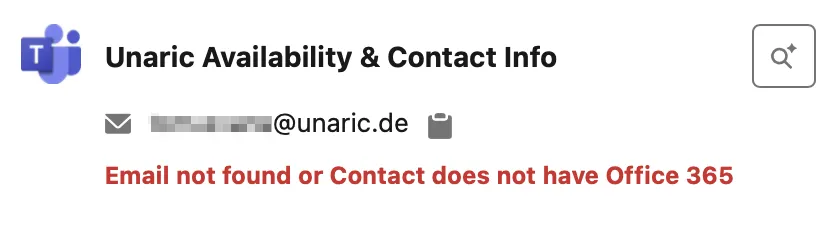
If an email address is found but doesn't have a corresponding Office 365 email (e.g. if the contact's organisation doesn't use Office 365 or blocks lookups), you’ll see: Email not found or Contact does not have Office 365.