Upgrades & Version Issues
Multi-Merchant record creation issues after upgrade (v2.15+)
The Unaric Payments package includes a validation rule named SetupAsperatoOneValidation on the Payment and Authorisation objects. This rule prevents record creation when the Customer ID is missing in custom settings. Multi-Merchant customers typically do not use the Customer ID field. Consequently, after upgrading to version 2.15 or later, this validation rule blocks the creation of new Payments and Authorisations.
Solution
To allow Multi-Merchant users to create Payment and Authorisation records without an initial Unaric Payments setup (as required by the latest package version), you must deactivate the SetupAsperatoOneValidation rule on both the Payment and Authorisation objects.
Deactivating the Validation Rule
Follow these steps to deactivate the SetupAsperatoOneValidation validation rule:
- In Salesforce, navigate to Setup > Object Manager.
- Select either the Payment or Authorisation object.
- In the left-hand navigation menu, click Validation Rules.
- Click the SetupAsperatoOneValidation rule to open its details.
- Click the Edit button. Uncheck the Active checkbox.
- Click Save.
- Repeat these steps for the other object. Once the validation rule is deactivated on both objects, Multi-Merchant users should be able to create Payment and Authorisation records.
Unaric Payments v2.10 to v2.11 Upgrade Failure
There is a known issue with upgrading Unaric Payments v2.10 to 2.11. The upgrade attempt fails with the following error:
“You can't remove design attributes 'showDialog' when the component implements a Lightning Page interface.
ConfigStatus: You can't remove design attributes 'showDialog' when the component implements a Lightning Page interface.”
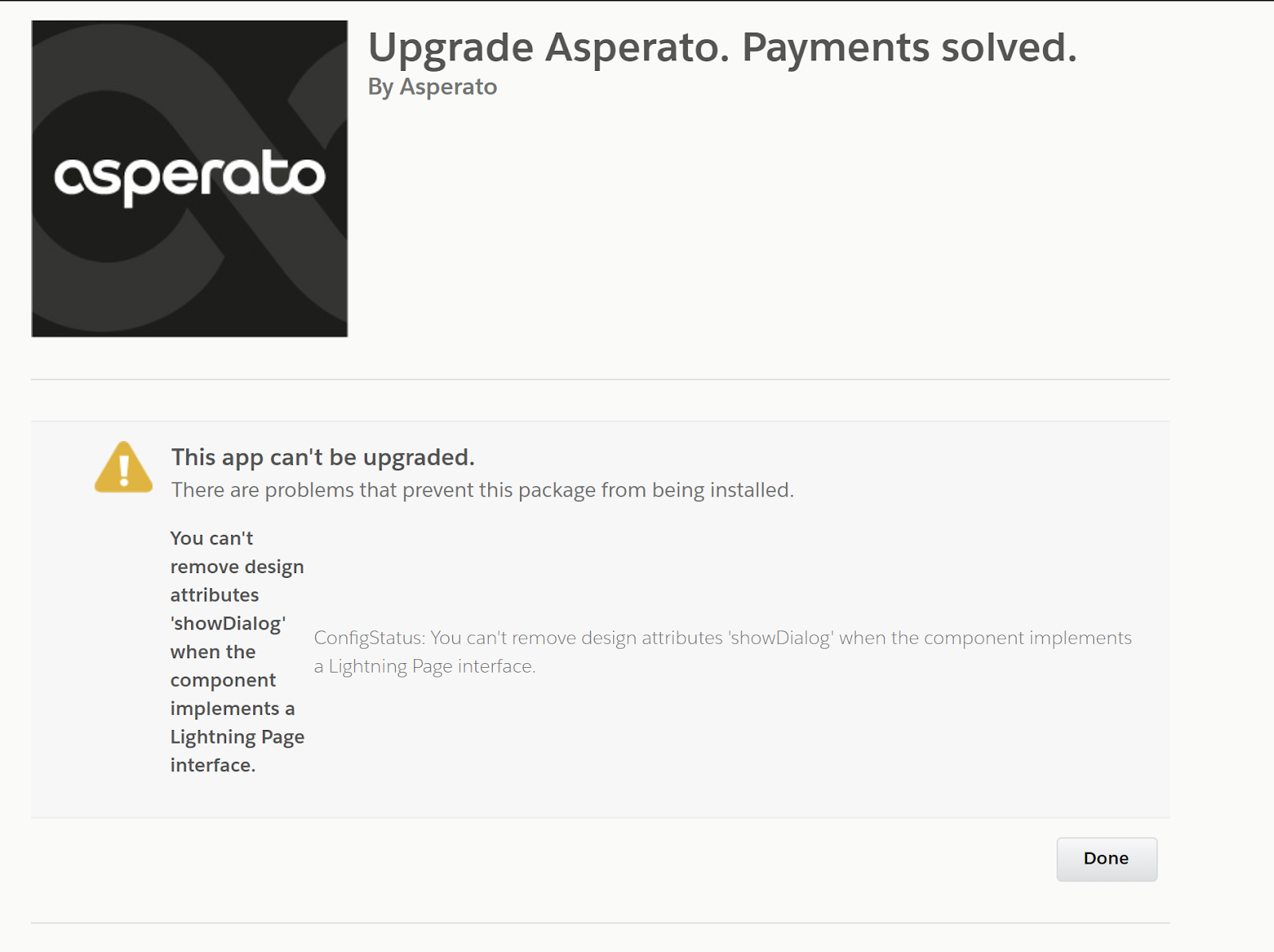
We ask that customers on v2.10 do not attempt upgrade to v.11. Instead, we recommend upgrading to v2.14 (or above). The latest version of Unaric Payments can be downloaded from the Unaric Payments AppExchange listing.
Authorisation/Payment trigger errors after upgrade (v2.17.1+)
After upgrading to version 2.17.1 or later, you might see errors similar to these when attempting to create a payment or authorisation:
Cause
These errors result from insufficient permissions due to a change in the package that introduced the Data Integrity Token (DIT) security feature. Even if the DIT feature is disabled, the user encountering the error requires 'Read' permission on specific fields.
Resolution
Grant the user 'Read' permission on the following fields:
Object Name | Field Name |
|---|---|
Asperato Authorisation (asp04__Authorisation__c) | Data Integrity Token (asp04__Data_Integrity_Token__c) |
Asperato Payment (asp04__Payment__c) | Data Integrity Token (asp04__Data_Integrity_Token__c) |
Without 'Read' permission on these fields, the system cannot check the DIT feature's status, triggering the error.
Additional Requirement (v2.19+)
For package versions 2.19 and later, 'Read' permission is also required on the following field:
Object Name | Field Name |
|---|---|
Asperato Payment (asp04__Payment__c) | Success+enabled (asp04__Success_plus_enabled__c) |