v4.9 (Summer 2025)
This release introduces significant enhancements to the Unaric Equipment Track workflow, UI, and asset tracking.
What's New
Convert To Picklist On Equipment Order
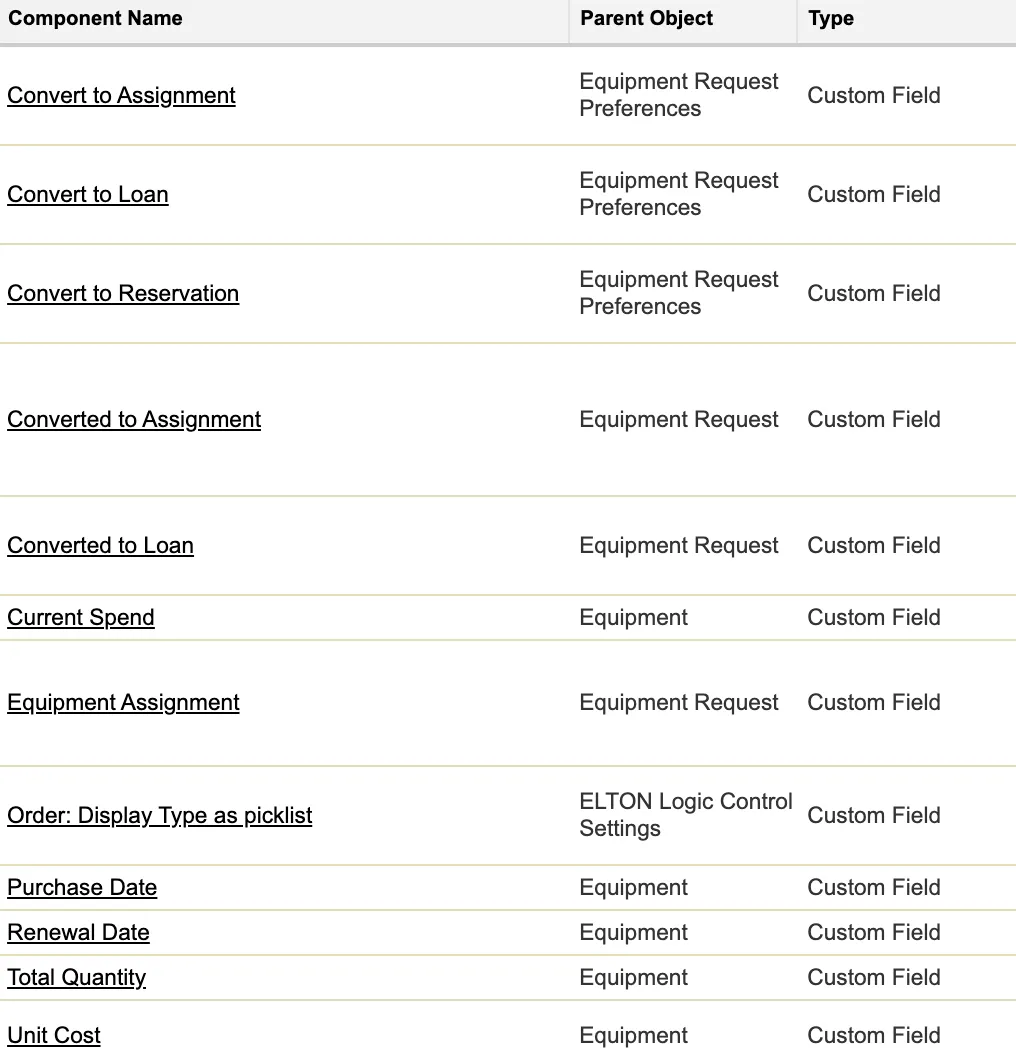
We have added a new custom setting under ELTON Logic Control Settings to display type as picklist. If checked, the Equipment Type field on the Equipment Order will be displayed as a picklist instead of the default searchable typeahead field.


Equipment Request - Fulfill
We have added the ability to convert equipment requests to assignments or loans in addition to the existing functionality to convert equipment requests to reservations.
We have included new custom settings under Equipment Request Preferences to disable any of the buttons as desired based on your workflow.
To activate this feature, see Equipment Requests.


If equipment requests are part of an equipment order, the equipment order lines will be updated to reflect line type —e.g. reservation, assignment, loan, and line type will be updated to Processed status.
Display Equipment Pool and Consumables on Orders
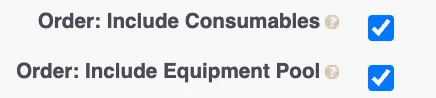
We have included two new custom settings under ELTON logic control settings to display one or both of Equipment Pools and Consumables on the Equipment Order - Select Available Equipment Page.
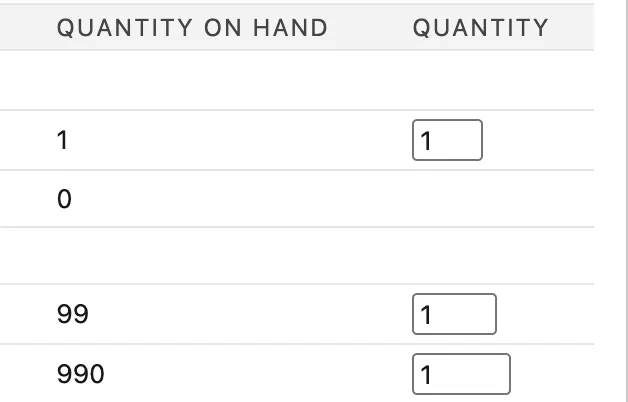
If these settings are checked, the user will be able to select equipment that is marked as a consumable or pool, entering in the corresponding quantity.
Print Continuous Labels
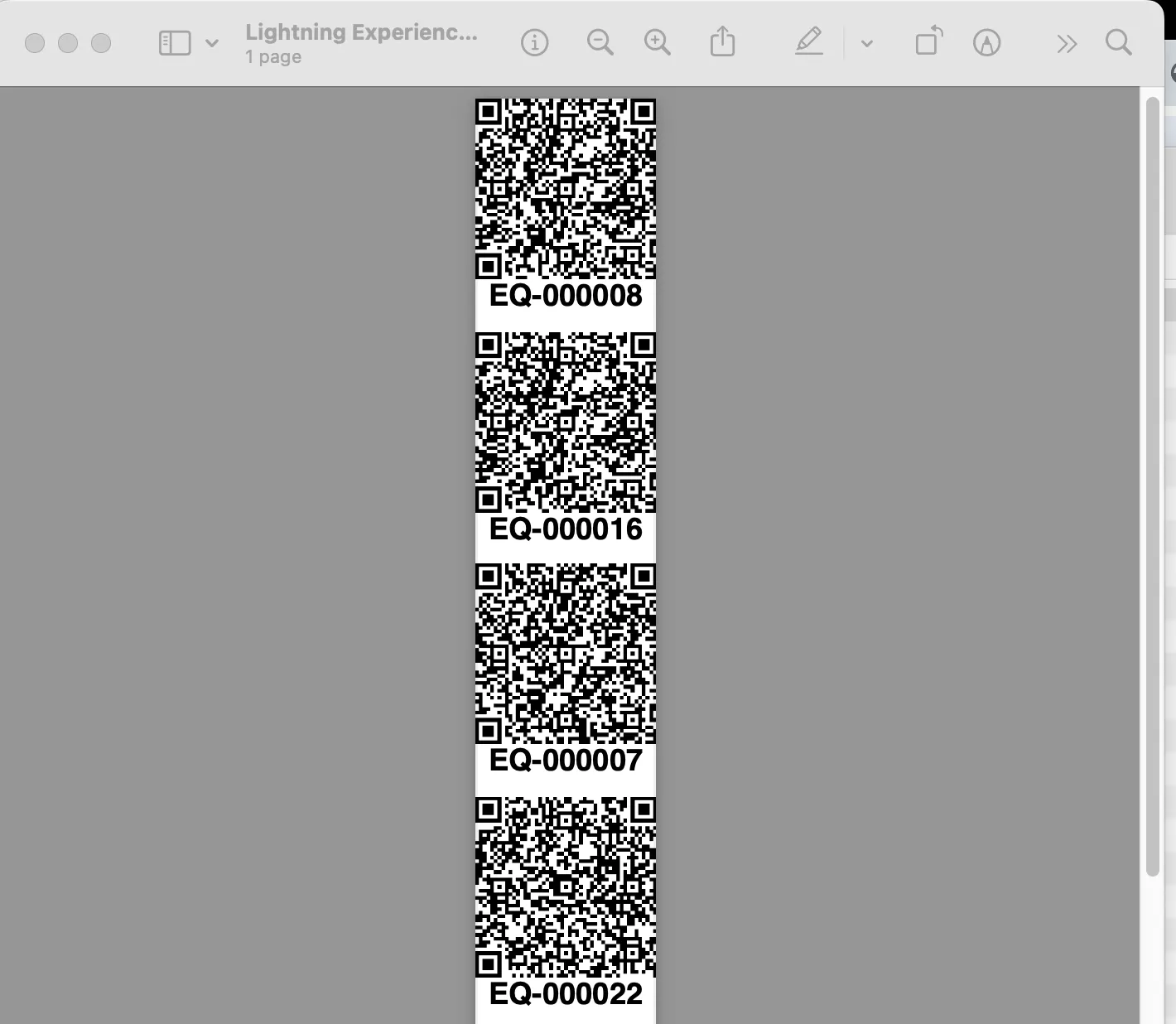
We have added a new Equipment list view button labelled Print Continuous Labels.
This button will print the equipment QR codes in a ribbon format as seen below to support certain printer formats.
To activate this option, add the button to the List View Button Layout under the Equipment object.
Tracking Software & Subscription Assets
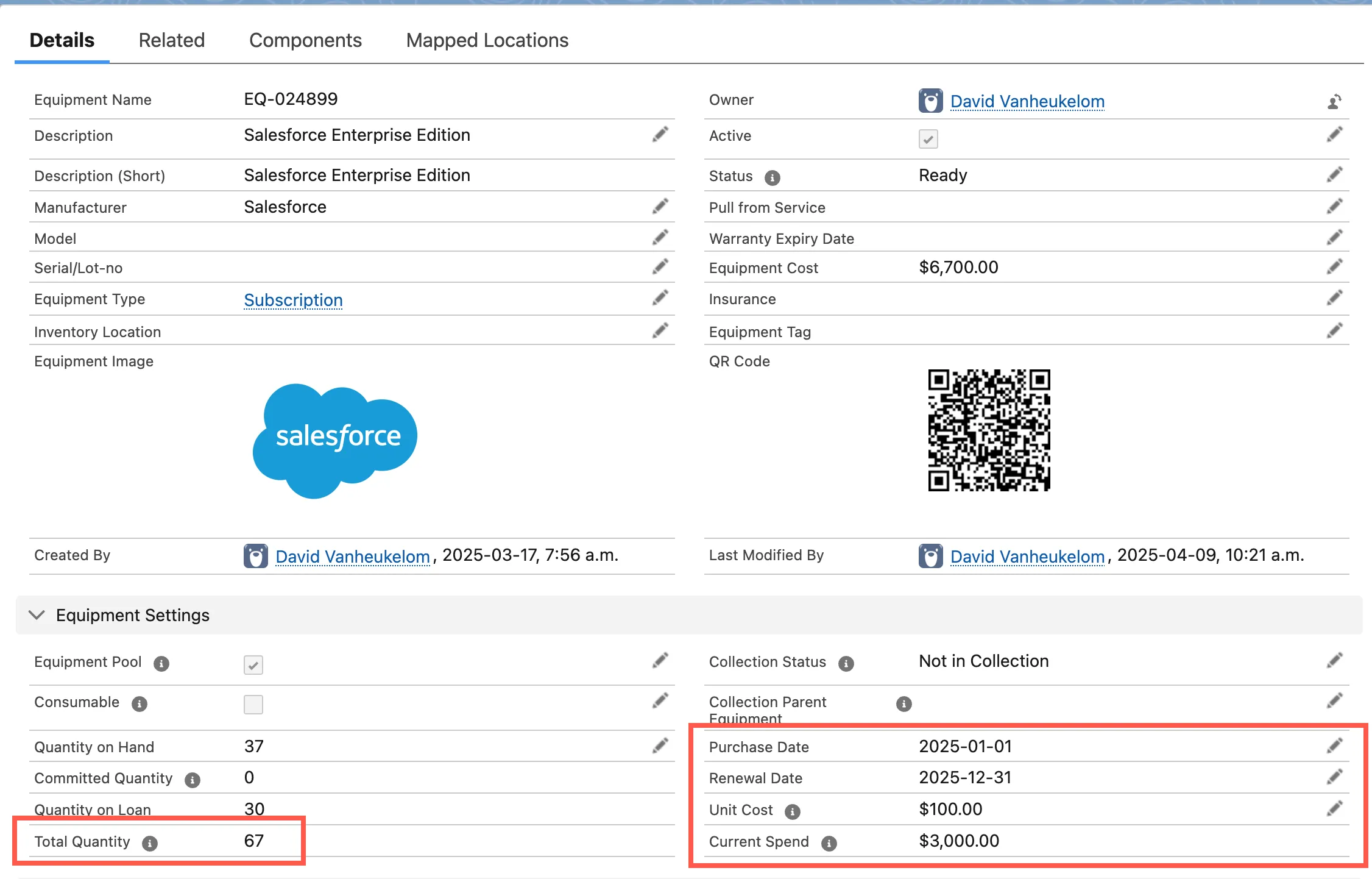
We have added 5 new fields in this release focused on tracking software and subscription assets. With these fields, you can now track subscription licence spend, track upcoming renewal dates, track current licence usage and spend, and can report on potential savings of licenses are not being used.
These include:
- Total Quantity: Quantity on Hand + Quantity on Loan
- Purchase Date: (Subscription Start Date)
- Renewal Date: (Subscription Renewal Date)
- Unit Cost: (example - 1 license of Salesforce)
- Current Spend (Unit Cost * Quantity on Loan)
To use this fields, you will need to add these new fields to your page layouts.
Enhancements
Equipment Order Header
We've improved the visual layout of the Equipment Order – Select Available Equipment page. The header now includes a summary of the order, eliminating the need for a separate summary section, and the Filters panel is now collapsed by default, providing more space to view the equipment grid.

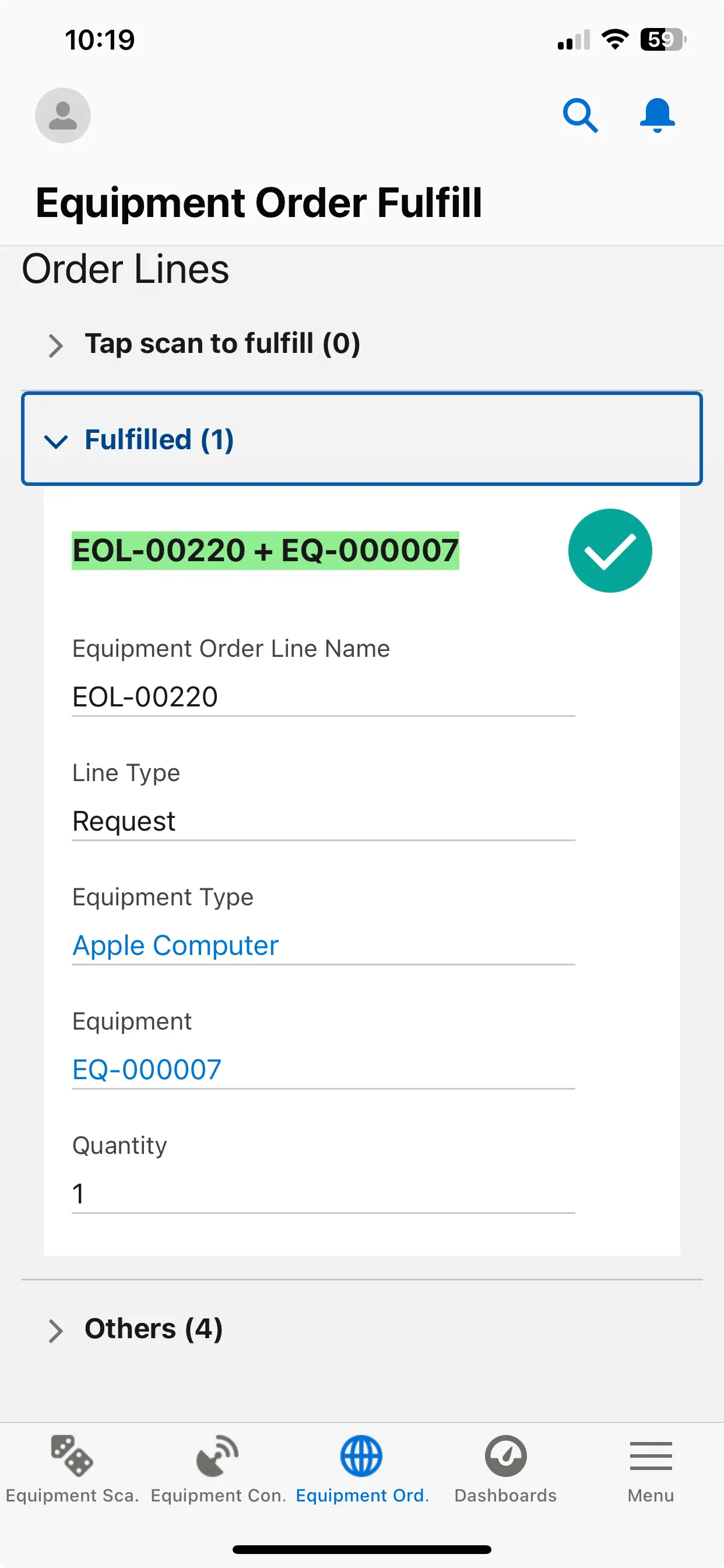
Display all Equipment Lines on Mobile Order
We are now displaying all Equipment Lines on the Equipment Order Fullfill mobile page. The first section displays the Requests to Scan as was previously displayed.
We have added new sections to display Equipment Order Lines that have already been fulfilled, and Other lines displaying equipment types including equipment pools and consumables.
Runlist of changes