Scan & Create
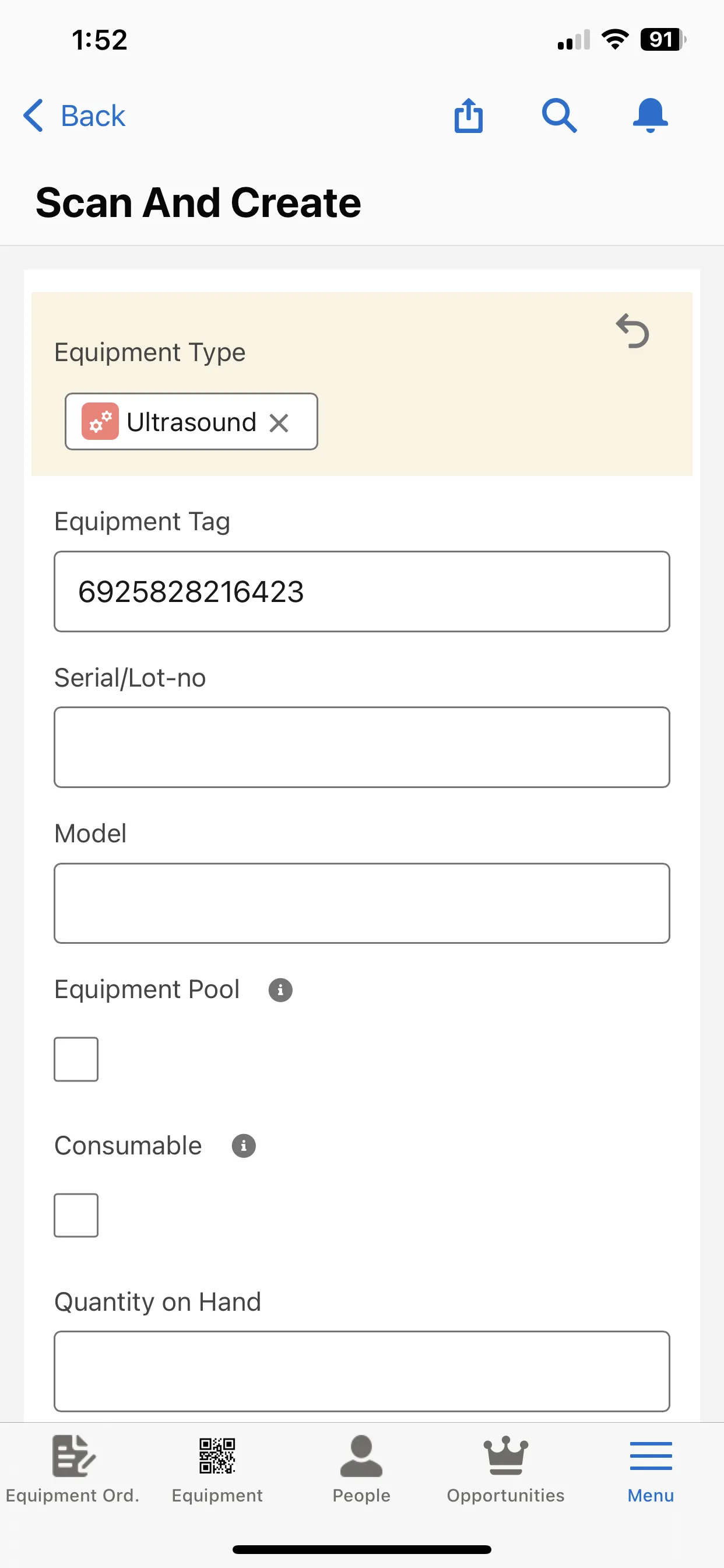
The Scan and Create flow definition allows you to create new equipment records from mobile by scanning equipment barcodes.
How it works
The scan triggers the mobile device's camera to read a barcode or QR code.
Unaric Equipment Track takes that scanned data and automatically opens a new Equipment record.
Check and complete the equipment information and save the record.
Setup
- Go to Setup > Lightning App Builder.
- Select an existing page or click New and select App Page.
- Drag the Flow component from the left sidebar onto the page.
- In the Flow settings on the right, select the ScanandCreate flow.
- Click Save to finish.