Mobile Reservations
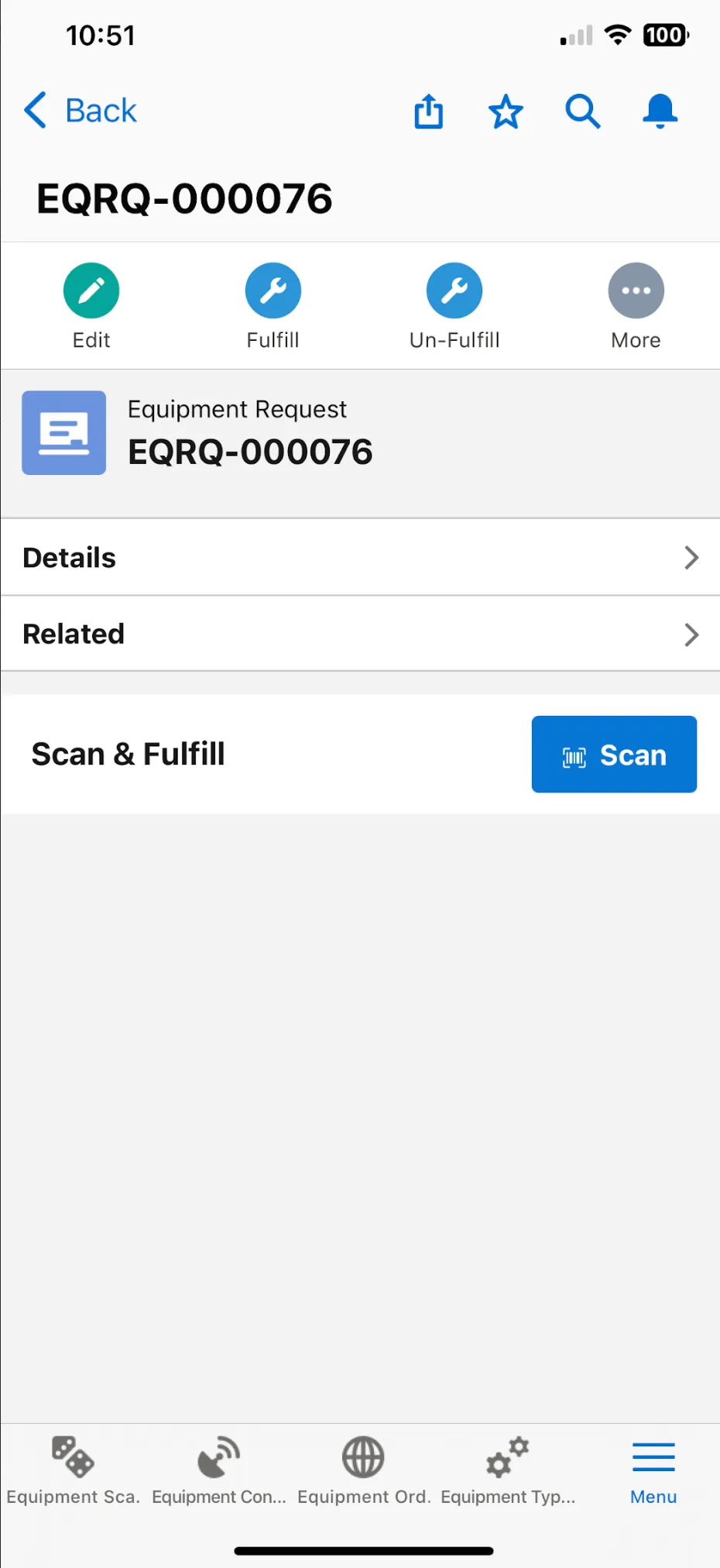
Scan and convert Equipment Reservations to loans from the Equipment Requests records on mobile. Selecting the Equipment Request record and select the Scan button to scan the equipment and fulfil the request.
Setup
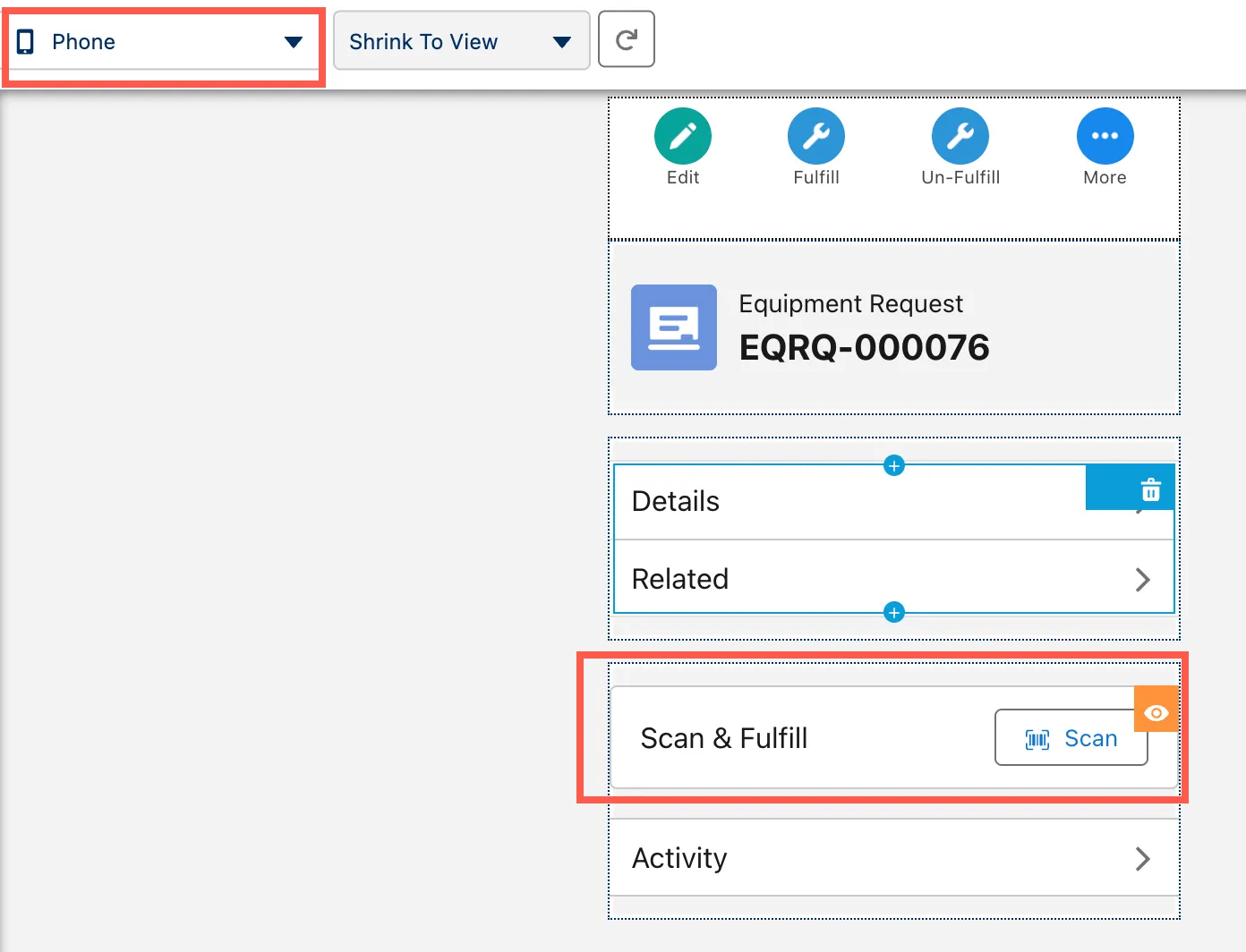
To enable this feature, you need to add the Equipment Request Convert Lightning Web Component to your Equipment Request phone page layout.
- On Setup, navigate to Objects and Fields > Object Manager.
- Select the Equipment Request object.
- Open the Lightning Record Pages tab and select your active page.
- Select the phone form factor and add the equipmentRequestConvert component.
- Click Save to finish.