Equipment Location
The Equipment Location object allows you to track inventory warehouses, sites, or other locations that store equipment. This is a dedicated object for Equipment assignments as an alternative to other objects such as Account, Contact, or customer objects.
Available fields for this object include:
- Equipment Location Name
- Owner
- Address
- City
- State/Province
- Zip/Postal Code
- Country
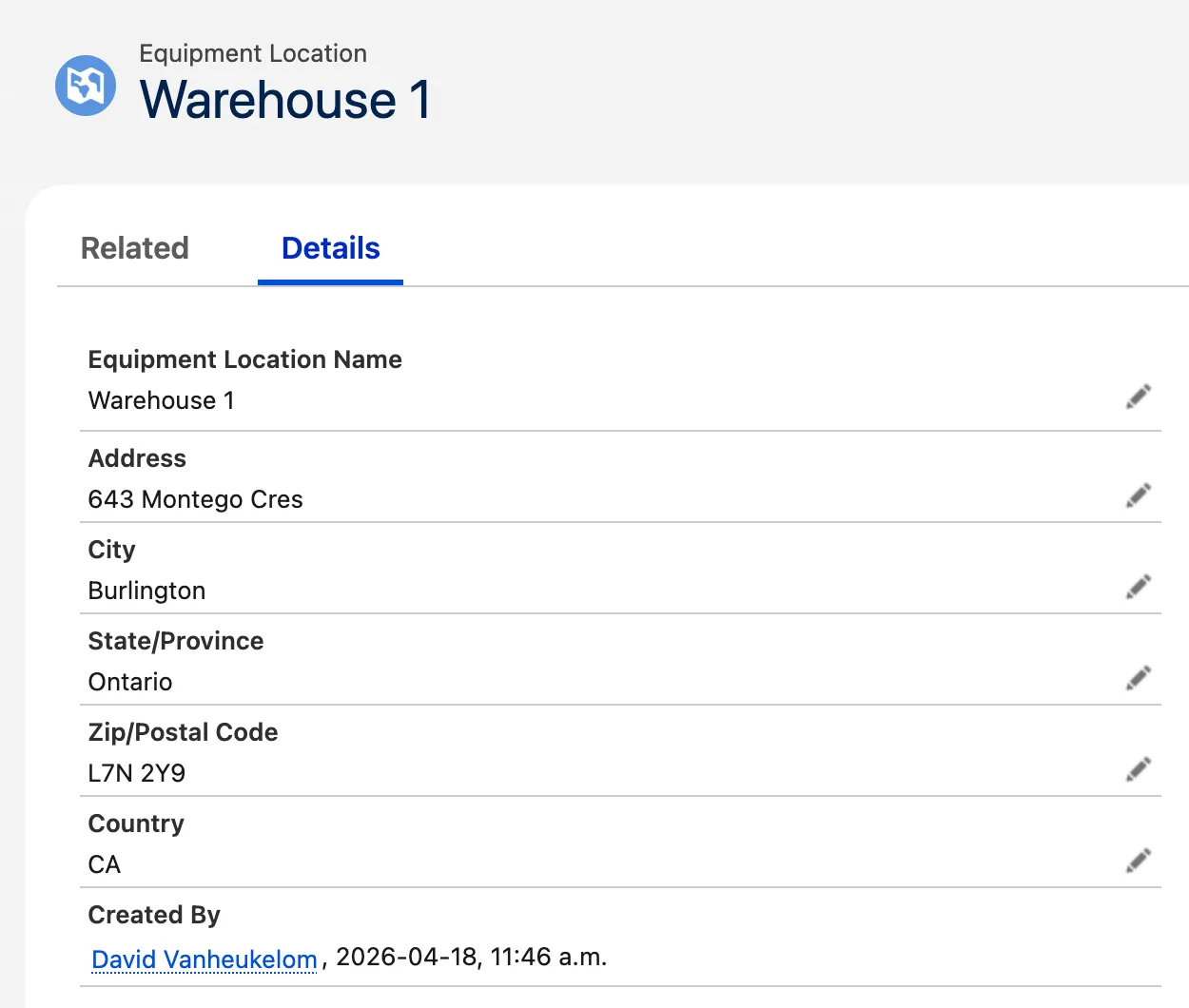
Equipment Location
Create Equipment Location
- In the ELTON app, open the Equipment Locations tab.
- Click New.
- Provide the location information and click Save.
Assign Equipment Location
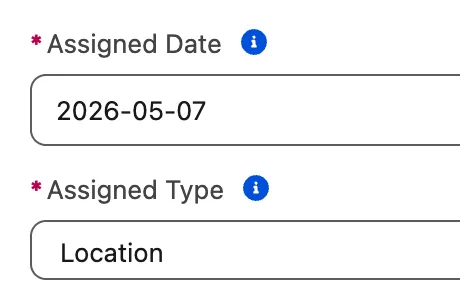
After creating Equipment Locations, you can assign equipment to these Equipment Locations.
Enable Equipment Location
Equipment Location is introduced in release v5.7 and automatically enabled for new installations. In case you're upgrading from a previous release, you need to enable it manually by creating its picklist value.
- Navigate to Setup > Object Manager.
- Open the Equipment or Equipment Assignment object.
- Open the Field & Relationships tab.
- Open the Assigned Type field.
- Scroll down to the Values section and click New.
- Enter "Location" in the text box.
- Click Save.
- Repeat these steps for the other object.