Customer Signature Capture
Add a customer signature for loaning and returning equipment.
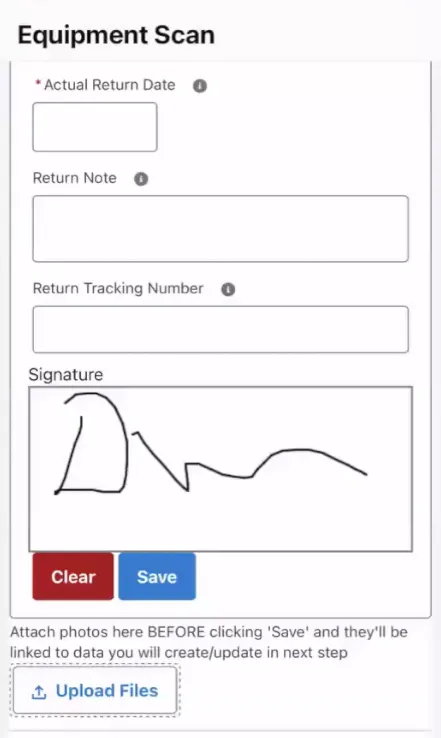
Activate customer signature
- On Salesforce desktop, go to Setup > Custom Settings.
- Select ELTON Logic Control Settings.
- Click the Edit button.
- Check the box for Enable Customer Signature at the bottom of the page.
- Click Save to finish.