Overview
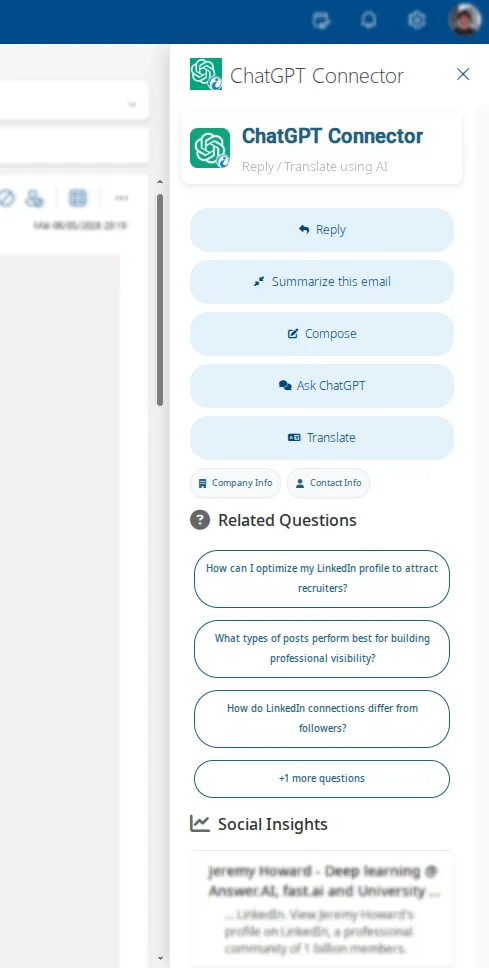
The ChatGPT Connector integrates OpenAI's large language model to Gmail and Outlook allowing you to automate writing and answering emails and translating messages. The app works in desktop and mobile devices.
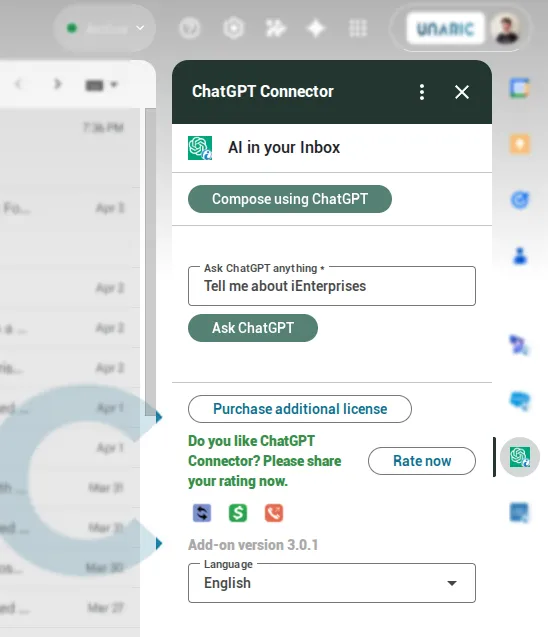
Aside from UI differences, the ChatGPT Connector Gmail and Outlook versions are alike. This documentation shows screenshots from Gmail, however instructions remain consistent across versions.
The ChatGPT connector does not require a ChatGPT Plus subscription to function, as it operates on its own dedicated licence. An existing ChatGPT subscription cannot be used in place of a ChatGPT Connector licence.
Installation & setup
Download the ChatGPT Connector for your email provider.
You will be asked to grant permissions to the app. Once installed, the ChatGPT Connector will be available next to your other installed apps.
The ChatGPT Connector features a seven-day trial. Once the trial expires, a subscription is required to continue using all its features. For more information, see Licence.
Features
Prompt ChatGPT for the type of email message you would like.
The Ask ChatGPT anything box offers direct access from your mailbox to query the LLM.