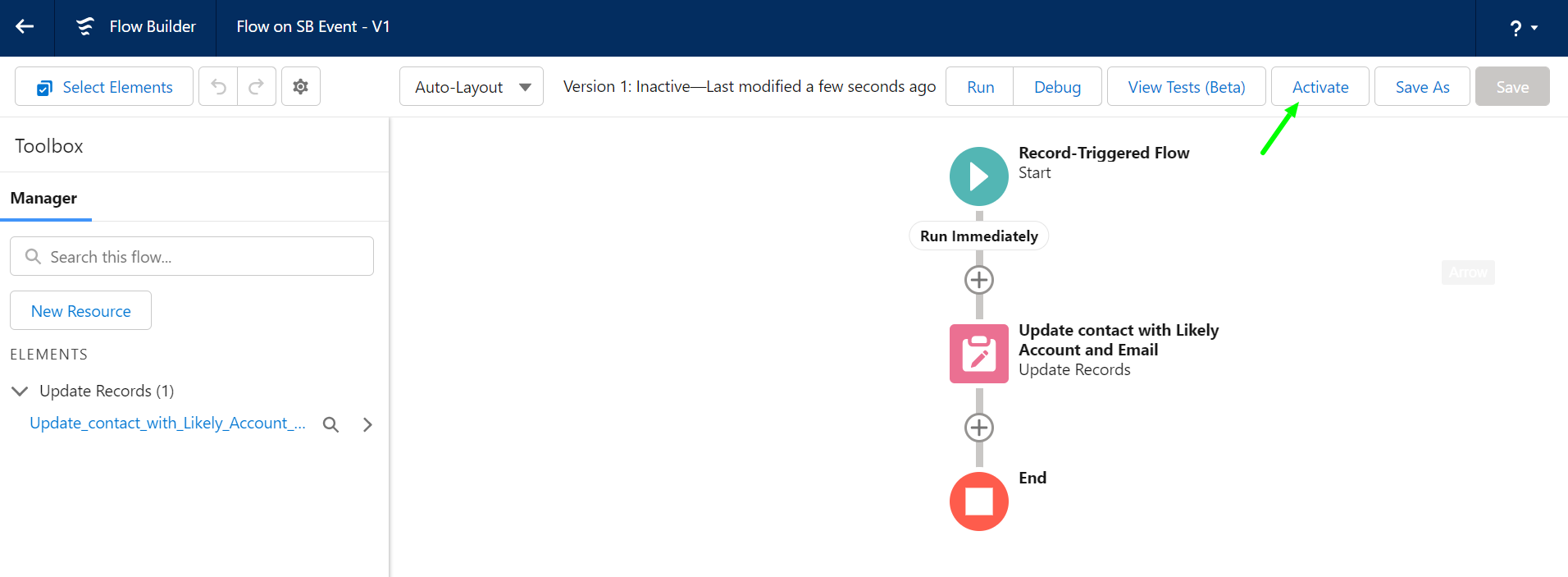
Moving Contacts to Likely Accounts
You can configure Recruiterbolt to create a Recruiterbolt Event record when it sees that a Salesforce Lead or Contact has a different Employer compared to the last run. There isn't a single way to achieve this. The following tutorial suggests moving the Salesforce Contact to their new company by changing the Account Lookup of the Contact to the Account in the Salesbolt Event's Likely Account (if populated) and also update the email address (if populated).
This approach will also move Salesforce Tasks to the moved Contact, and thus may also remove the communication history from the old Account to the new Account. Hence, it's unsuitable if you want to keep your communication history associated with the relevant account.
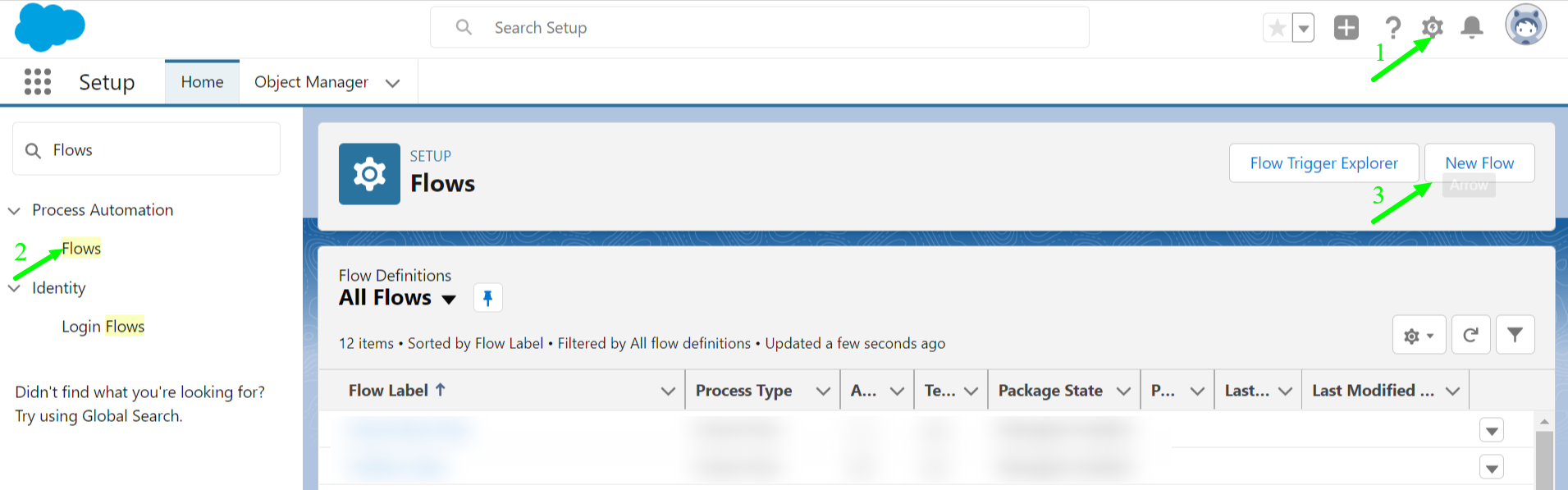
Click on Setup, search for Flows in the Quick Find search box and click on New Flow.
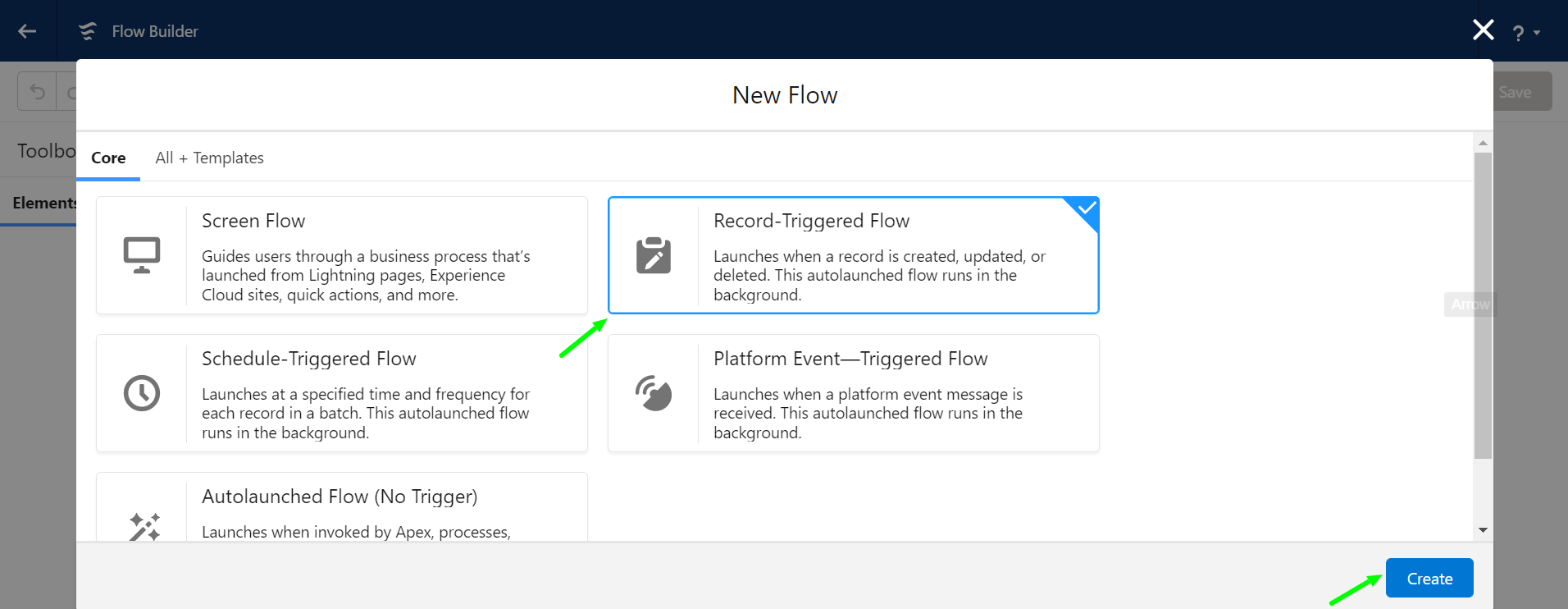
Select Record-Triggered Flow and click on Create.
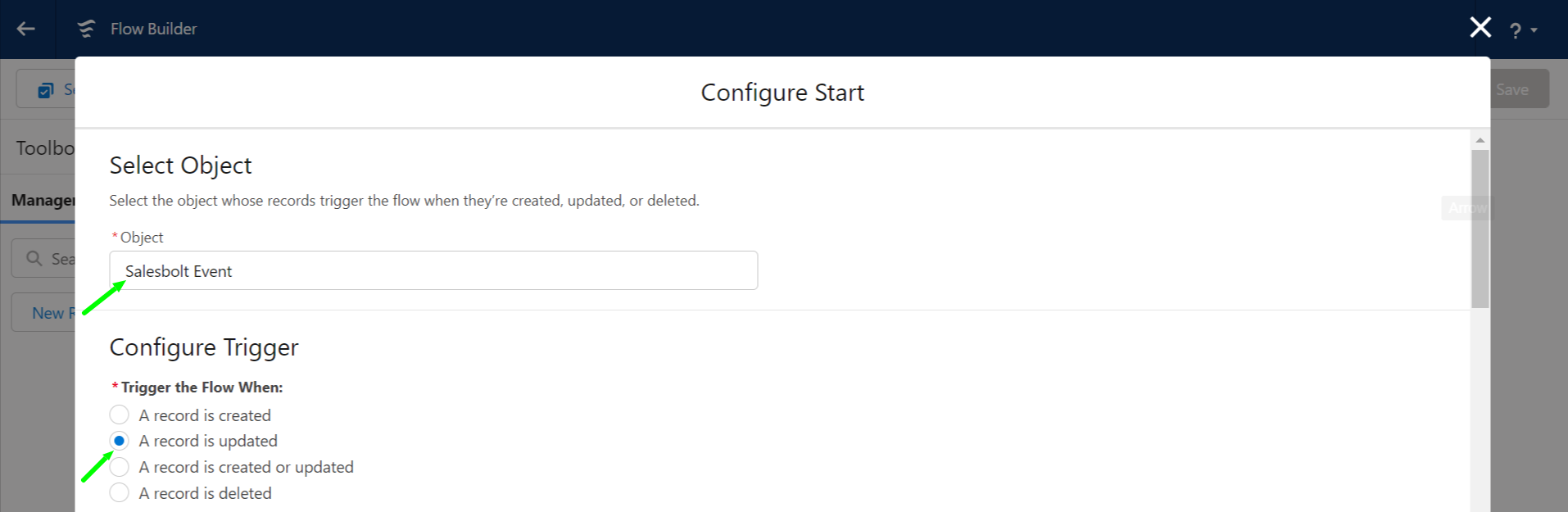
Set the following start configurations: Select Salesbolt Event as an Object and Select A record is updated in Configure Trigger.
- Set Entry Conditions as:
- Select All Conditions Are Met (AND) under condition requirements,
- Salesbolt_Likely_Account__c is not empty and
- Salesbolt_Type__c equals ‘Employer Change’
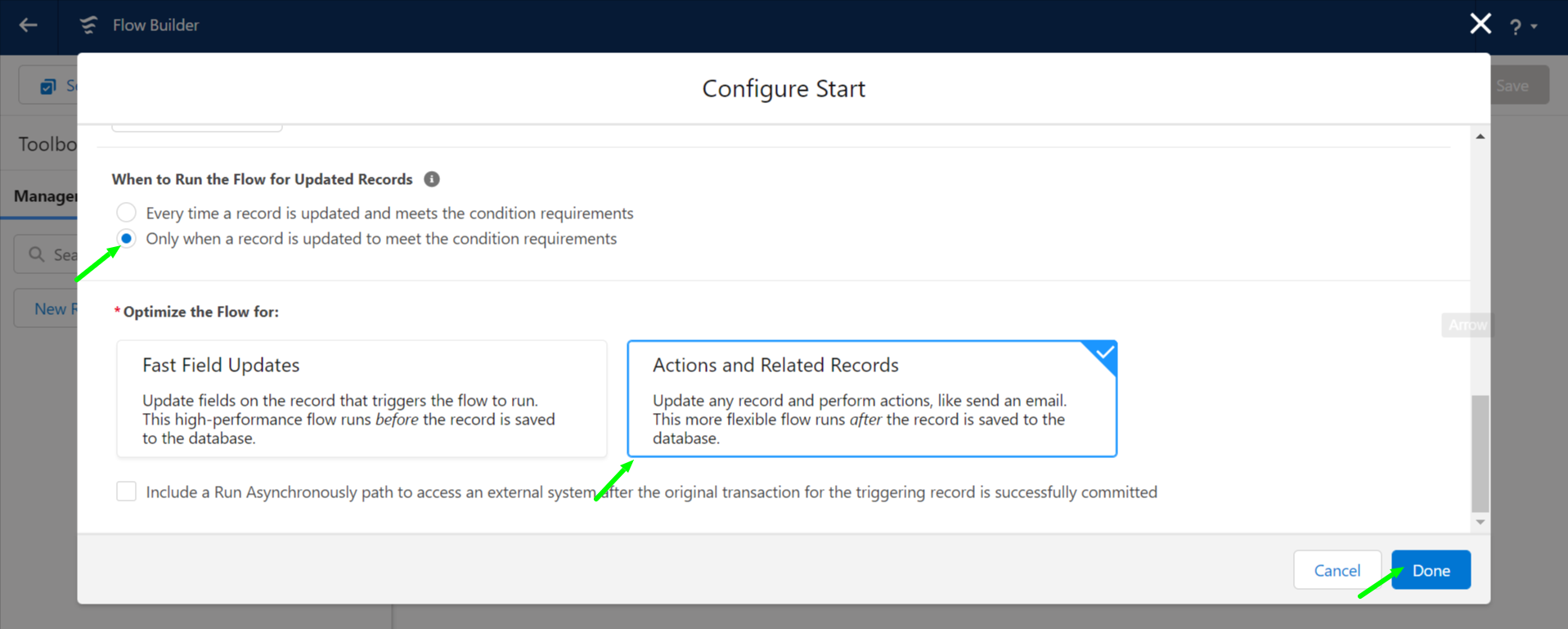
Select Only when a record is updated to meet the condition requirements and Select Actions and Related Records under Optimize The Flow For and click the Done button.
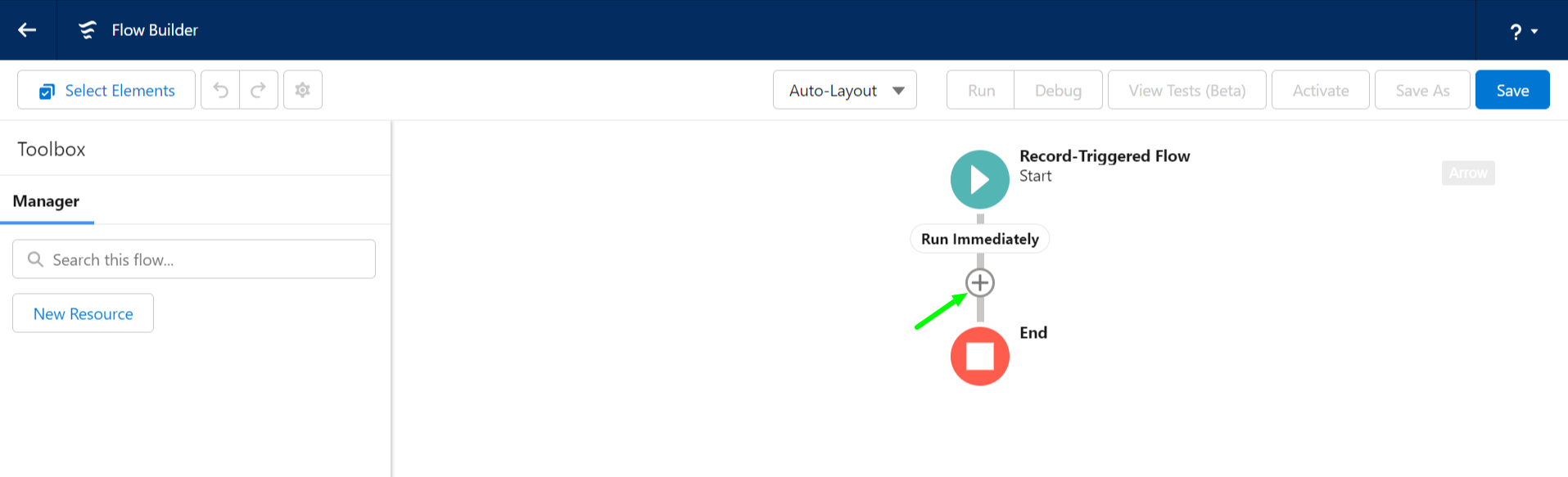
Click the + symbol to add an Element
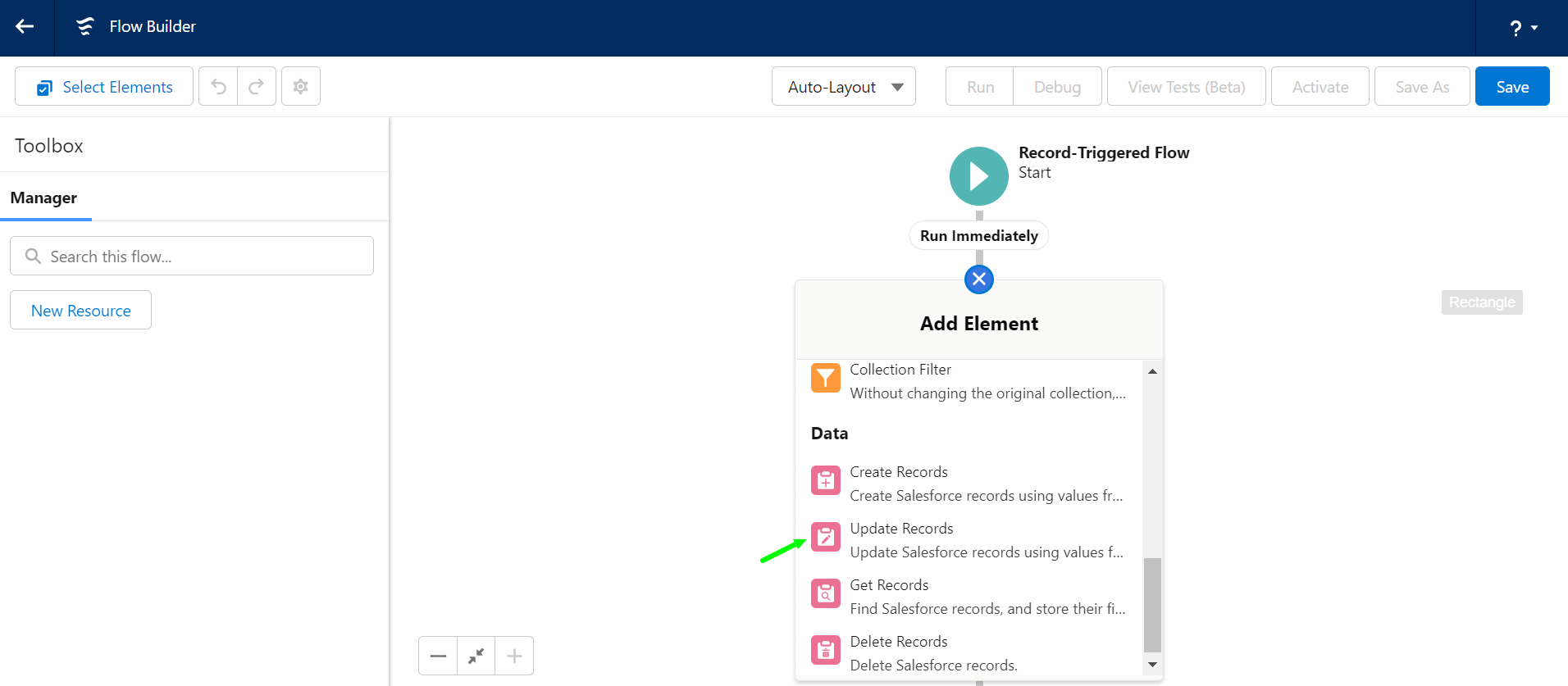
Select Update Records under Data.
- Give a label and select the Specify conditions to identify records, and set fields individually option.
- Choose Object as Contact and add conditions like
- Id (Contact ID) is equal to
- Salesbolt_Contact__C ({! $Record.Salesbolt__Contact__c}).
- Now update the field values of Contact
- AccountID with Salesbolt Likely AccountId ({!$Record.Salesbolt__Likely_Account__r.Id}),
- Email with Salesbolt_New_Email__c ({!$Record.Salesbolt__New_Email__c})
- OwnerId with Likely Account OwnerId({!$Record.Likely_Account__r.OwnerId}). Click the Done button.
Save the flow by clicking the Save button. You will be required to set a Flow Label, Flow API Name, and, optionally, a description.
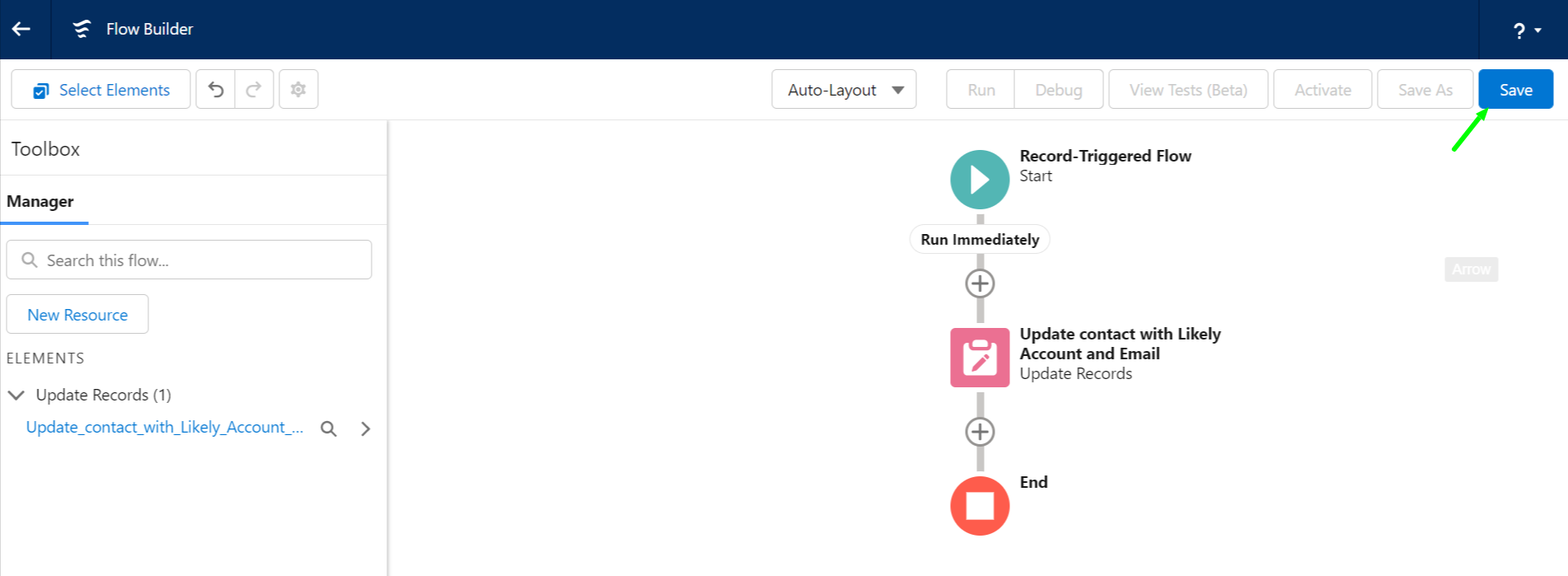
Click on the Activate button to activate the flow.