---
title: Skills
slug: voice-german/skills
docTags:
createdAt: 2024-03-19T21:45:49.656Z
---
If Omni-Channel is not used, user-specific skills can be used in the Live Agent Status Dashboard. The skills can be added with an additional field in the user page layout.
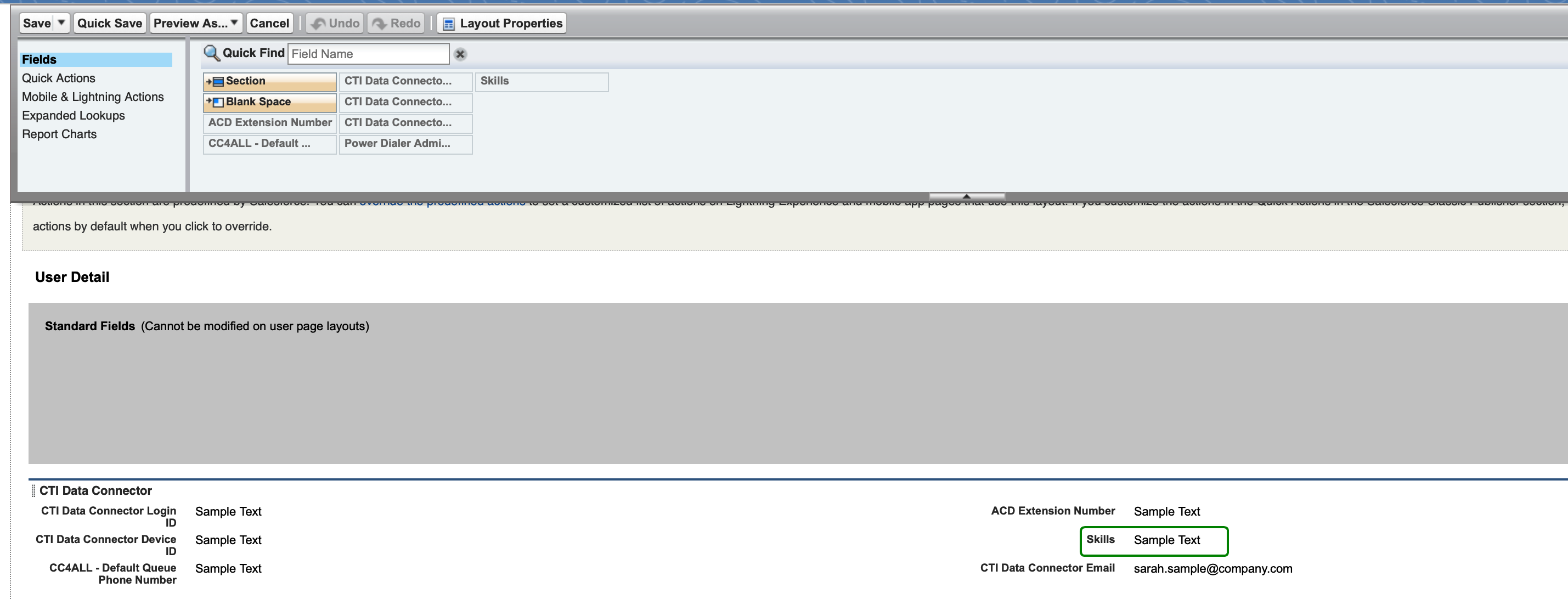
### Step 1 - Add field on the user page layout
*Setup / Object Manager / User / User Page Layouts*
Add the field: **Skills**
### Step 2 - Define Skills
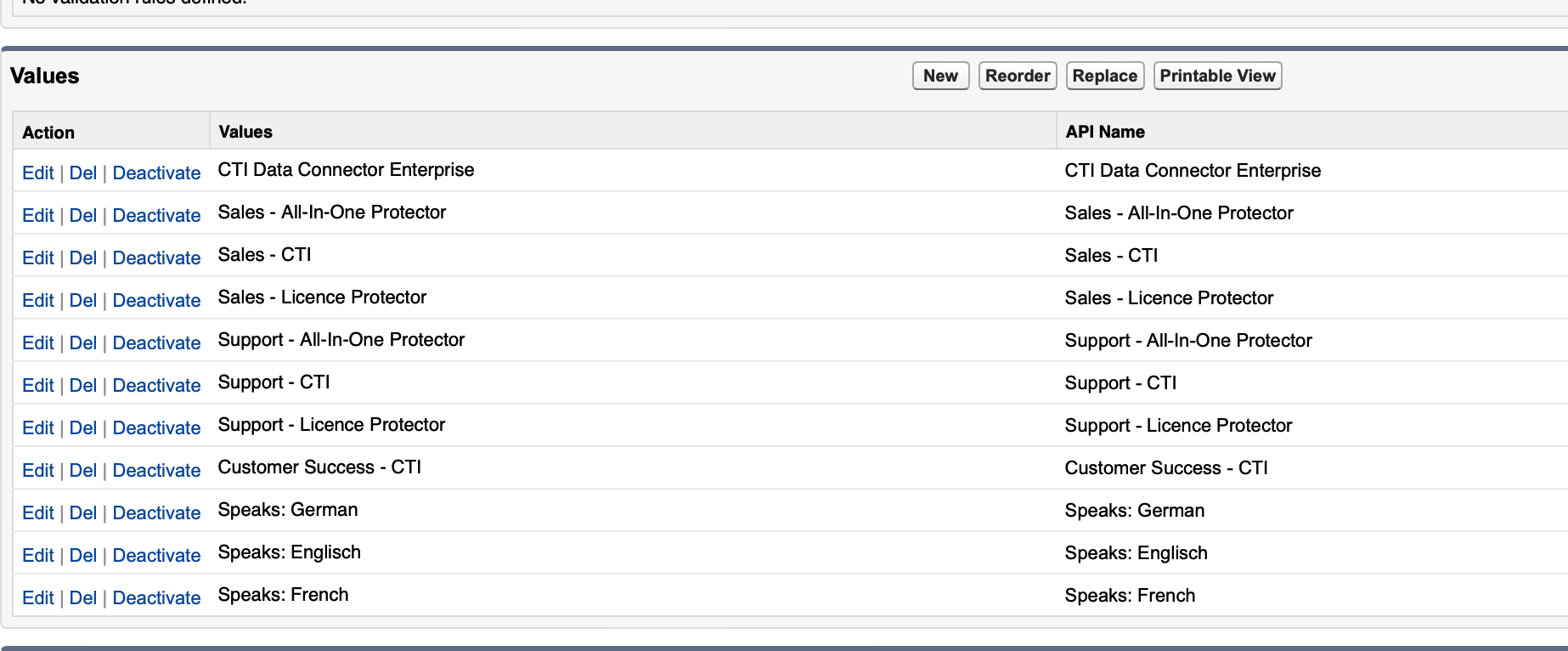
*Setup / Object Manager / User / Fields & Relationships*
Field: ***Skills***
Define Skill values like *language skills*, *product skills, *etc.
### Step 3 - Add skills to users
*Setup / users / user*
Multiple skills can be assigned to a user.

### Step 4 - Call Center Setup
In the call center setup, Presence State, you need to define that skills from users are displayed.
Select Columns:* Add Skills*
Skills: *Use skills from User*

Skills are shown in the Live Agent Dashboard.
