---
title: Install Update 7.4
slug: voice-german/install-update-74
docTags:
createdAt: 2024-03-27T01:07:53.139Z
---
### Release Version (7.4.xx)
The Salesforce administrator either needs to be assigned to a Call Center or needs at least a CTI Data Connector for Salesforce®
### Check installed version
**In case your actual version is below 6.4, you need to install version 6.3.024.6 and 6.4032.5 before you can continue with version 7.4**
### Update to version 7.4
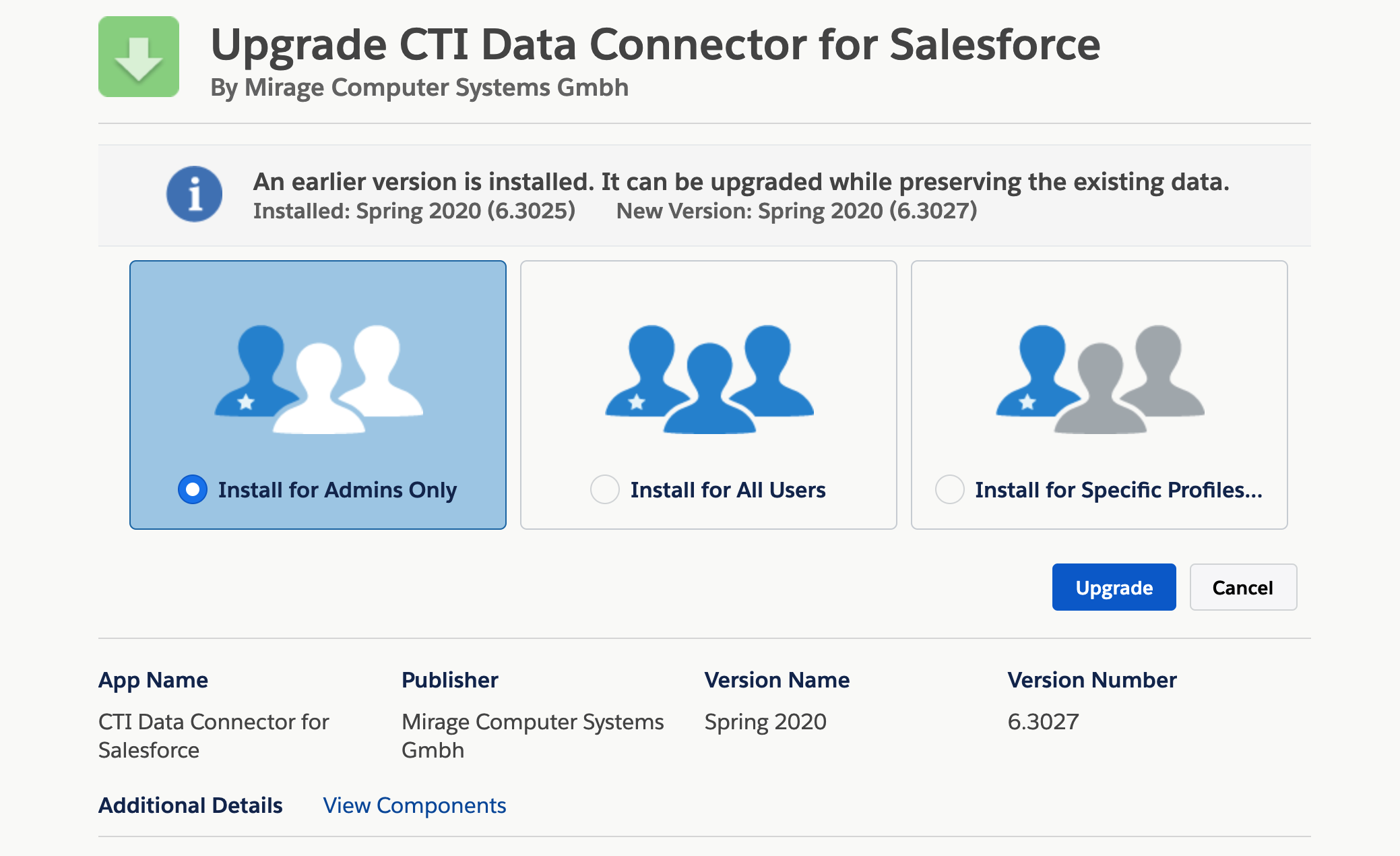
•[Install version 7.4017.17](https://login.salesforce.com/packaging/installPackage.apexp?p0=04t2G000000kbrL) (Professional, Enterprise, Unlimited or Developer Edition ).
•If you are installing into a **sandbox** organization you must replace the initial portion of the URL with *http\://****test.****salesforce.com* - [click on the link to start the installation in a sandbox](https://test.salesforce.com/packaging/installPackage.apexp?p0=04t2G000000kbrL)
•Login with your salesforce **admin **credentials
•Install either for *for ****Specific Profiles*** or for*** all users. ***All users will get the permission but as long as they are not assigned to the call center adapter the installation does not have any impact for this user.
### Run update scripts
**This is a mandatory step. If skipped, fields and options are missing.**
Select the App Launcher, then **Mirage Call Center - Configuration, TAB Call Center Setup**

Now click on the **Start Update button,** which will run the update scripts.
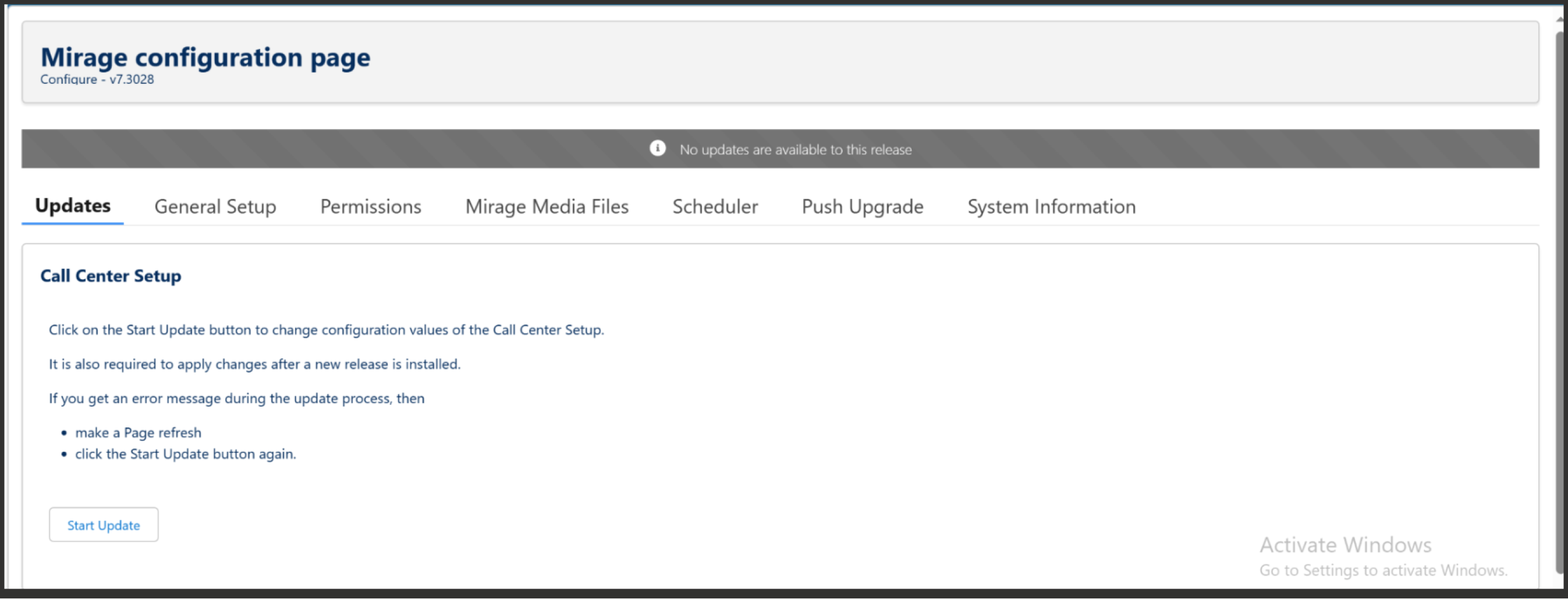
If there is an error message which includes the text: **admin operation already in progress **then **wait for a few minutes and try again**.
### Permission Sets
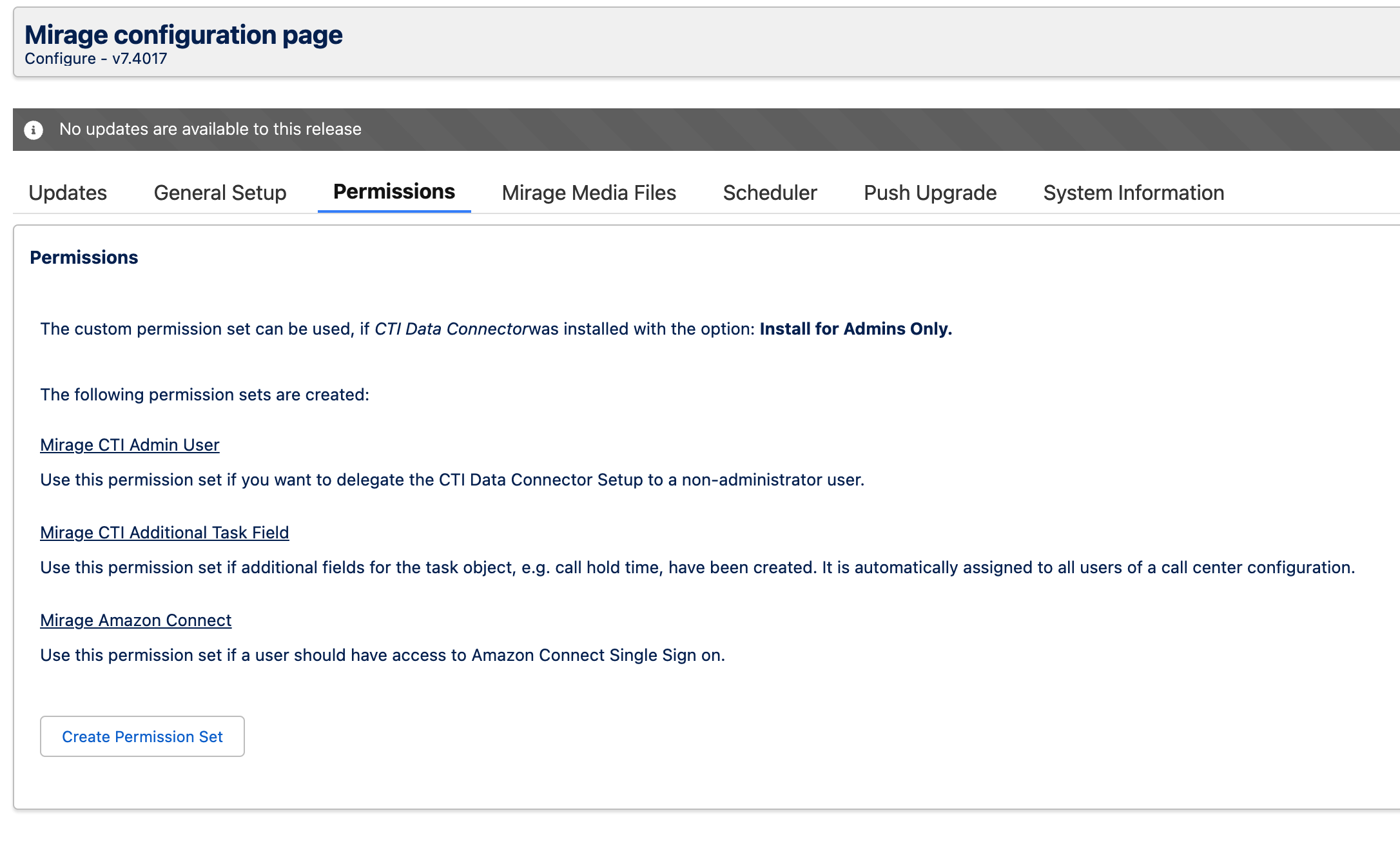
Click on the TAB **Permissions** and then on the button **Create Permission Set** to update the existing permission sets.
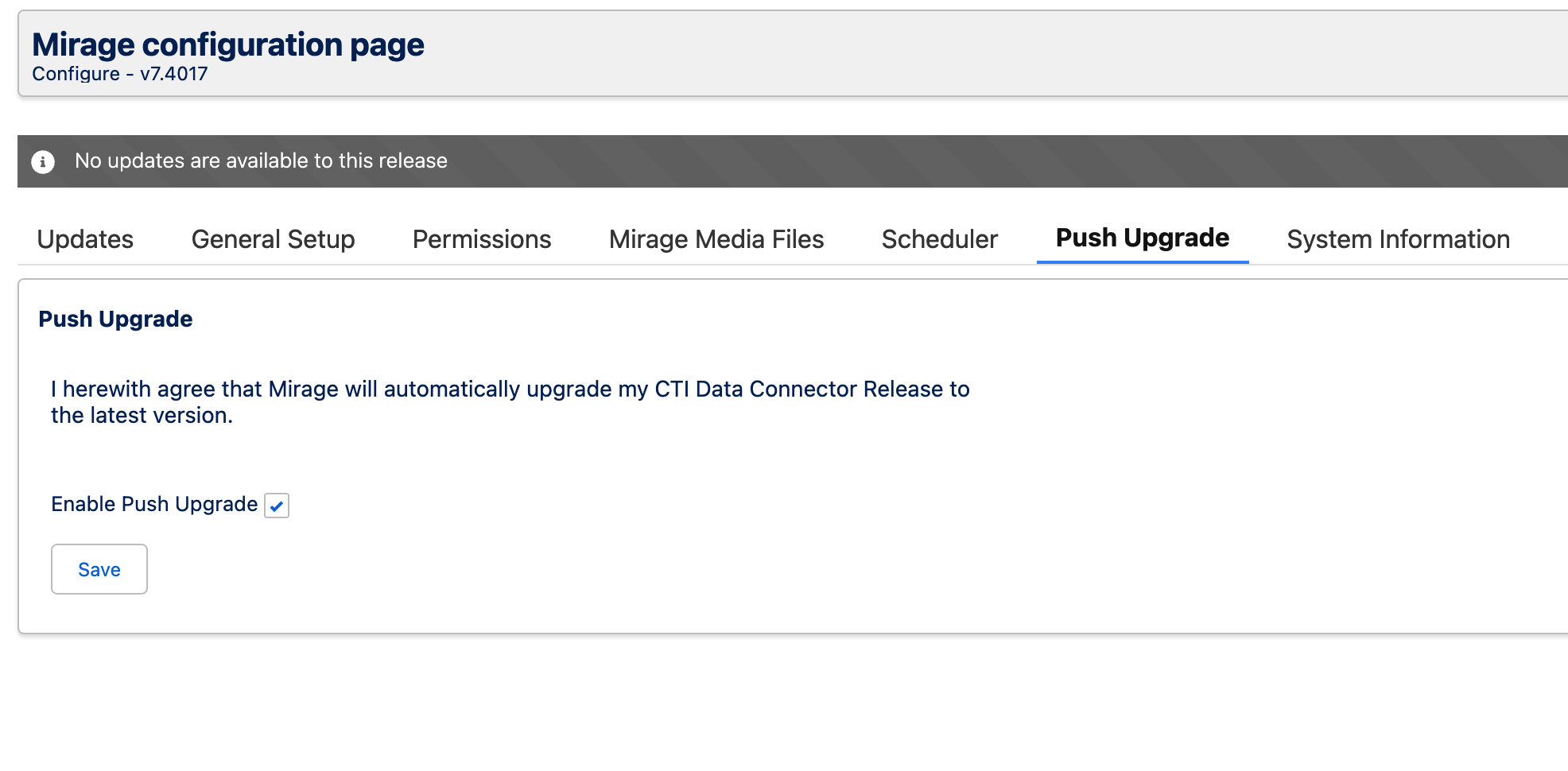
### Push Upgrade
Activate the [Push Upgrade](https://helpserver.biz/onlinehelp/cdc/sf/5.0/help2000/push-upgrade.html) option.